Home > Electrical & Electronics > Electrical Control System > Woodward 5466-409 Pentium CPU Module
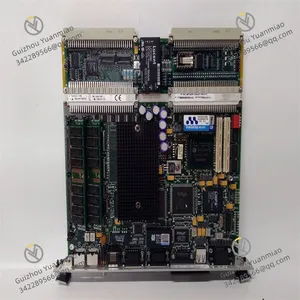
Woodward 5466-409 Pentium CPU Module
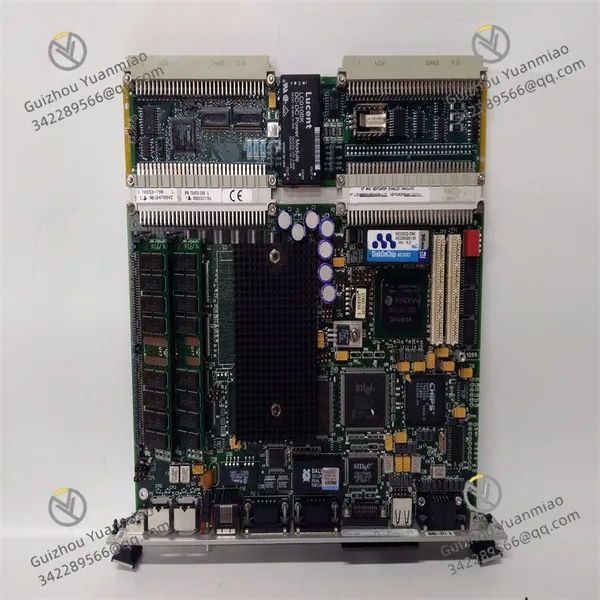
Woodward 5466-409 Pentium CPU Module photo-1
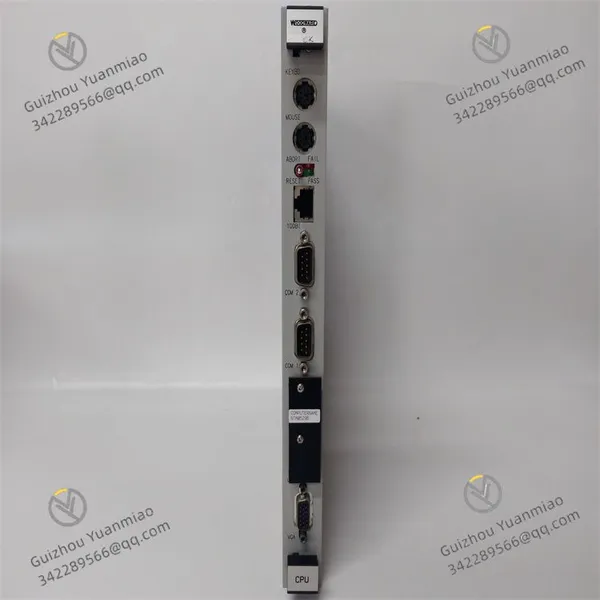
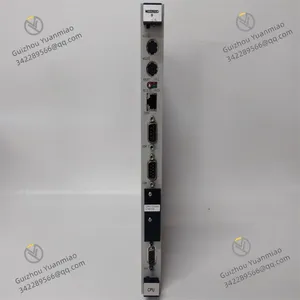
Woodward 5466-409 Pentium CPU Module photo-2
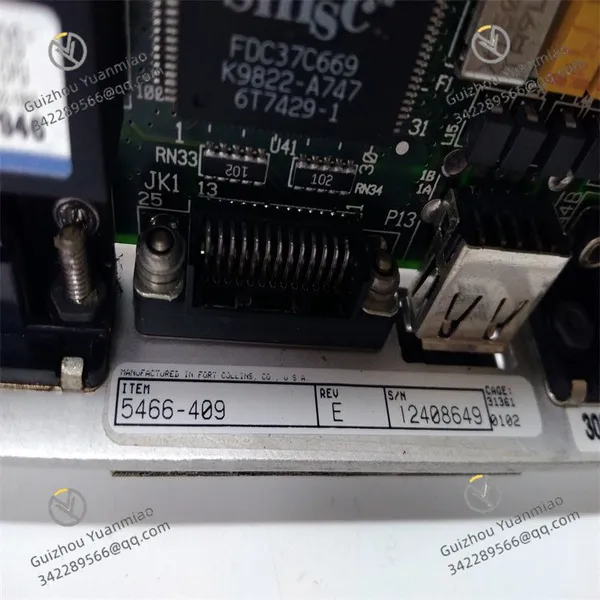
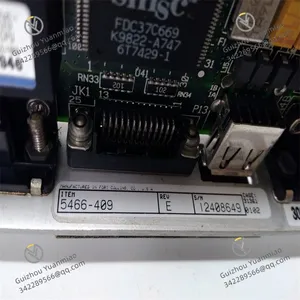
Woodward 5466-409 Pentium CPU Module photo-3
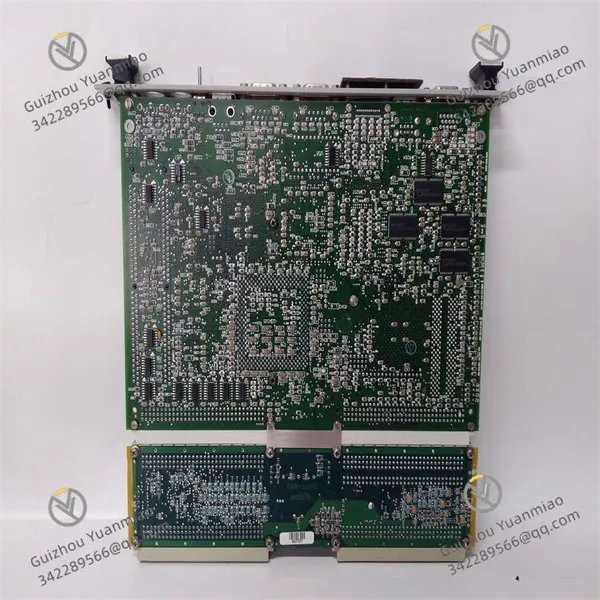
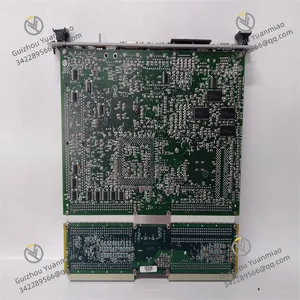
Woodward 5466-409 Pentium CPU Module photo-4
Negotiable MOQ: 1 Piece (Price negotiable depending on order volume and customization)
Key Specifications
Get Latest Price
Material:
Other, Global universal model
Condition:
Other, Global universal model
Task:
Other, Global universal model

Payment & Shipping
Payment Methods:
Port of Shipment:
China
Delivery Detail:
Delivery time depends on order quantity.
Material Other, Global universal model
Condition Other, Global universal model
Task Other, Global universal model
Mathematical Model Other, Global universal model
Signal Other, Global universal model
Customized Non-Customized
Structure Other, Global universal model
Operating Temperature 0°C to 50°C
Dimensions 163mm×38mm×58mm
Weight 0.35kg
Basic Information
  • Series: MicroNet Digital Control Series.

  • Product Type: Pentium CPU Module.

  • Redundancy Type: Simplex.

  • Operating Temperature: 0°C to 50°C.

  • Ports: Ethernet and RS-232 ports.

  • Dimensions: 163mm×38mm×58mm.

  • Weight: 0.35kg.

Functional Features
  • High Processing Capability: Achieves high processing capability through dual RS-232 serial ports and a single Ethernet port.

  • Precise Speed Control: Monitors the speed of engines or other torsional machines and ensures stable operation via speed regulation functions.

  • Multiple Functions: Equipped with dual dynamic speed control, overspeed trip testing, and other functions.

  • Customizable: Can be customized according to specific application requirements, such as adjusting control parameters and setting motion modes, to adapt to different control system needs.

  • Easy Maintenance and Debugging: Provides a user-friendly human-machine interface and diagnostic functions, facilitating user maintenance and debugging while reducing usage difficulty and maintenance costs.

Working Principle
  • Signal Input and Processing: Receives signals from devices like speed sensors, which reflect the actual operating speed of engines or torsional machines. It may also receive other input signals such as 4-20mA remote speed control signals, then uses a Digital Signal Processor (DSP) and Programmable Logic Controller (PLC) to process these signals quickly and accurately.

  • Comparison and Calculation: Compares the actual speed signal with the preset target speed to calculate the difference. Based on this difference and preset control algorithms (such as PID control), it calculates the control amount required to make the actual speed reach the target speed.

  • Control Output: Sends control signals to actuators through relevant output channels based on the calculated control amount (e.g., controlling the opening of a steam turbine inlet valve) to adjust the machine's operating speed, making it approach the target speed and achieving precise speed control.

5466-409 (5)

5466-409 (1)

5466-409 (3)

Operation Guide for Woodward 5466-409Installation
  • Installation Environment: Choose an environment with a temperature between 0°C and 50°C. Avoid installing it in places with severe vibration, strong electromagnetic interference, humidity, or dust.

  • Installation Location: For modular installation, the module is typically located in the expansion rack of the chassis. When the Pentium CPU is in the expansion rack, it must be used with the main transceiver (XCVR) and remote XCVR.

  • Electrical Connections: Correctly connect power supplies, input/output signal cables, etc., as per the equipment manual. Ensure firm wiring to avoid looseness or short circuits. Note that the power voltage should meet the equipment requirements, generally 220V.

Configuration
  • Channel Configuration: Configure digital input, digital output, analog input, and analog output channels through relevant software or operation interfaces based on actual application needs to meet connection and control requirements for different types of sensors and actuators.

  • Communication Interface Settings: Select suitable communication interfaces (e.g., dual RS-232 serial ports and a single Ethernet port) and configure corresponding communication parameters (e.g., baud rate, data bits, stop bits, parity) to ensure normal communication with other devices.

  • Control Algorithm Selection and Parameter Adjustment: Select appropriate control algorithms and adjust related parameters (e.g., PID parameters) based on specific control objects and requirements to achieve precise control. Refer to the equipment manual for initial parameter settings, then optimize them according to debugging conditions during actual operation.

Startup and Operation
  • Pre-startup Check: Before starting the equipment, carefully inspect whether all connections are correct, the power supply is normal, parameter settings meet requirements, and whether the surrounding environment has factors affecting equipment operation.

  • Startup Operation: Power on and wait for the equipment to perform self-check and initialization. After initialization, use the AppManager service tool via the connected Ethernet to start and load application programs.

  • Operation Monitoring: During equipment operation, real-time monitor the system status through the operation interface or upper computer monitoring software, including input/output signal status, equipment operation parameters, and whether there are fault alarms. Simultaneously observe the operation of the control object to ensure it works as expected.

Maintenance and Fault Handling
  • Routine Maintenance: Regularly clean dust from the equipment surface and check whether connection cables are loose or worn. Regularly review the equipment's operation logs and diagnostic information to identify potential issues promptly.

  • Fault Handling: When a fault occurs, first check the fault alarm information to determine the fault type and possible causes based on the alarm prompt. For example, if there is a communication fault, check the communication line, interface, and communication parameter settings; if there is an input/output fault, check the relevant sensors, actuators, and channel configurations. For complex faults, contact professional technicians for maintenance.

Product Tags: 5466-409

Send Inquiry to This Supplier

Message
0/5000

Want the best price? Post an RFQ now!
Verified Business License
Business Type
Trading Company
Year Established
2014
Factory Size
1,000-3,000 square meters
Product Certifications
SA8000