Home > Electrical & Electronics > Electrical Control System > Schneider 140CRA31200 Ethernet IO Station Adapter Module

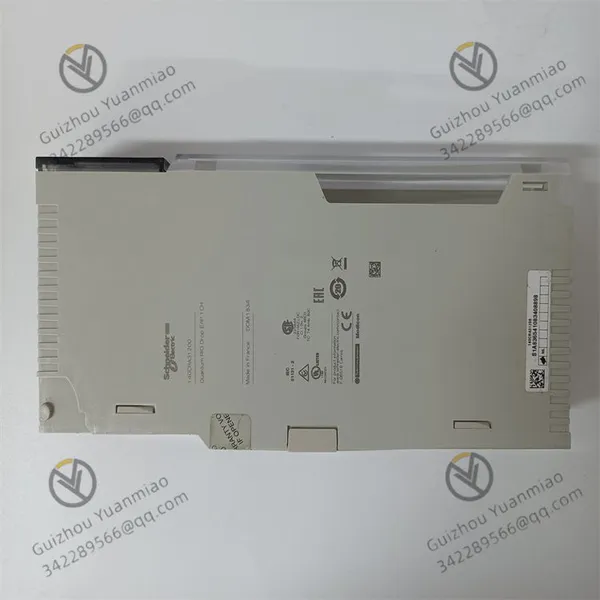
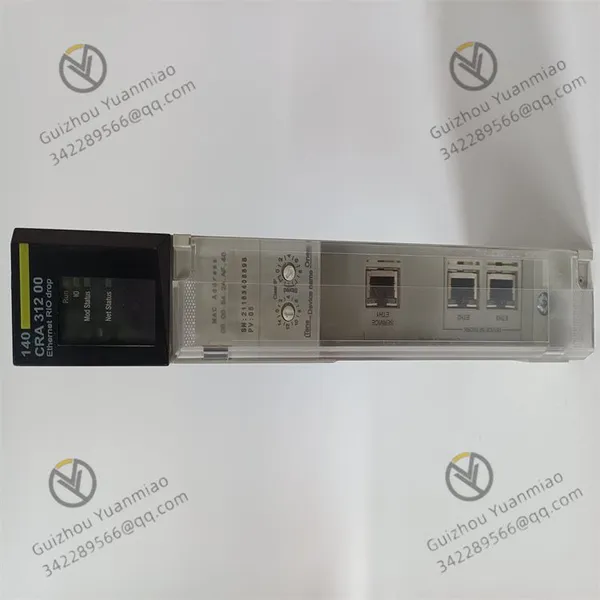
Schneider 140CRA31200 Ethernet IO Station Adapter Module
Schneider 140CRA31200 Ethernet IO Station Adapter Module photo-1
Schneider 140CRA31200 Ethernet IO Station Adapter Module photo-2
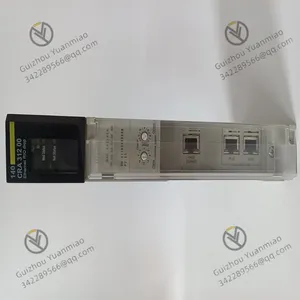
Schneider 140CRA31200 Ethernet IO Station Adapter Module photo-3
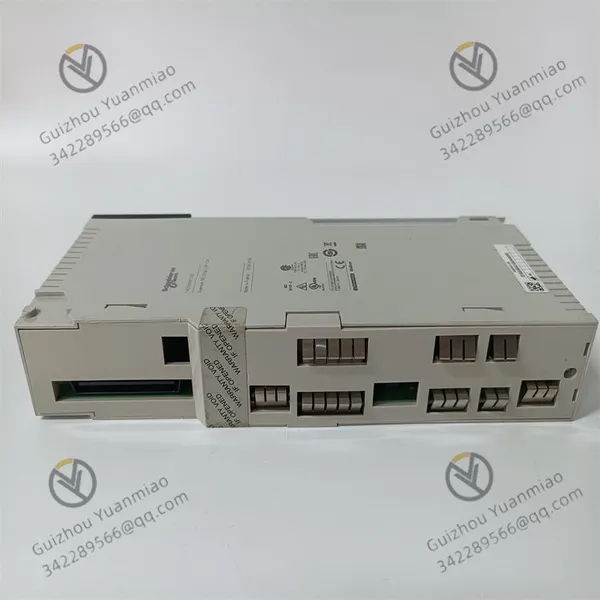
Negotiable MOQ: 1 Piece (Price negotiable depending on order volume and customization)
Key Specifications
Get Latest Price
Material:
Other
Certification:
Other
Function:
Other
Payment & Shipping
Payment Methods:
Port of Shipment:
China
Delivery Detail:
Delivery time depends on order quantity.
Material Other
Certification Other
Function Other
Condition Other
Task Other
Mathematical Model Other
Signal Other
Customized Other
Structure Other

Schneider  140CRA31200  Ethernet IO station adapter module

140CRA31200 (3)


Detailed Explanation of Common Faults and Solutions for Schneider Electric 140CRA31200 Module


I. Basic Information of the Module

The 140CRA31200 is a remote I/O communication module of Schneider Modicon Quantum series, mainly used to connect remote I/O stations with the main controller. It supports high-speed data transmission via SyncLink bus, suitable for industrial automation scenarios requiring distributed control (such as production line expansion and remote equipment monitoring).


II. Common Fault Types and Solution Processes1. Power Failure: Module Fails to Power On or Indicator Lights Are Abnormal

  • Fault Symptoms:
    • The module power indicator (PWR) is off or flashing.

    • The system reports an error "Power Supply Failure".

  • Possible Causes:
    • Loose external power connection or abnormal voltage (rated voltage: 24V DC, allowable range 19.2~28.8V).

    • The power module itself is damaged or the fuse is blown.

  • Solutions:
    • Check the power input cable and use a multimeter to measure whether the voltage is within the allowable range.

    • Replace the power adapter or check the fuse in the distribution box.

    • If the voltage is normal but the module still does not work, it may be a fault in the internal power circuit, and after-sales service should be contacted to replace the module.

2. Communication Failure: Remote I/O Station Disconnection or Data Interruption

  • Fault Symptoms:
    • The communication indicator (COM) is off or flashing abnormally.

    • The main controller reports an error "Remote I/O Communication Lost".

    • Data of the remote I/O module cannot be updated or read/write fails.

  • Possible Causes:
    • Poor contact of the SyncLink bus cable, cable damage, or unconnected terminal resistor.

    • Communication address conflict (the remote I/O station address repeats with other devices).

    • The module firmware version is too low or incompatible with the main controller.

    • Excessive bus load (exceeding the maximum number of slave stations supported by the module).

  • Solutions:
    • Upgrade the module firmware to the latest version to ensure compatibility with the main controller CPU version.

    • Restart the module or main controller to reset the communication link.

    • Use programming software (such as Unity Pro) to confirm that the remote I/O station address is unique and consistent with the main controller configuration.

    • Check the bus topology to ensure that the number of slave stations does not exceed the maximum number supported by the module (usually 32 slave stations).

    • Re-plug the SyncLink cable, check whether the connector is oxidized or damaged, and replace the cable.

    • Confirm that the terminal resistors (120Ω) at both ends of the bus are correctly installed.

    • Physical Layer Check:
    • Address and Configuration Check:
    • Firmware and Compatibility:


140CRA31200 (1)

3. Module Overheating or Abnormal Heating

  • Fault Symptoms:
    • The module surface temperature is too high, accompanied by the operation indicator (RUN) flashing or turning off.

    • The system reports an error "Over Temperature".

  • Possible Causes:
    • Poor ventilation in the installation environment, and the temperature exceeds the working range (0°C~+60°C).

    • Dust accumulation on the internal heat sink of the module or fan failure (if there is a fan).

    • Overheating caused by long-term high-load operation.

  • Solutions:
    • Check whether the installation position has good ventilation and keep away from heat sources (such as motors and heating equipment).

    • Clean the dust on the module heat sink after shutdown, and check whether the fan runs normally if there is a fan.

    • Optimize the program logic to avoid long-term full-load operation of the module.

    • If the temperature is still abnormal, it may be an internal hardware fault, and the module needs to be replaced.

4. I/O Data Abnormality: Input/Output Signal Errors or Instability

  • Fault Symptoms:
    • The input signals collected by the remote I/O station do not match the actual ones.

    • The output signal cannot drive the load or frequently malfunctions.

  • Possible Causes:
    • Wrong connection or poor contact between the remote I/O module and 140CRA31200.

    • Signal cables are affected by electromagnetic interference (such as laying parallel to power cables).

    • The module I/O interface circuit is damaged.

  • Solutions:
    • Check whether the I/O connection is correct, re-plug the terminal block, and ensure good contact.

    • Shield the signal cables, avoid paralleling with high-voltage cables, and add anti-interference measures (such as installing filters).

    • Diagnose the status of the I/O module through programming software. If a channel is continuously abnormal, try replacing the remote I/O module.

    • If multiple channels are abnormal, it may be a fault in the 140CRA31200 communication interface, and the main module needs to be replaced.

5. Hardware Failure: Module Self-Test Failure or Physical Damage

  • Fault Symptoms:
    • The self-test indicator (ERR) is always on when the module starts.

    • Internal components are burned (such as smelling burning or seeing capacitor bulges).

    • The module cannot be recognized by programming software.

  • Possible Causes:
    • Internal circuit damage caused by power transients or surges.

    • Component detachment caused by mechanical vibration or impact.

    • Long-term operation in a humid and dusty environment leads to circuit board corrosion.

  • Solutions:
    • Check the module appearance after power off. If components are burned or the circuit board is damaged, replace the module immediately.

    • Ensure that a surge protector is installed in the power supply circuit to prevent module damage caused by abnormal power supply.

    • Improve the installation environment and take dust-proof and moisture-proof measures (such as using control cabinet sealing strips).

    • If the module cannot be recognized, try re-scanning the hardware configuration through programming software. If it is invalid, return it to the factory for maintenance.

      140CRA31200 (2)

III. Preventive Maintenance SuggestionsRegular Inspections:

  • Check whether the module wiring terminals are loose and clean the dust on the heat sink every quarter.

  • Monitor the stability of the power supply voltage to avoid fluctuations exceeding ±10%.

Environmental Optimization:

  • Ensure that the installation environment temperature is between 0°C and +60°C, and the humidity is

  • Keep away from strong electromagnetic interference sources (such as frequency converters and transformers).

Firmware Update:

  • Pay attention to the firmware version released by Schneider official and update it in time to fix potential bugs.

  • Back up the configuration before upgrading to avoid data loss.

Spare Parts Management:

  • Prepare 1~2 spare 140CRA31200 modules in key scenarios to reduce fault downtime.

  • Save the module configuration files to facilitate system recovery after quick replacement.


IV. Precautions for Fault Handling

  • Be sure to disconnect the power supply before operation to avoid circuit damage caused by plugging and unplugging the module with power on.

  • When involving communication configuration, use official programming software such as Schneider Unity Pro to ensure correct parameter settings.

  • If the same type of fault occurs multiple times, check whether there are defects in the system design (such as the bus length exceeding the maximum allowable value or excessive load).


Through the above methods, common faults of the 140CRA31200 module can be effectively solved. If the problem still cannot be solved, it is recommended to contact Schneider Electric technical support or professional maintenance services.


Product Tags: 140CRA31200

Send Inquiry to This Supplier

* Message
0/5000

Want the best price? Post an RFQ now!
Verified Business License
Business Type
Trading Company
Year Established
2014
Factory Size
1,000-3,000 square meters
Product Certifications
SA8000