Home > Electrical & Electronics > Electrical Control System > ALSTOM MBCI01N1AB0761B Auxiliary Variable Speed Relay

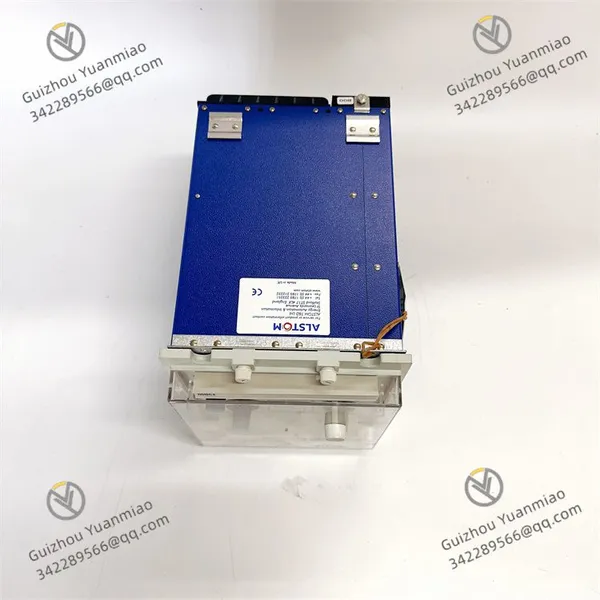
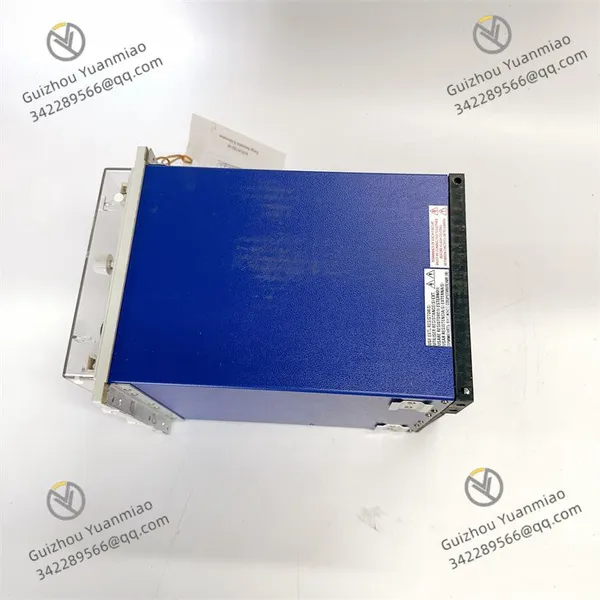
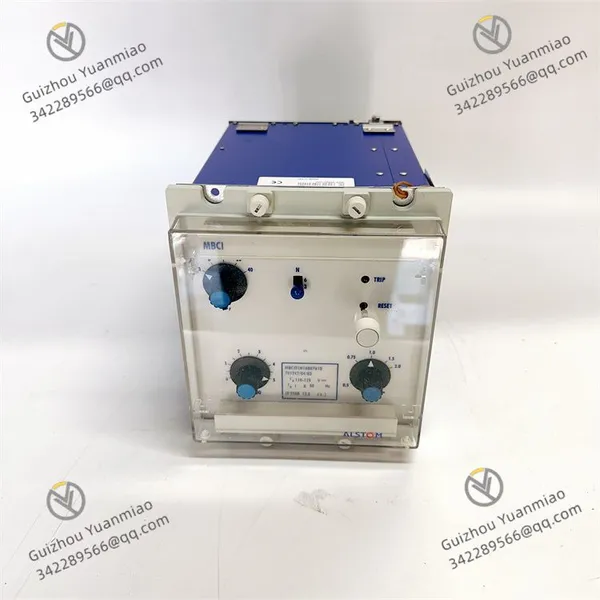
ALSTOM MBCI01N1AB0761B Auxiliary Variable Speed Relay
ALSTOM MBCI01N1AB0761B Auxiliary Variable Speed Relay photo-1
ALSTOM MBCI01N1AB0761B Auxiliary Variable Speed Relay photo-2
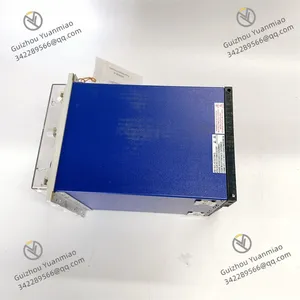
ALSTOM MBCI01N1AB0761B Auxiliary Variable Speed Relay photo-3
Negotiable MOQ: 1 Piece (Price negotiable depending on order volume and customization)
Key Specifications
Get Latest Price
Material:
Other, Global universal model
Condition:
Other, Global universal model
Task:
Other, Global universal model

Payment & Shipping
Payment Methods:
Port of Shipment:
China
Delivery Detail:
Delivery time depends on order quantity.
Material Other, Global universal model
Condition Other, Global universal model
Task Other, Global universal model
Mathematical Model Other, Global universal model
Signal Other, Global universal model
Customized Non-Customized
Structure Other, Global universal model
Analog output range 4-20mA
Number of channels 4
Working voltage 38V
ALSTOM MBCI01N1AB0761B
Features
  • Precise Control
    As an auxiliary speed-variable relay designed for controlling variable-speed motors in industrial applications, it enables precise control over motor speed to achieve efficient and optimized operation.

  • Independent Channels
    Each channel features independent alarm functions and corresponding 4–20mA and 0–10V outputs, flexibly adapting to different control requirements and devices.

  • Convenient Communication
    Outputs can be connected to a bus, supporting RS-485 or RS-232 communication via the bus interface. This facilitates data transmission and interaction with other devices, enabling remote control and monitoring.

  • Robust and Reliable
    With a rugged design, it withstands high overload and vibration, adapts to harsh industrial environments, extends process uptime, and reduces equipment failures and maintenance costs.

Working Principle
  • Signal Input and Processing
    It receives input signals from external devices (such as controllers, sensors, etc.), which may represent the motor's target speed, current operating status, and other information. The internal circuit of the relay processes and analyzes these input signals, converting them into a form suitable for controlling the motor.

  • Control Signal Output
    Based on the processed input signals, the MBCI01N1AB0761B outputs corresponding control signals to the variable-speed motor. For example, it controls the motor speed by adjusting parameters such as the duty cycle or frequency of the output signal, achieving precise speed regulation to meet the needs of different industrial production processes.

  • Communication Function
    The relay supports RS-485 or RS-232 communication via the bus interface. It can transmit its working status, motor operating parameters, and other information to the host computer or other control systems, while also receiving control commands from the host computer to achieve remote monitoring and centralized management.

  • Protection and Monitoring
    It has protection and monitoring functions, enabling real-time monitoring of motor operating parameters such as current, voltage, and temperature. When abnormal conditions (such as overload, short circuit, overheating, etc.) are detected, the relay promptly takes protective measures (such as cutting off the motor power) to prevent damage to the motor and other devices, and may also output alarm signals to remind operators to take corresponding actions.

MBCI01N1AB0761B (3)

MBCI01N1AB0761B (1)

MBCI01N1AB0761B (2)

Installation and Debugging Steps for ALSTOM MBCI01N1AB0761BI. Pre-installation Preparations
  • Confirm Equipment Compatibility

    • Check the compatibility between the device model and the field control system (such as DCS/PLC), and ensure the power supply voltage (38V) matches the field power source.

    • Verify that the installation environment meets the protection class requirements (IP65 is suitable for dustproof and waterproof scenarios; if IP20 is used, avoid humid environments).

  • Tools and Documentation Preparation
    Prepare tools such as screwdrivers, multimeters, wire strippers, as well as the product manual, wiring diagrams, and debugging software (if available).

II. Installation Steps
  1. Selection of Installation Location

  • Choose a well-ventilated location free from strong electromagnetic interference, away from heat sources and vibrating equipment, and ensure the module is cooled properly (the cooling-related voltage range is 12–30V, and the cooling path must be unobstructed).

  • When installing on a standard rail (such as a DIN rail), ensure the rail is firmly mounted, and the module can be directly snapped into the rail and locked.

  • Electrical Wiring

    • Power Connection: Connect the positive and negative poles of the 38V DC power supply to the module's power terminals, paying attention to the polarity to avoid reverse connection.

    • Signal Input/Output Wiring:

      • Analog Output (4–20mA): Connect to the signal input terminal of the controlled device (such as a frequency converter) using shielded cables to reduce interference.

      • Communication Interface (RS-485/RS-232): Connect to the bus terminals according to the wiring diagram, ensuring the shield layer of the communication cable is grounded.

      • Channel Wiring: The 4 independent channels need to be separately connected to sensors or actuators. Each channel supports 4–20mA and 0–10V outputs, and the interface should be selected based on actual needs.

    • Grounding Treatment: The module's grounding terminal must be reliably grounded to avoid ground loops affecting signal accuracy.

  • Mechanical Fixing
    If panel installation is adopted, use matching screws to fix the module on the control cabinet panel, ensuring firm installation to prevent wiring looseness due to vibration.

  • III. Debugging Steps
    1. Pre-power-on Inspection

    • Use a multimeter to measure the voltage between the power input terminals to confirm no short circuit or reverse connection.

    • Check whether all wiring is secure, whether the terminal block screws are tightened, and whether the shield layer is correctly grounded.

  • Power-on Initialization

    • Turn on the power and observe the status of the module's indicator lights (such as whether the power light and operation light are normally on). If the indicator lights are abnormal (such as not on or flashing), refer to the manual to troubleshoot power or wiring issues.

  • Basic Function Testing

    • Analog Output Test:

      • Send output signals (such as 4mA, 12mA, 20mA) to the module via the host computer or manually, and use a multimeter to measure the output value of the corresponding channel. The error should be within the allowable range (typically ±0.5% FS).

      • When verifying the 0–10V output function, use a voltmeter to measure the output terminal to ensure signal linearity.

    • Communication Test:

      • Connect a debugging computer via the RS-485 or RS-232 interface, use a serial debugging tool (such as Modbus Poll) to send commands, and read the module's status parameters (such as channel values, working mode) to confirm normal communication.

      • Test the remote control function by sending speed regulation commands from the host computer and observing whether the module's output signals change synchronously.


  • Functional Parameter Configuration

    • Set module parameters via the communication interface or local DIP switches (if available) according to actual application requirements, such as:

      • Channel range (4–20mA or 0–10V), filtering time, alarm threshold (independent channel alarm function).

      • Communication protocol (Modbus RTU, etc.), baud rate, address, and other parameters.

  • Load Linkage Test

    • Manually adjust the module's output signal and observe whether the motor speed changes linearly to ensure control accuracy.

      • Simulate fault scenarios (such as overload, communication interruption) to test whether the module's protection functions are triggered (such as output locking, alarm signal output).

      • Connect the variable-speed motor or load device for on-load debugging:

  • Operation Monitoring and Optimization

    • Continuously observe the module's operating status, record parameters such as temperature and output stability. If abnormalities (such as severe heating or signal fluctuations) are found, check the cooling conditions or wiring interference.

    • Optimize parameters according to field conditions, such as adjusting the filter coefficient to reduce signal noise or setting an appropriate response time to balance control accuracy and stability.

    Product Tags: MBCI01N1AB0761B

    Send Inquiry to This Supplier

    Message
    0/5000

    Want the best price? Post an RFQ now!
    Gold Verified Supplier
    1Yr
    Verified Business License
    Business Type
    Trading Company
    Year Established
    2014
    Factory Size
    1,000-3,000 square meters
    Product Certifications
    SA8000