Home > Electrical & Electronics > Electrical Control System > ABB Bailey INIIT13 Infi to Infi-Net Local Transfer

ABB Bailey INIIT13 Infi to Infi-Net Local Transfer
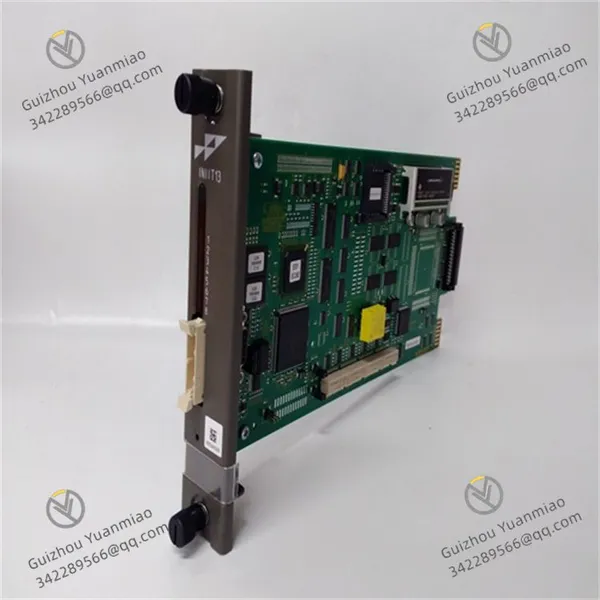
ABB Bailey INIIT13 Infi to Infi-Net Local Transfer photo-1
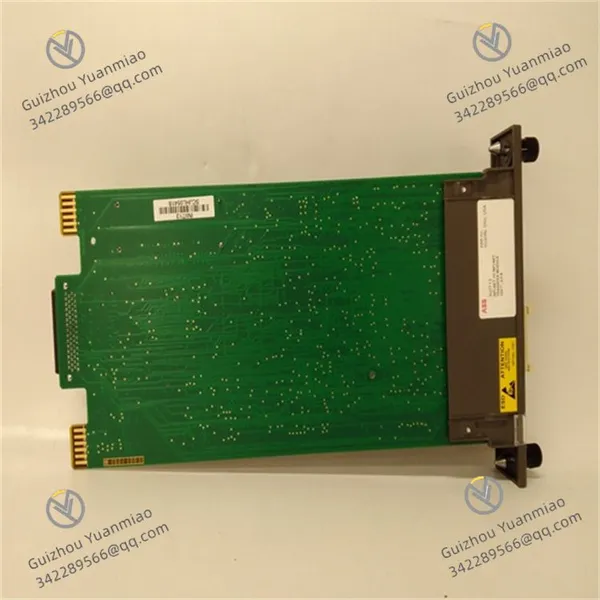
ABB Bailey INIIT13 Infi to Infi-Net Local Transfer photo-2
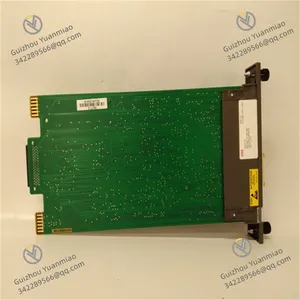
ABB Bailey INIIT13 Infi to Infi-Net Local Transfer photo-3
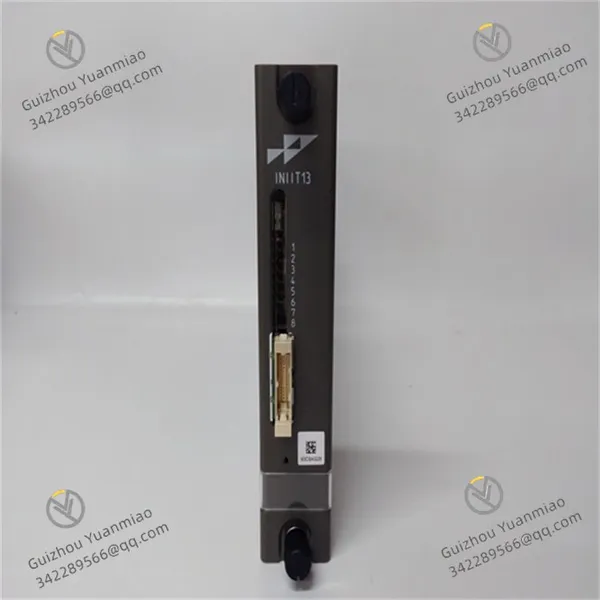
Negotiable MOQ: 1 Piece (Price negotiable depending on order volume and customization)
Key Specifications
Get Latest Price
Material:
Other, Global universal model
Condition:
Other, Global universal model
Task:
Other, Global universal model

Payment & Shipping
Payment Methods:
Port of Shipment:
China
Delivery Detail:
Delivery time depends on order quantity.
Material Other, Global universal model
Condition Other, Global universal model
Task Other, Global universal model
Mathematical Model Other, Global universal model
Signal Other, Global universal model
Customized Non-Customized
Structure Other, Global universal model
Operating Voltage DC 24V (±10%)
Communication Rate 1200bps~115.2kbps
Operating Temperature -20℃ ~ +60℃
ABB Bailey INIIT13I. Basic Overview
The INIIT13 is an Intelligent Interface Module in ABB's AC 800M controller series, primarily used to connect fieldbuses or third-party devices for communication with AC 800M control systems. Supporting multiple industrial communication protocols (e.g., Modbus RTU, Modbus TCP, CANopen, etc.), the module can function as a master or slave station, suitable for industrial automation scenarios requiring integration of diverse devices or systems, such as energy management, process control, or equipment monitoring systems.
II. Functional FeaturesCommunication Protocol Support
  • Supports mainstream industrial protocols like Modbus RTU (RS485), Modbus TCP (Ethernet), and CANopen, flexibly configurable as master or slave.

  • Enables custom protocol development for communication with non-standard devices via programming (requires ABB programming tools).

Interface and Electrical Characteristics
  • Physical Interfaces: Typically equipped with RS485 serial port (for Modbus RTU), Ethernet port (for Modbus TCP), and CANopen interface; some models support extended bus interfaces.

  • Electrical Isolation: Isolation voltage ≥500V AC between each communication interface and the system, effectively preventing interference and equipment damage.

Data Processing and Real-Time Performance
  • Supports data mapping and protocol conversion, converting third-party device data into formats recognizable by AC 800M controllers.

  • Configurable communication cycle (minimum 1ms) with event-triggered mode to ensure real-time response to field device status changes.

Diagnosis and Safety Design
  • Supports communication link fault detection (e.g., disconnection, timeout), with real-time fault reporting via LED indicators and system buses.

  • Features a watchdog function, automatically restarting or switching to a safe state during anomalies to ensure system stability.

INIIT13 (3)

III. Performance Parameters
Parameter Category Specific Indicators
Operating Voltage DC 24V (±10%), power consumption ≤15W
Communication Interfaces RS485 (Modbus RTU), Ethernet (Modbus TCP), CANopen (optional)
Communication Rate Modbus RTU: 1200bps~115.2kbps; Modbus TCP: 10/100Mbps (auto-adaptive)
Maximum Connected Devices Modbus RTU: Up to 32 slave stations; Modbus TCP: Dependent on network configuration
Data Processing Capacity Maximum data frame length: 256 bytes (Modbus RTU), 1024 bytes (Modbus TCP)
Operating Temperature -20℃ ~ +60℃ (non-condensing), storage temperature -40℃ ~ +85℃
Protection Level IP20 (requires installation in control cabinets)
Installation Method 35mm DIN rail mounting, compatible with AC 800M controller I/O slots, supporting horizontal/vertical installation
IV. Installation and Wiring GuideInstallation Precautions
  • ESD Protection: Wear a wrist strap during operation to avoid touching the circuit board.

  • Heat Dissipation: Maintain module spacing ≥15mm to ensure good ventilation in the control cabinet.

Wiring Specifications
  • Power Supply Wiring: Use 1.5mm² shielded cables to connect to 24V DC power, with positive/negative poles corresponding to terminals (+24V, GND). A 3A fuse is recommended in series.

  • RS485 Wiring: Connect A/B terminals with twisted shielded cables, terminating with a 120Ω matching resistor at the end of the Modbus RTU network.

  • Ethernet Wiring: Use CAT5e or higher cables to connect Ethernet ports, supporting direct connection or networking via switches.

  • CANopen Wiring: Connect CAN_H/CAN_L terminals with twisted shielded cables, terminating with 120Ω resistors at both ends of the network.

  • Shield Grounding: Single-point ground the cable shield to the control cabinet grounding terminal to avoid multi-point grounding interference.

INIIT13 (2)

V. Debugging and Fault TroubleshootingIndicator Status Interpretation
  • POWER (Green): Steady on indicates normal power supply; off requires checking power or fuse.

  • RUN (Green): Steady on indicates normal module operation; flashing may signal configuration errors or communication anomalies.

  • COM (Yellow/Green): Communication indicator; flashing indicates data transmission, while constant off/on may signal link faults.

  • ERROR (Red): Steady on indicates module hardware faults or communication protocol configuration errors (check parameters via software).

Common Fault Handling
  • Communication Interruption: Verify correct wiring and ensure protocol parameters (e.g., device address, baud rate) match third-party devices.

  • Data Anomalies: Check data mapping configuration or enable error checking (e.g., Modbus CRC) if interference causes data errors.

  • Module Unresponsiveness: Attempt restarting the module or re-downloading configurations; hardware failure may require module replacement if ineffective.

VI. Application Scenarios
  • Cross-System Integration: Connect third-party devices (e.g., PLCs, sensors, frequency converters) to AC 800M systems for data interoperability.

  • Energy Monitoring: Collect Modbus data from smart meters, flowmeters, etc., for energy management systems (EMS).

  • Equipment Cluster Control: Act as a CANopen master to control multiple servo motors or drives for coordinated production line operations.

  • Legacy System Upgrades: Compatibility with traditional devices via Modbus protocol to avoid full-system replacement costs.

VII. Comparison with Similar Modules (INIIT13 vs. INICT13)
Comparison Dimension INIIT13 (General Intelligent Interface Module) INICT13 (High-Speed Communication Interface Module)
Communication Protocol Support Modbus RTU/TCP, CANopen (basic) Additional support for high-speed protocols (e.g., PROFIBUS, EtherCAT)
Interface Types RS485, Ethernet, CANopen Added PROFIBUS interface, fiber optic interface
Communication Rate Suitable for medium-low speed scenarios (≤115.2kbps) Supports high-speed communication (e.g., PROFIBUS 12Mbps)
Application Scenarios Conventional device communication integration High-speed real-time control (e.g., robotics, high-speed production lines)
VIII. Conclusion
As a protocol conversion hub for ABB's AC 800M system, the INIIT13 addresses interconnection challenges between diverse devices and control systems through flexible support for multiple industrial communication protocols. Its high reliability, easy configuration, and strong anti-interference capabilities make it a core component for cross-platform data interaction in industrial automation—particularly suitable for projects requiring heterogeneous device integration or legacy system upgrades.
Product Tags: IMASI23 , IMRIO02 , INNIS21

Send Inquiry to This Supplier

Message
0/5000

Want the best price? Post an RFQ now!
Gold Verified Supplier
1Yr
Verified Business License
Business Type
Trading Company
Year Established
2014
Factory Size
1,000-3,000 square meters
Product Certifications
SA8000