








 Contact Platform Support
 Help Center
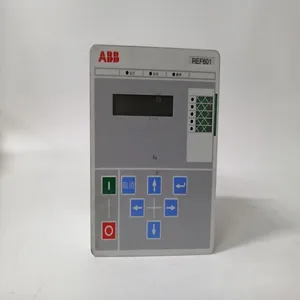
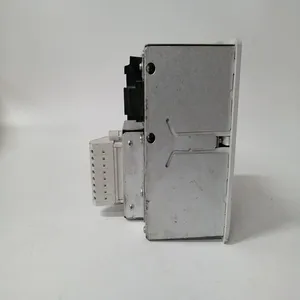
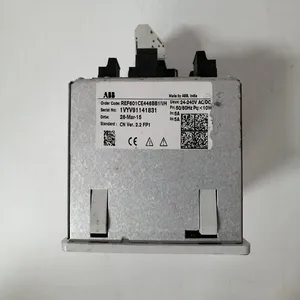
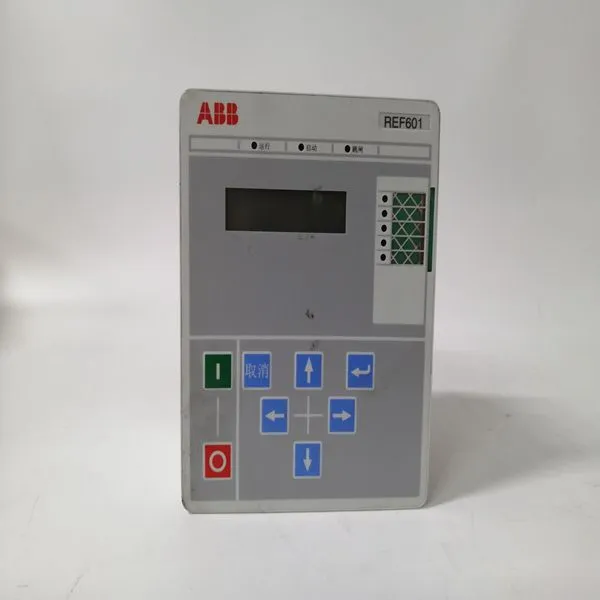
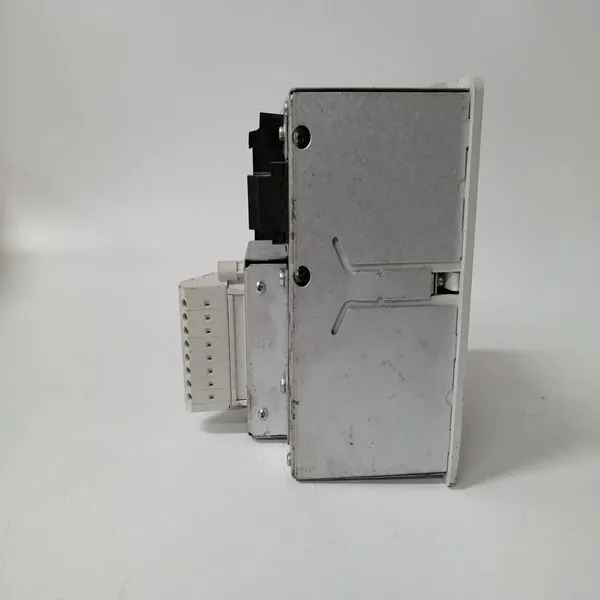
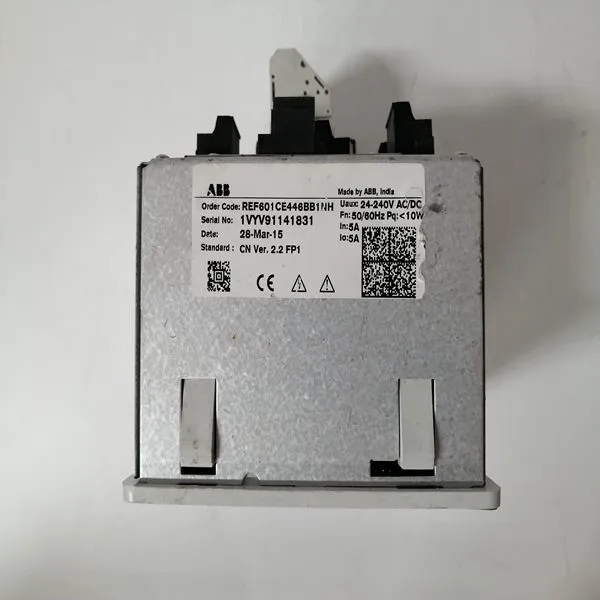
REF601 CE446BB1NH


Related Products
Brand: ABB
Type:REF601 CE446BB1NH
Origin: the Swiss
Warranty: 365 days
Colour: new/used
After the Managed PC Boot Agent has been enabled, there are several boot options available to the user. These options are RPL (default), TCP/IP, Netware and PXE. The screens below show the defaults for each boot method.The VMIVME-7807/VME-7807RC provide high-performance video, Local Area Network (LAN) access and associated software drivers. High-performance video is provided by the embedded Intel 855GME chipset. High-performance LAN operation is provided by a dual-port Intel 82546EB for the VMIVME-7807 or the Intel 82546GB for the VME-7807RC Gigabit Ethernet controller and the 82551 10/100 Mbit Ethernet controller. The LAN adapters can be configured to allow access to two separate, physical networks. Each LAN adapter is capable of running 10BaseT and 100BaseTX. The Gigabit adapter is capable of running 1000BaseT. To optimize performance of each of these PCI-based subsystems, the user must install the driver software located on the distribution CD-ROM provided with the unit. Detailed instructions for the installation of the drivers under Microsoft Windows 2000 Professional and XP Professional are provided in the following section.Video Driver Installation 1. If not already present, insert the Windows Drivers CD-ROM. 2. Click ‘Start’, ‘Run’, ‘Browse’. In the ‘Look in’ pull-down selection menu, select the CD-ROM drive. Double-click on the ‘Video’ folder. Double-click on ‘win2k_xp141’. Click ‘OK’. 3. At the ‘Intel(R) Extreme Chipset Graphics Driver Software’ window, click ‘Next’. 4. At the ‘Intel(R) Extreme Graphics 2’ window, click ‘Next’. 5. Click ‘Yes’ to agree to the software license agreement. 6. Ensure ‘Yes, I want to restart my computer now’ is selected and click ‘Finish’.
 The computer will restart. The video resolution settings may be changed as desired. NOTE: If only analog video is being used, ensure that ‘Monitor’ is selected as the default video device in the driver.6300ESB (Hance Rapids) ICH Chipset Software Installation 1. If not already present, insert the Windows Drivers CD-ROM. 2. Click ‘Start’, ‘Run’, ‘Browse’. In the ‘Look in’ pull-down selection menu, select the CD-ROM drive. Double-click on the ‘Hance Rapids’ folder. Double-click on the ‘Applications’ folder. Double-click on ‘infinst_enu’. Click ‘OK’. 3. At the ‘Intel Chipset Software Installation Utility’ window, click ‘Next’. Click ‘Yes’ to agree to the software license agreement. Click ‘Next’. At each of the following ‘Hardware Installation’ windows, click ‘Continue Anyway’. 4. Ensure ‘Yes, I want to restart my computer now’ is selected and click ‘Finish’. The computer will restart

Send Inquiry to This Supplier


You May Also Like
-
07KT98 H2 GJR5253100R0278US$ 1103 - 2013MOQ: 1 Piece
-
07KT98C GJR5253100R028US$ 1103 - 2013MOQ: 1 Piece
-
5SHY3545L0016 3BHB019719R0101 GVC736BE101 5SXE06-0160US$ 1104 - 2014MOQ: 1 Piece
-
KUC711AE 3BHB004661R0001US$ 1104 - 2014MOQ: 1 Piece
-
KUC711AE01 3BHB004661R0001US$ 1104 - 2014MOQ: 1 Piece
-
KUC711AE101 3BHB004661R0101US$ 1104 - 2014MOQ: 1 Piece
-
CI546 3BSE012545R1US$ 1108 - 2018MOQ: 1 Piece
-
KUC720AE01 3BHB003431R0001 3BHB000652R0001US$ 1108 - 2018MOQ: 1 Piece
-
MMS3120/022-000 9100-03047-01US$ 1108 - 2018MOQ: 1 Piece
-
PPC380AE01 HIEE300885R0001US$ 1108 - 2018MOQ: 1 Piece


