








 Contact Platform Support
 Help Center
Home > Instruments & Meters > Meter for Liquid & Gas > Thermometer & Hygrometer > STC-221 1m Waterproof Heating Cooling Sensor Digital Temperature Controller Aquarium Temperature Controller
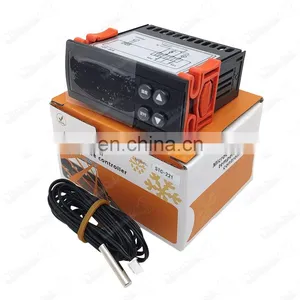
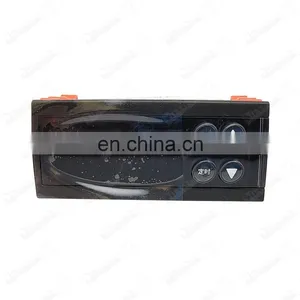
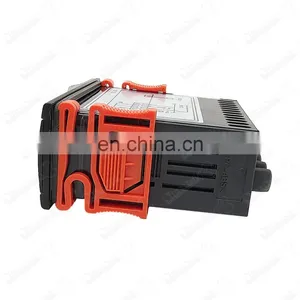
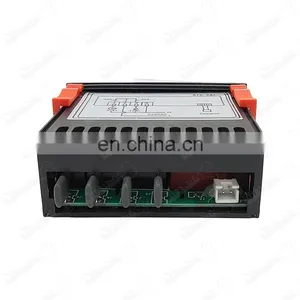
STC-221 1m Waterproof Heating Cooling Sensor Digital Temperature Controller Aquarium Temperature Controller
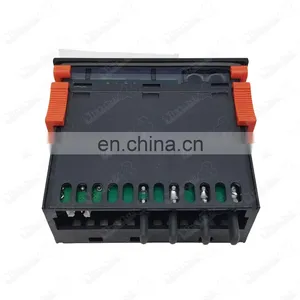
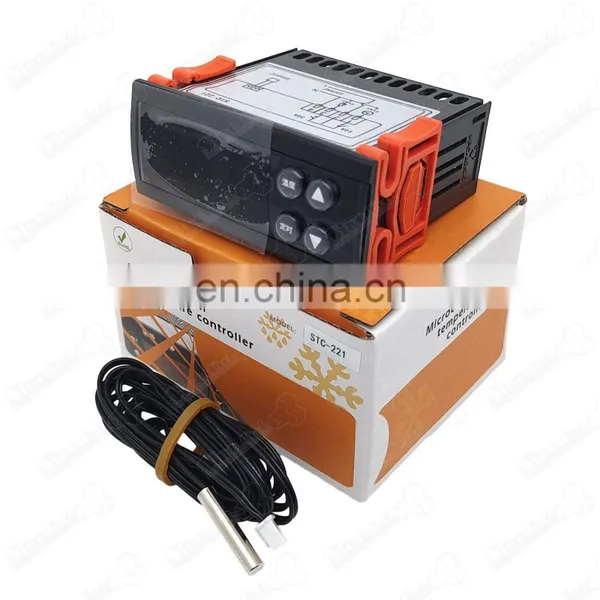
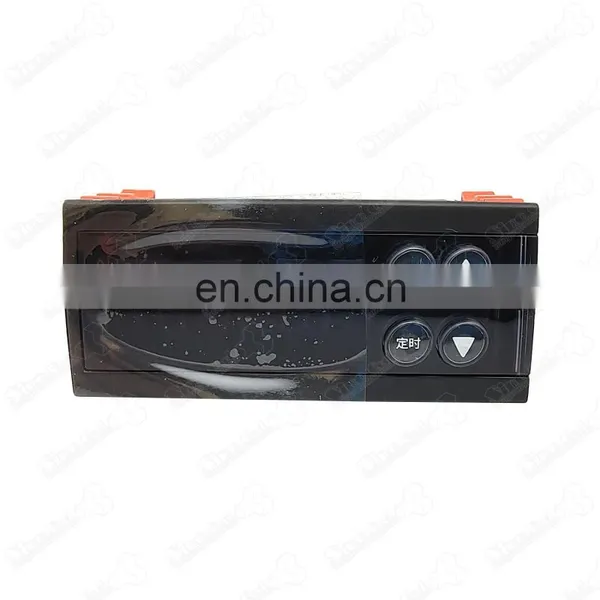
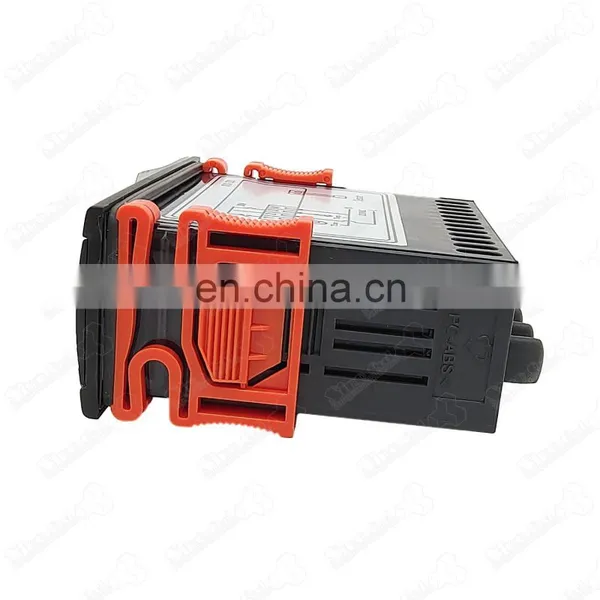
Negotiable
MOQ: 1 set (Price negotiable depending on order volume and customization)
Key Specifications
Get Latest Price
Business Type:
Manufacturer
Year Established:
2018
Factory Size:
Below 1,000 square meters
Payment & Shipping
Payment Methods:

Port of Shipment:
China
Delivery Detail:
Delivery time depends on order quantity.
Related Products
-
 Refrigerator Temperature Controller Microcomputer Temperature Controller Digital Temperature Controller STC-201NegotiableMOQ: 1
 -
PN07 Pipe Insulating Foam Tape Self-Adhesive Elastomeric Insulating Tape Good QualityNegotiableMOQ: 1
-
Insulation Foam Tape Adhesive Rubber EVA Foam Tape NBR/PVC Rubber Foam Tape Good PriceNegotiableMOQ: 1
-
Pipe Insulating Foam Tape Self-Adhesive Elastomeric Insulating Tape Good QualityNegotiableMOQ: 1
-
HVAC Air Conditioner Nut Fitting Coupling Connector Adapter Copper Refrigeration Forged Flare Brass Flare UnionNegotiableMOQ: 1
Product Description
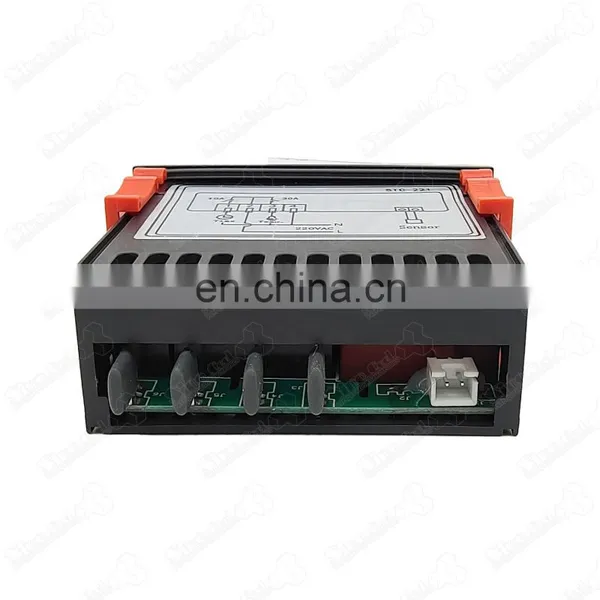
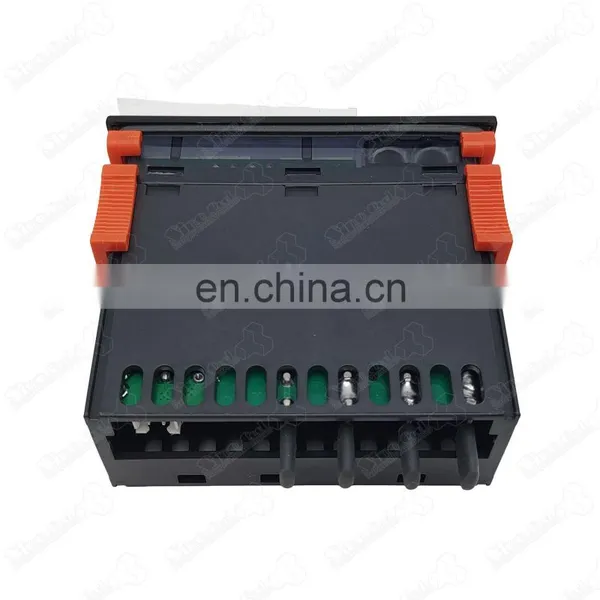
STC-221 1m waterproof heating cooling sensor digital temperature controller aquarium temperature controller
2. Main technical indicators and parameters
◆Power supply voltage: 220VAC±10% 50Hz/60Hz
◆Temperature display range: -50℃~150℃
◆Temperature control range: -40℃~90℃
◆Timing range: 0~99 minutes or 0~99 hours
◆Sensor type: NTC
◆Working environment temperature: -10℃~60℃
◆Working environment relative humidity: no more than 80% (no condensation)
◆Temperature relay capacity: 30A/250V, timing relay capacity: 10A/250V
3. Indicator status description
Indicator |
status |
Meaning |
Red indicator light |
on |
Temperature output work |
off |
Temperature output shutdown |
|
Blue indicator light |
on |
Timing output work |
off |
Timed output shutdown |
4. User menu description
3.1 User menu
menu |
name |
Parameter range |
Factory setting |
SE |
Control temperature |
F2~F3 |
32℃ |
F6 |
Timing output stop time |
0~99 (unit is determined by F12) |
15minutes |
F7 |
Timing output power-on time |
0~99 (The unit is determined by F12) |
1minute |
4.2 Control temperature setting:
◆In the running state, press the "temperature" button, the blue digital tube on the right
will display "SE", and the left will display the control temperature. At this time, press the
"▲" key or "▼" key to change the temperature set value and set After finishing, press the
"temperature" button to save and exit.
4.3 Timing setting:
◆In the running state, press the "timing" button, the blue digital tube on the right will
display "F6", and the left will display the corresponding timing shutdown time. At this time,
press the "▲" key or "▼" key to change this set value , Press the "timing" button again,
the blue digital tube on the right will display "F7", and the left will display the
corresponding timing power-on time. At this time, press the "▲" key or "▼" key to change
the set value, and the setting is complete Then press the "timing" button to save and exit.
5. System parameter description
5.1 System menu
menu |
name |
Parameter range |
Factory setting |
F1 |
Temperature difference |
1℃~30℃ |
1℃ |
F2 |
Temperature adjustment limit lower limit |
-40~Control temperature |
-20℃ |
F3 |
Temperature adjustment limit upper limit |
Control temperature~100 |
40℃ |
F4 |
Temperature output delay time |
0~10minutes |
0 minute |
F5 |
Temperature correction |
-10℃~10℃ |
0℃ |
F6 |
Timing output stop time |
0~99 (The unit is determined by F12) |
10 |
F7 |
Timing output power-on time |
0~99 (The unit is determined by F12) |
10 |
F8 |
Temperature working mode |
0: Refrigeration 1: Heating |
1 |
F9 |
High temperature alarm value |
(FA+1)~110℃~oFF |
45 |
FA |
Low temperature alarm value |
oFF~-45℃~(F9-1) |
oFF |
FB |
High and low temperature alarm return difference |
1℃~20℃ |
2℃ |
FC |
Temperature alarm delay |
0~60minutes |
2minutes |
FD
|
Timing unit selection |
0: Timing start and stop unit is minute 1: Timing start and stop unit is hour
2: Timing shutdown unit is hour, startup is minute |
0
|
5.2 System menu setting:
◆In the running state, press the "▼" key and the "temperature" key at the same time for
more than 3 seconds to display "F1" on the blue digital tube, the system enters the
parameter menu setting state, and the left side can be changed by pressing the "▲" or "▼"
key. For the parameter corresponding to the red digital tube, press the "temperature"
button again to switch to the next parameter "F2", the same setting method, press the
"timing" button to save and exit after setting。
6. Function Description
6.1 Refrigeration control (F8=0)
◆After the compressor has passed the delay protection time, when the cabinet temperature
is greater than or equal to the control temperature + temperature return difference (F1), the
compressor starts; when the cabinet temperature is less than or equal to the control
temperature, the compressor stops.
6.2 Heating control (F8=1)
◆After the heater has passed the delay protection time, when the cabinet temperature is less
than or equal to the control temperature-temperature return difference value, the heater
starts; when the cabinet temperature is greater than or equal to the control temperature, the
heater stops.
6.3 Timing control
◆When the controller finishes running the timing output stop time, the timing indicator
light will be on and the timing output will be on. When the timing stop time is finished, the
timing indicator light will be off, and the timing will stop, and it will run cyclically.
◆Timed start-up time and timed stop time are displayed as countdown.
6.4 Alarm control
◆When cooling or heating is started once and stopped, the high and low temperature alarm
function is activated. When the cabinet temperature is higher than or equal to the set high
temperature value F9 and the duration exceeds FC, the high temperature alarm is triggered
and the temperature flashes; when the cabinet temperature is lower than or equal to the set
low temperature value FA and the duration exceeds FC, the low temperature alarm is
triggered, the temperature Flashing.
◆When the cabinet temperature sensor fails, "EE" is displayed.
6.5 Switch control
◆Long press the "▼" key for more than 5 seconds, the display "---" means shutdown, and
then press the "▼" key again to turn it on.
7. Wiring diagram
8. Safety Precautions
◆The power supply voltage should be consistent with the voltage marked on the machine.
◆Strictly distinguish the three interfaces of power cord, output relay, and sensor, and don't
connect them wrongly! The load must not exceed the contact capacity.
◆Wiring work must be performed with the power supply completely disconnected, and a
good crimp connection between the wire and the terminal should be ensured.
◆ It is forbidden to use in high temperature, high humidity, strong electromagnetic
interference, strong corrosive environment.
◆ In order to avoid possible interference, it is recommended to keep a proper distance
between the sensor lead and the power cord.
Related product
Packing & Delivery
Our company
SinoCool Refrigeration & Electronics Co.Ltd. is a large modern enterprise specializing in refrigeration accessories, we deal with the spare parts from 2007. Now we have 3000 kinds spare parts for Air conditioner, Refrigerator, Washing machine, Oven, Cold room; We have relied on high technology for a long time and have invested huge amounts of money in compressors, capacitors, relays and other refrigeration accessories. Stable quality, superior logistics and caring service are our advantages. Customized products and OEM service are all available.
Exhibition

Send Inquiry to This Supplier


4Yrs

Business Type
Manufacturer
Year Established
2018
Factory Size
Below 1,000 square meters
Annual Export Value
US$1.5 Million - US$2.5 Million
You May Also Like
-
VGW-190 Wireless Digital Temperature Tester Digital Pressure Thermometer Vacuum Pressure GaugeNegotiableMOQ: 1
-
WK-6889 Refrigeration Manifolds Pressure Vacuum GaugeNegotiableMOQ: 1
-
MG-LS MG-HS Single Manifold Gauge Set HVAC AUTO Refrigeration System Air Conditioner Charging R134A R22 R12 Gauge ManifoldNegotiableMOQ: 1
-
CT-466 A Brass Single Manifold Gauge Set HVAC Refrigeration System Auto Air Conditioner AC Charging R134A R22 R502 Hvac GaugesNegotiableMOQ: 1
-
Freon Refrigeration Air Conditioning Single Digital Pressure Gauge Sight Glass Handle Hvac Gauge ManifoldNegotiableMOQ: 1
-
CT-466 Brass Single Manifold Gauge Set HVAC Refrigeration System Auto Air Conditioner AC Charging Single Manifold GaugeNegotiableMOQ: 1
-
CT-466 ALA Aluminum Single Manifold Gauge Set HVAC Refrigeration System Auto Air Conditioner AC Charging Single Manifold GaugeNegotiableMOQ: 1
-
Refrigeration Air Conditioning Single Digital Pressure Gauge With Sight Glass Manifold Gauge Set R134NegotiableMOQ: 1
-
HVAC Refrigeration Air Conditioning Single Digital Pressure Gauge With Sight GlassNegotiableMOQ: 1
-
CT-SGD-C Single Digital Manifold Gauge Set for Refrigerant HVAC Refrigeration Air Conditioner Sight Glass Single Manifold GaugesNegotiableMOQ: 1


