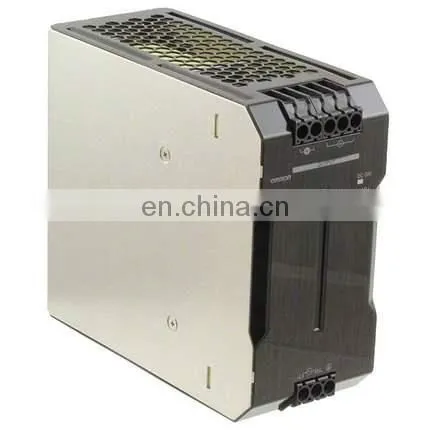
Card Reader Insights & Buyer's Guide
The electronic revolution requires practical solutions in information handling, and card readers have proved to be useful tools in this regard. If you are a professional photographer and need to copy your photographs to a computer, or a business person and need to copy some confidential information, understanding the importance of a card reader is paramount. This document will make it clear about card readers - what they are, their major classification, and all the recognized applications of such devices in everyday life, i.e., the card reader.
What is a Card Reader?
A card reader is an input hardware device that is used to read data stored in a card, for example, a memory card or a smart card, and allows the data to be transferred to a computer or other digital devices. This practical equipment is found in the form of different ports such as USB or USB-C, and this makes it possible to link them to laptops, PCs, and portable devices easily. A card reader basically serves one goal, which is enabling the copying of data, and therefore assists in the copying of such content.
Meaning and the Role of the Card Reader
The foundation of a card reader is in its capacity to read cards and transfer such information to other devices. This is a device that is used mainly to connect memory cards to computers, where users can conveniently exchange data. Card readers are particularly useful in situations where it is impossible to connect a device such as a camera or a mobile phone for file transfer. They provide an efficient and safe way to store and retrieve data, facilitating rapid and secure transfers of files within safe means, improving productivity, and convenience.
Applications of a Card Reader
A card reader is a popularly used device in most spaces for many purposes. In the field of imaging, primarily digital imaging, card readers are one of the important devices to transfer photos from digital cameras to PCs. Business applications often involve the use of card readers to read payment cards, namely interaction for business card purposes. Furthermore, secure systems employed for security checks incorporate card readers, which eliminate the need for PIN codes in places where smart cards are used. With the advent of contactless techniques, they enable the reading of protected digital cards, enhancing the efficiency of digital financial activities and human resource economics.
Varieties of Card Readers
USB-Based Card Readers
The diverse utility and simple programmatic operation of the USB card reader rank this device among the most commonly used card readers. They are attached to computers and laptops using a USB interface to enable fast data transfer from various memory cards such as SD, microSD, and CompactFlash. Mostly, USB card readers are made with slots that can read different card media; this may include even the most modern cards. Hence, they can be carried easily everywhere, especially by those who have to download pictures from.
Internal Card Readers
Embedded card readers can be found inside computer systems, such as a laptop or a PC, which means they save time by eliminating any additional external devices. They remove the necessity to have another device for similar purposes and have the advantage of use when a person has such cards that they frequently need to transfer content from. Most built-in card readabilities include SD and microSD cards, which means they are equipped to handle the vast majority of digital devices. Since the card readers are already a part of the computer’s build, the expenses for these cards are mitigated, thus enhancing the user experience and effective utilization of the equipment.
Without Wires Memory Card Readers
Wireless memory card readers come with modern technology to eliminate the need for tethered connections in order to transfer media. Such devices serve to enable the users to connect easily indoors or outdoors between the computer, tablet, or smartphone, and the memory card. Such readers are best used in areas where the use of USB cables or Built-in readers is impossible or inconvenient. Wireless card readers also make it easy for users to have a less bulky device, which can easily be carried anywhere. Most of them accept different types of cards and are battery-operated, therefore making them useful in areas where data management is done while on the move.
Factors for Selecting a Card Reader
Support for Multiple Formats of Cards
When choosing a card reader, one of the key factors to consider is the card reader’s compatibility with different varieties of card formats. An ideal card reader ought to accommodate the various types of cards that may exist in the market, i.e., SD, microSD, CompactFlash, as well as the most modern ones, e.g., CFexpress Type, CFast, among others. It should be ensured that the cards mostly used will be convenient to facilitate data transfer operations, and there will be no need for further extensions or similar devices. This aspect is important for technology users who make use of multiple gadgets and need a designated tool for collecting information.
Speed and Effectiveness of Transfer
One of the components that defines a card reader is the speed of the transfer. Those devices that come Generation USB data interface, like USB 3.0 and USB-C, give a higher speed of copying data than the typical USB 2.0 counterpart. For instance, a high-performance card reader allows the user to greatly compress the time needed to copy a big file; these files are images or videos of high resolution, thus increasing performance. In the case of massive data involving the data handling equipment, investing in a fast data card reader that executes transfers efficiently and quickly is most crucial so as to make the handling of data in a quick manner.
Design and Portable usage
The design and portable usage of a card reader can affect how the users are to be pleased by the product. Small fine and light card readers are rather suited for such users who spend a lot of time moving, and need a device to place in their laptop handbag easily. Also, any card reader that is well constructed should have an easy-to-operate interface and an effective design to sustain the rigors of daily use. Card readers that are portable, this means that they allow ease during use and transportation, may be used especially because they have an effective design and support many types of data.
Advantages of Utilizing Memory Card Readers
Increased Data Transfer Productivity
Memory card readers help increase data transfer productivity by eliminating the roundabout way of handling memory cards using computers or laptops. These readers, typically connected using USB or USB-C ports, help in transferring voluminous files such as high-resolution photos or films within seconds. This is made possible by the use of high-speed interfaces such as UHD-II or Type CFExpress, which enable the highest possible transfer speeds without huge time losses. The use of an external or independent memory card reader becomes very important for people who work in professions where there is constant loading and unloading of data.
More Convenient Management of Files
Memory card reading devices allow users to manage their files better as they offer the means of easily working with data. The devices can be plugged into a computer or a tablet and allow the users to view the files on the memory cards; this can be useful for copying, transferring, or deletion files. Since different card types, such as SD cards, microSD cards, and CompactFlash, are supported, users will not have problems organizing and manipulating their data – it will be a matter of transferring relevant files between relevant devices.
Economy and Availability
The advantages of memory card readers can also be discussed in terms of the cost and availability of these devices. Such devices are cost-effective to purchase compared to many other means of handling data and are therefore useful to people for both personal and business purposes. The design and size make them portable, and that means they can be carried easily along with laptops or tablets. Also included is the plug-and-play ability, which makes use of such devices easy even among beginners, as they are able to manage their content in a digital form and within a short time without the need to install any software or perform lengthy installation processes.
Frequently Asked Questions (FAQs)
What types of card readers are compatible with different devices?
Card readers come in various types, designed to be compatible with different devices such as computers, smartphones, and cameras. For instance, USB card readers are often used with laptops and desktops, while mobile apps can enhance the functionality of card readers on smartphones. It's essential to check if your card reader supports formats like Secure Digital (SD), CompactFlash (CF), or MultiMediaCard (MMC). Additionally, some card readers offer features like UHS-I support for faster data transfer. Always ensure that the card reader you choose matches the card numbers and formats you intend to use.
How can I install a card reader on my Mac or PC?
Installing a card reader on your Mac or PC is typically a straightforward process. For USB card readers, you simply need to plug the device into an available USB port on your computer. Most systems will automatically recognize the card reader, allowing you to start transferring data immediately. If your card reader is equipped with additional features or requires specific drivers, you may need to download an app from the manufacturer's website. Always follow the installation instructions provided to ensure proper functionality.
What is the best way to transfer data from a card to a computer?
The best way to transfer data from a card to a computer is by using a reliable card reader that can securely connect to your device. After inserting the card into the reader, plug the reader into a USB port on your computer. Most operating systems will prompt you to view the contents of the card, allowing you to drag and drop files or use dedicated software. If you're working with large files, consider using a card reader that supports UHS-I to reduce transfer times. This method is not only efficient but also ensures the integrity of the data being transferred.
How do I ensure secure data transmission when using a card reader?
To ensure secure data transmission when using a card reader, it's important to select a high-quality device that offers robust encryption features. Look for card readers that provide hardware-level security, which can protect sensitive information such as banking details or personal files. Additionally, regularly update any apps or software associated with your card reader to maintain security protocols. Always safely eject the card reader after use to prevent data corruption or unauthorized access. Keeping your computer's antivirus software up to date can also help mitigate risks during the data transfer process.
Can a card reader function as an adapter for different card formats?
Yes, many card readers function as adapters, allowing you to use different card formats with a single device. For instance, a versatile card reader may support both Secure Digital (SD) and CompactFlash (CF) cards, making it easy to integrate various types of memory cards into your workflow. This functionality is particularly useful for photographers or videographers who often switch between different devices. When choosing a card reader, check the specifications to see which formats it supports and if it includes any additional features, such as the ability to offload data quickly.









 Contact Platform Support
 Help Center
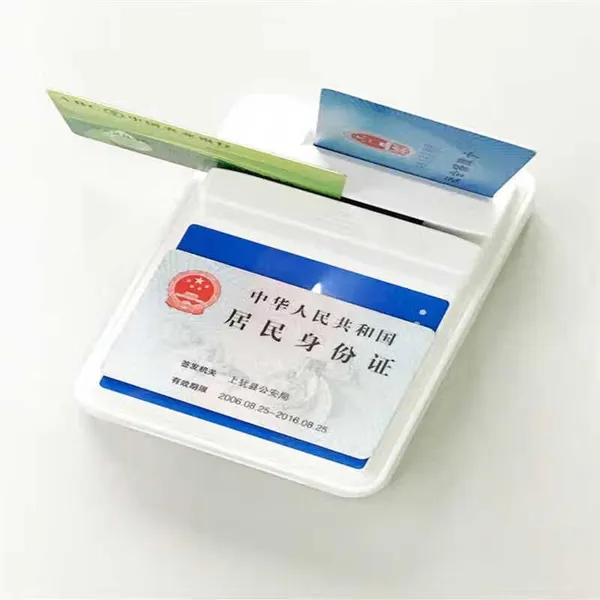 Smart Card & Magnetic Card ReaderNegotiableMOQ: 2700 PiecesSuzhou Delisa International Trade Co., Ltd
 1 Yr
1 Yr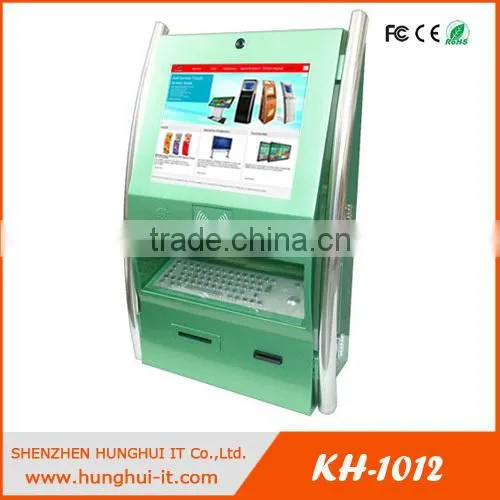 Bill Payment Kiosk With Card Reader / Touchscreen Card ReaderUS$ 883 - 2,500MOQ: 1 PiecePlace of Origin: Guangdong, ChinaBrand Name: HunghuiModel Number: KH-1012Shenzhen Hunghui IT Co., Ltd.
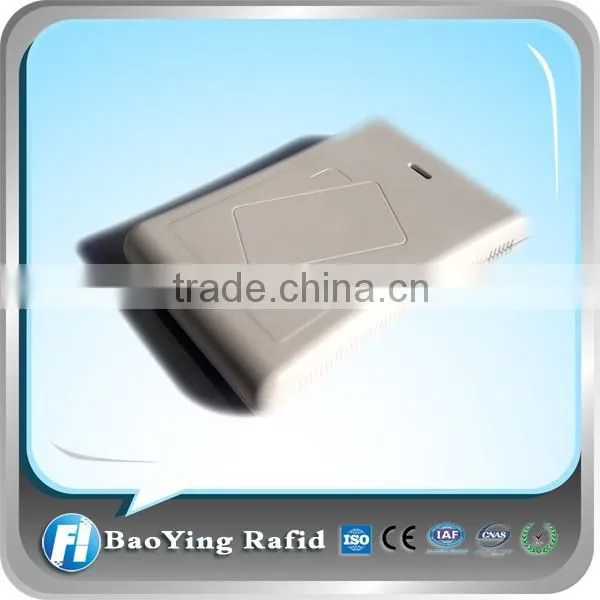 Card Reader for ISO15693NegotiableMOQ: 1 PiecePlace of Origin: Jiangsu, ChinaBrand Name: RUIFUModel Number: rfid readerBaoying Rafid Electronics Co., Ltd.
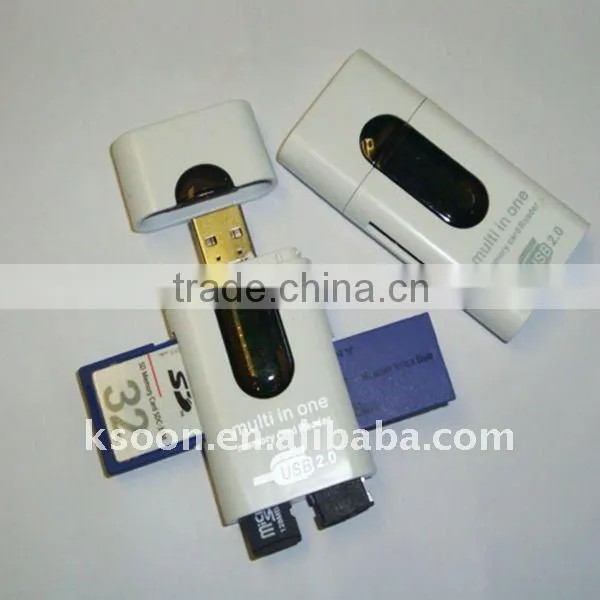 Memory Card ReaderNegotiableMOQ: 200 PiecesBrand Name: OEMModel Number: 1905026Interface: USBCard Slots: All in 1 / Multi in 1Shanghai Sencol Technology Co., Ltd.
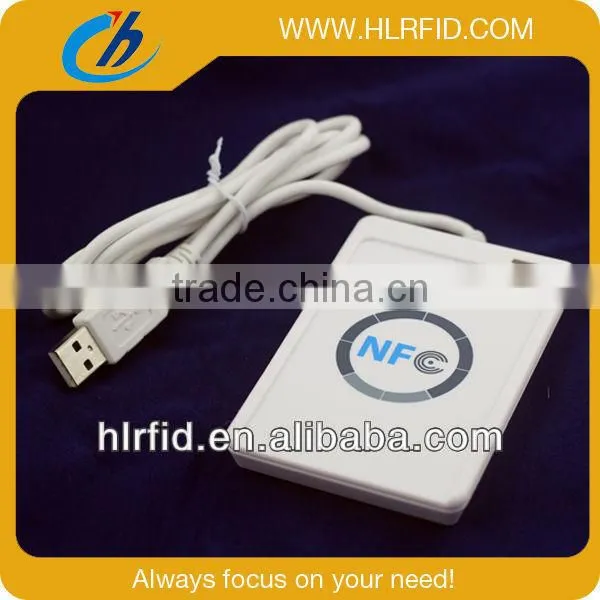 Rfid Smart Card ReaderNegotiableMOQ: 1 PieceBrand Name: HLModel Number: Card readerNanning Huilian Electronic Technology Co., Ltd.
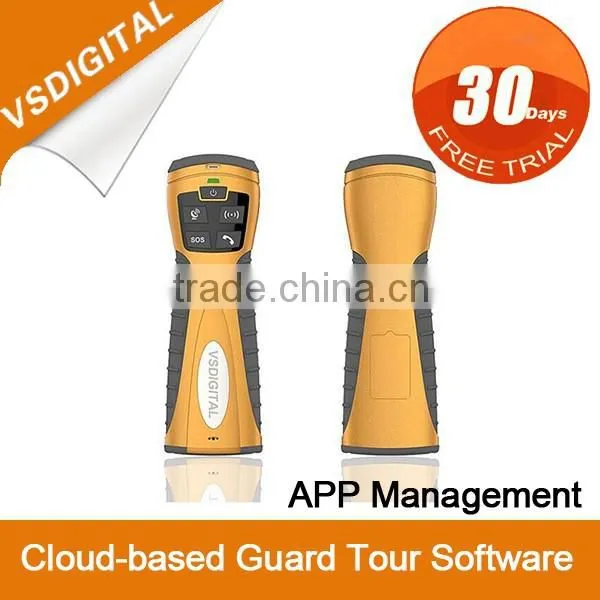 China Supplier Card ReaderUS$ 1 - 350MOQ: 1 UnitPlace of Origin: Liaoning, ChinaBrand Name: KingguardModel Number: V9Shenyang VS Digital Technology Co., Ltd.
 Access Control Card ReaderUS$ 10 - 60MOQ: 10 PiecesPlace of Origin: Guangdong, ChinaBrand Name: OKMModel Number: M35Guangzhou Ouyang Security And Building Material Technology Ltd., Co.
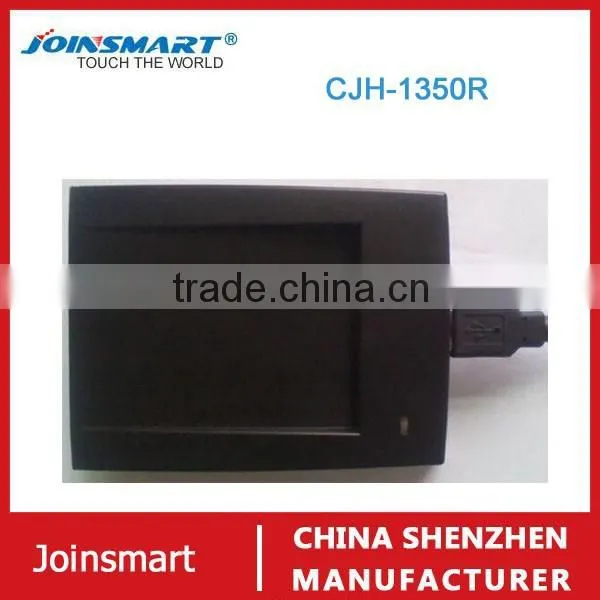 Wholesale Access Control Card Reader ISO14443 a Usb Rfid Card Reader/writerUS$ 20 - 50MOQ: 1 PiecePlace of Origin: Guangdong, ChinaBrand Name: SmartModel Number: CJH-1350RShenzhen Joinsmart Instument Technology Co., Ltd.
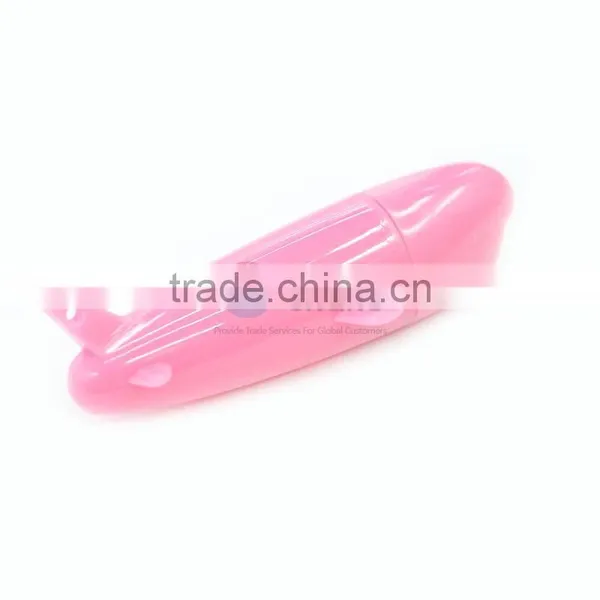 3 In 1 USB Card Reader Aluminium Alloy Airplane Shape TF Card ReaderUS$ 0.21 - 0.25MOQ: 2000 PiecesBrand Name: SUModel Number: AD00553Type: Memory Stick Card, SD Card, SM CardInterface: USBNingbo Sellers Union Co., Ltd.
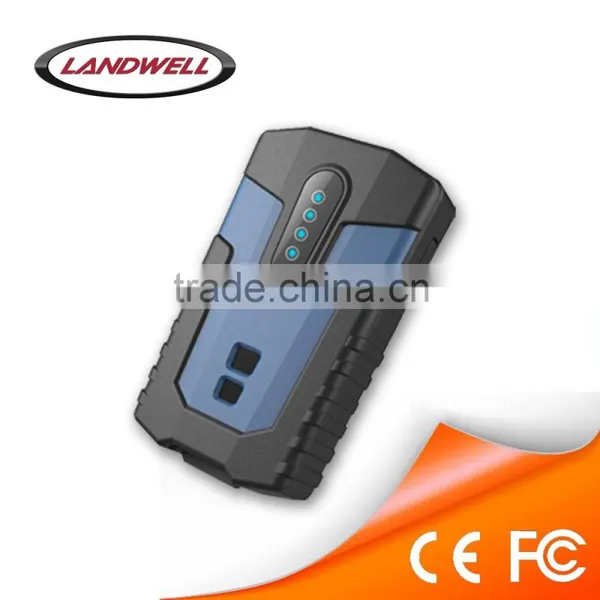 Landwell Popular Gprs Card ReaderUS$ 1 - 200MOQ: 1 PiecePlace of Origin: Beijing, ChinaBrand Name: Landwell, LANDWELLModel Number: L- new 9000D, L- new 9000DBeijing Landwell Electron Technology Co., Ltd.
 New High Quality Card ReaderUS$ 9.85 - 10MOQ: 10 PiecesBrand Name: for PS3Place of Origin: ChinaGuangzhou Weihui Electronic Co., Ltd.
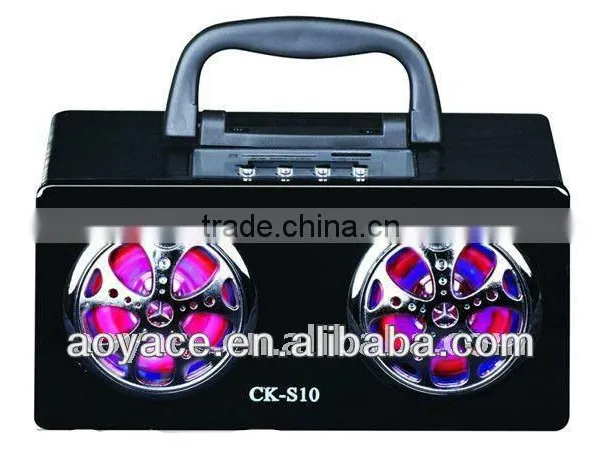 x Mini Card Reader SpeakerUS$ 8 - 20MOQ: 1000 PiecesBrand Name: aoyace or oemModel Number: ck-s10Type: ActiveUse: Portable Audio Player, Mobile Phone, Computer, Other, Portable Audio Player, Mobile Phone, Computer, OutdoorGuangzhou Aoyace Electric Appliances Factory
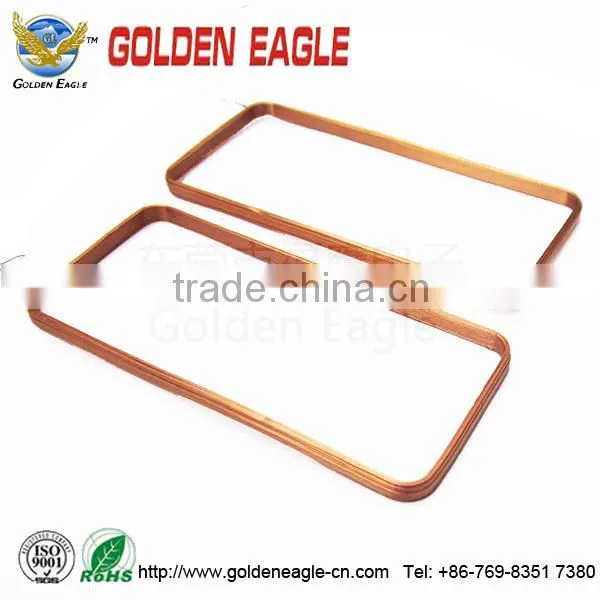 Variable Card Reader Inductance CoilUS$ 0.35 - 0.95MOQ: 1000 PiecesPlace of Origin: Guangdong, ChinaBrand Name: GEModel Number: GEDongguan Golden Eagle Coil Co., Ltd.
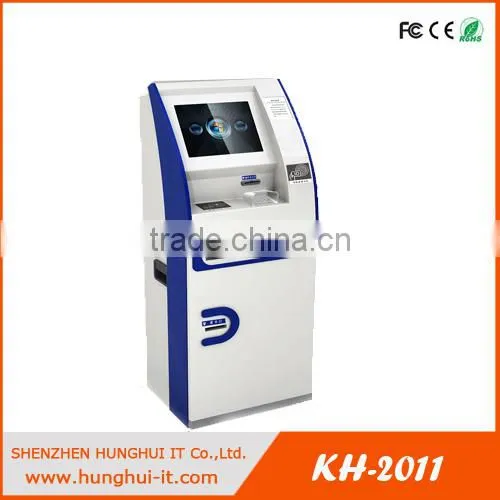 Membership Card ATM Magnetic Card Reader ATM PartsUS$ 3,000 - 5,000MOQ: 1 PiecePlace of Origin: Guangdong, ChinaBrand Name: HunghuiModel Number: KH-2011Shenzhen Hunghui IT Co., Ltd.
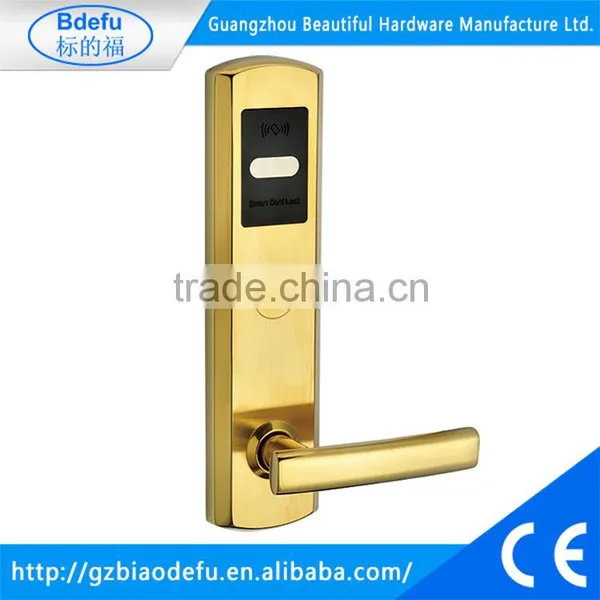 Card Reader Cheap Price Hotel Key Card LockNegotiableMOQ: 50 PiecesPlace of Origin: Guangdong, ChinaBrand Name: BeautifulModel Number: TRF865Guangzhou Beautiful Hardware Manufacture Ltd.
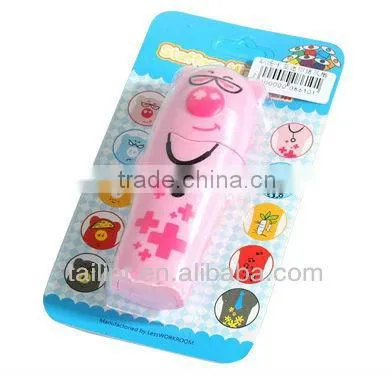 High Quality Blister Card Printing / Card Reader Packing Card *BC20130628-3US$ 0.05 - 0.5MOQ: 3000 PiecesProduct Material: Other, Paper & PaperboardPrinting Type: Offset PrintingPlace of Origin: Guangdong, ChinaBrand Name: TLGuangzhou Taili Printing Co., Ltd.
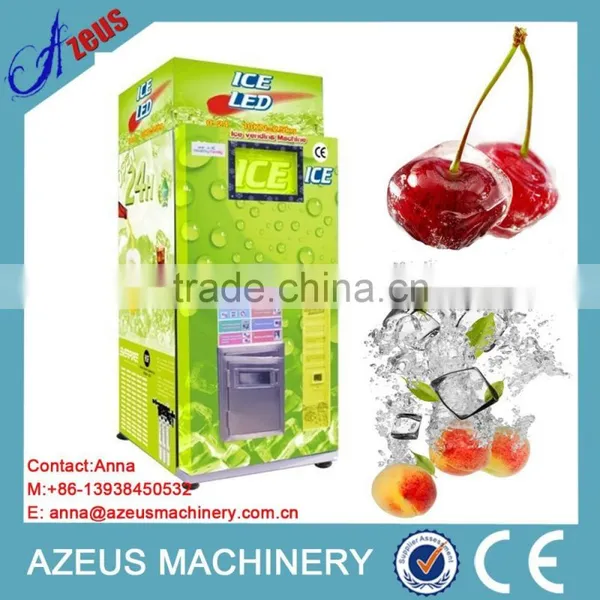 Ice Maker and Vending Machine With Card Reader SystemUS$ 7,000 - 15,000MOQ: 1 SetPlace of Origin: Henan, ChinaBrand Name: AZEUS Ice maker and vending machineModel Number: AZS-1000-BC-B Ice maker and vending machineZhengzhou Azeus Machinery Co., Ltd.
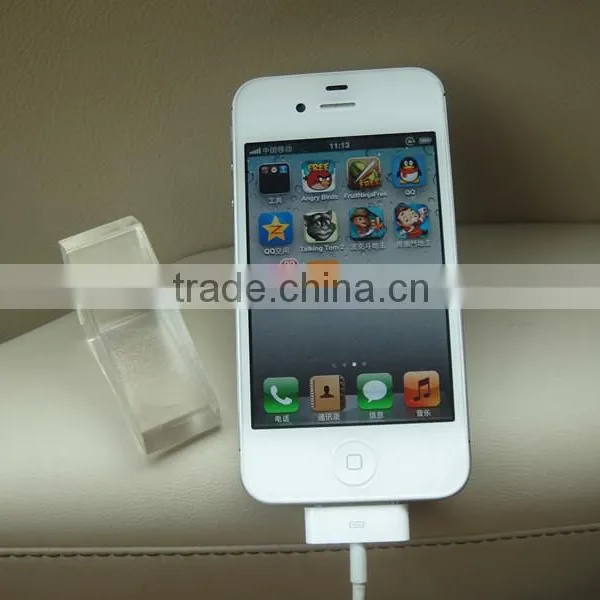 Multifunctional Mobile Holder With Card Reader USB PortsUS$ 0.455 - 0.61MOQ: 500 PiecesPlace of Origin: Guangdong, ChinaBrand Name: T-RedModel Number: TR-011Shenzhen T-Red Technology Co., Ltd.
 Fishing Boat for Sale Chinese Cheap Technology Usb Smart Card Reader Led DisplayUS$ 350 - 380MOQ: 100 PiecesPlace of Origin: Fujian, ChinaBrand Name: J-caiModel Number: p10Usage: OutdoorFujian Brilliantopto Co., Limited
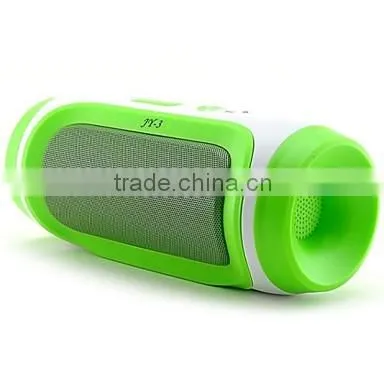 Portable Bass Stereo Bluetooth 2.1 Wireless Speaker With Mic & TF Card ReaderNegotiableMOQ: 1Place of Origin: ChinaYiwu Seaview Import & Export Firm
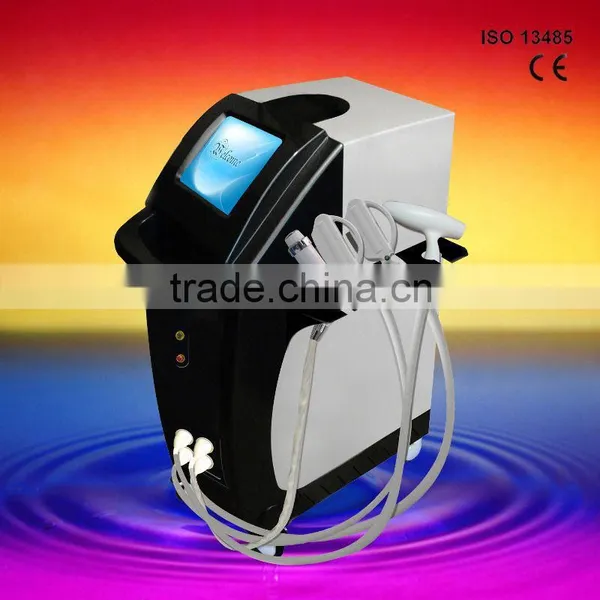 Permanent 2014 Top 10 Multifunction Beauty Equipment Rf Card Reader Writer Anti-RednessUS$ 1 - 6,000MOQ: 1 PieceLaser Type: CO2 LaserQ-Switch: NoStyle: StationaryCertification: CE with LVD&EMC , ISO13485, ISO9000, ISO9001,SFDA, SGS, etcBeijing Goldenlaser Development Co., Ltd.
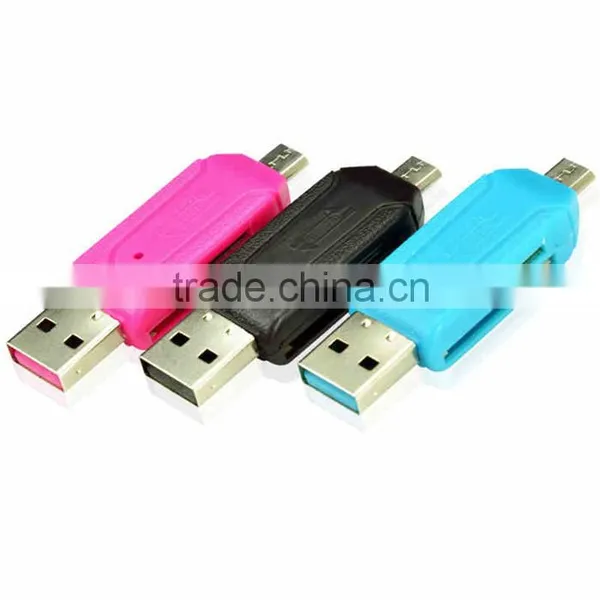 Universal Card Reader Mobile Phone PC Card Reader Micro USB OTG Card Reader OTG TF / SD Flash Memory WholesaleUS$ 1.99 - 1.99MOQ: 5 PiecesBrand Name: OEMModel Number: GF-MOC-01Type: Memory Stick Card, SD CardGoldFly Technology Company Limited
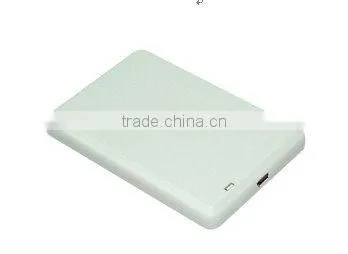 Card Reader Writer ( ) Card Reader WriterNegotiableMOQ: 1Place of Origin: Guangdong, ChinaBrand Name: HyintechModel Number: HYB505UHyin Technology Co., Ltd.
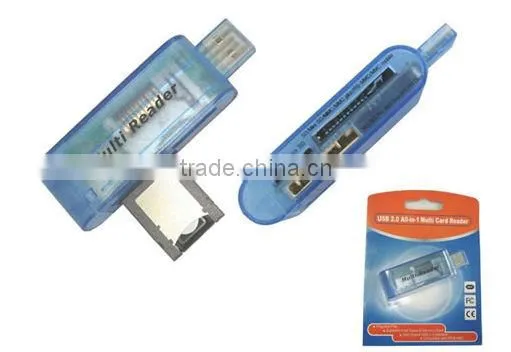 USB Card Reader With SIM Card ReaderNegotiableMOQ: 1000 PiecesBrand Name: HTModel Number: CR-004Type: SD Card, MMC Card, Memory Stick Card, SM Card, CF CardInterface: USBCixi Hongteng Electronic Factory
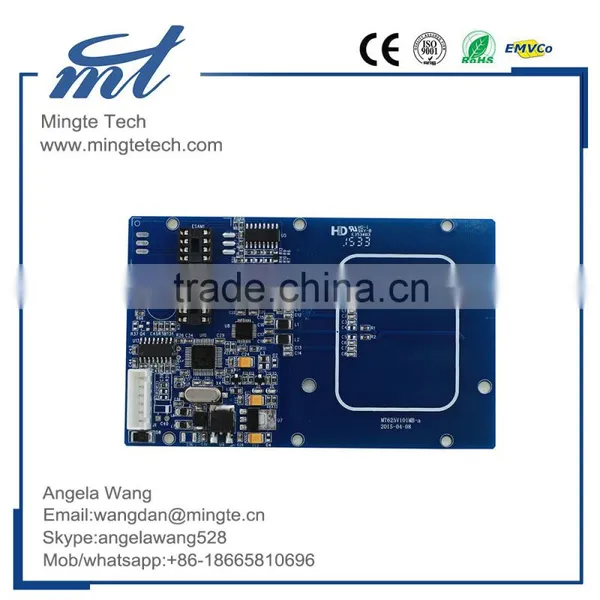 Rfid Card Reader /contactless Card ReaderUS$ 1.00 - 1.00MOQ: 1 UnitPlace of Origin: Guangdong, ChinaBrand Name: MTModel Number: MT625Shenzhen Mingte Tech Co., Ltd.
 Purchaser inquired about mini magcard reader/ card reader2026-08-03 11:58:48
 Operations Head is sourcing skimming card reader usb smart card reader2026-08-03 22:58:38
 Importer verified certifications for rfid credit card reader,rfid card reader16 hours ago
 Sourcing Agent negotiating terms for SIM CARD READER2026-08-07 12:35:26
 Import Coordinator requested specs for RFID card reader/ NFC reader2026-08-04 06:04:24
 Verified Buyer is sourcing rfid card reader2026-08-07 06:28:41
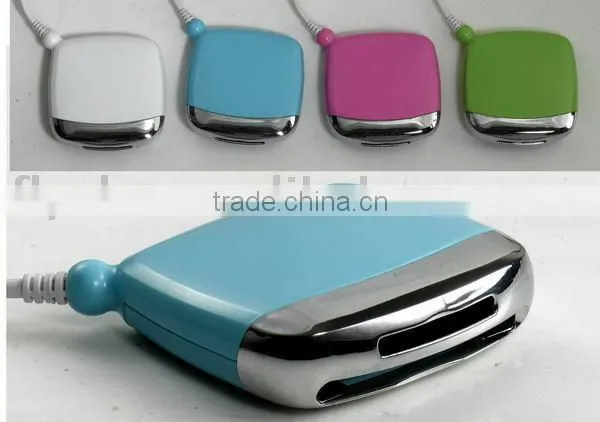 Card Reader,all in 1 Card ReaderNegotiableMOQ: 1000 PiecesBrand Name: RTModel Number: RT6262Type: SD Card, XD Card, MMC Card, Memory Stick Card, SM Card, CF Card, SD CardFly Electronic Company Ltd.
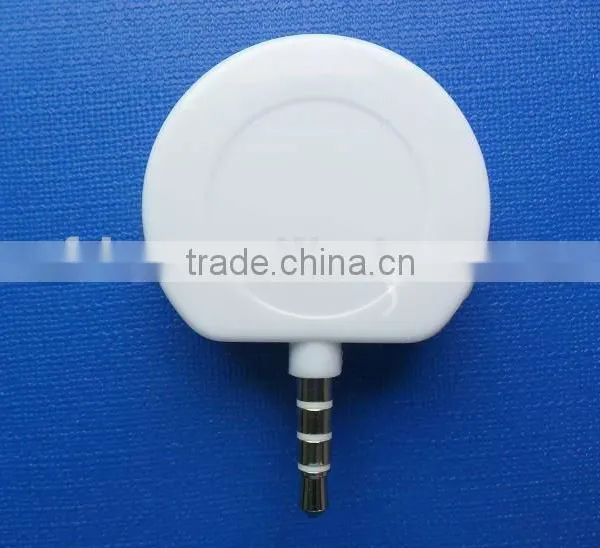 Card Reader / Magnetic Head Card ReaderUS$ 1 - 1.5MOQ: 2000 PiecesBrand Name: GKModel Number: GK15-51-12Card Slots: SingleInstallation: InternalDongguan Geka Electronics Technology Co., Ltd.
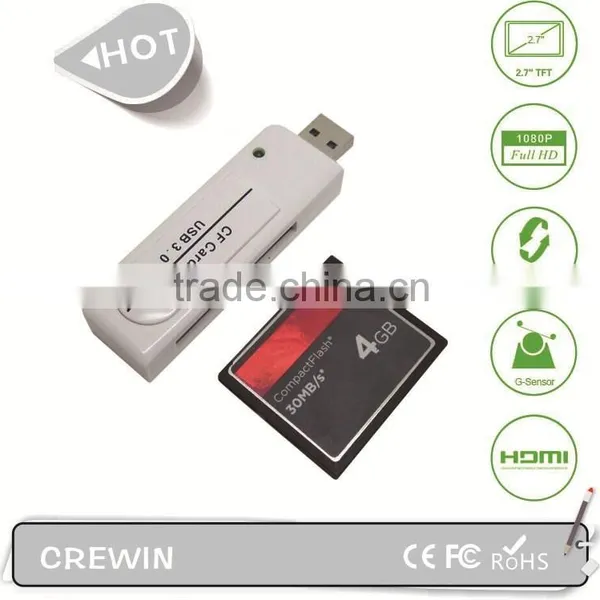 USB 3.0 CF Card Reader,Camera Card Readers ,digital Card ReadersNegotiableMOQ: 50 PiecesBrand Name: OEMModel Number: CR-CF001Type: CF CardInterface: USBShenzhen Crewin Technology Co., Ltd.
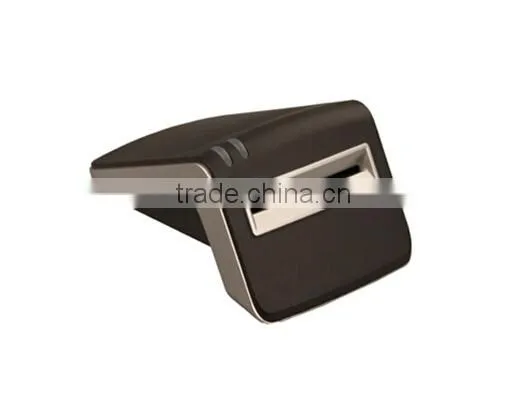 Card ReaderNegotiableMOQ: 1000 PiecesPlace of Origin: Zhejiang, ChinaBrand Name: ViewshineModel Number: Card ReaderZhejiang Weixing Intelligent Meter Stock Co., Ltd.
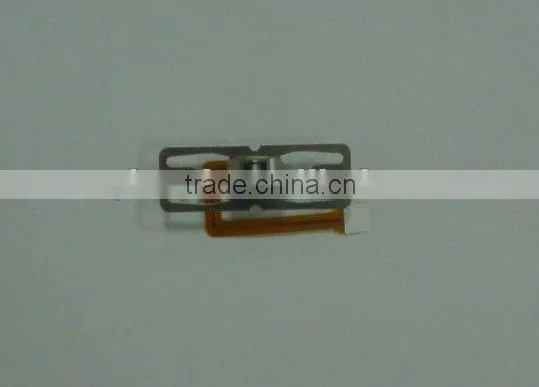 Card ReaderNegotiableMOQ: 500 PiecesPlace of Origin: Jiangsu, ChinaBrand Name: 2MModel Number: 2M-1RFPCSuzhou Mingchi Electronics Co., Ltd.
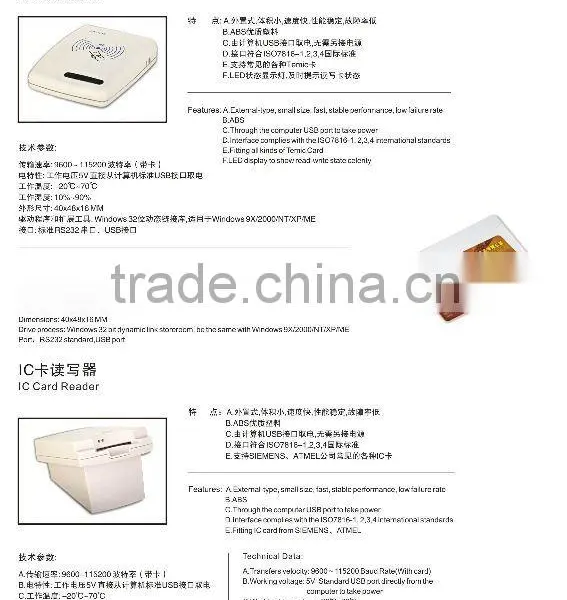 Card-readerNegotiableMOQ: 1Brand Name: tyInterface: USBCard Slots: All in 1 / Multi in 1Installation: InternalZhenjiang Trumy Industrial Co., Ltd.
 Card ReaderNegotiableMOQ: 1Place of Origin: Zhejiang, ChinaBrand Name: OlidleModel Number: C-17Shaoxing Chaoshidai Automatic Door Co., Ltd.