








 Contact Platform Support
 Help Center
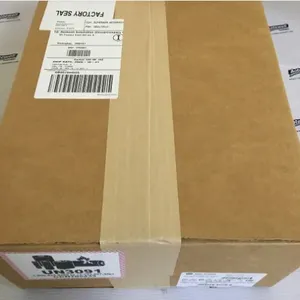
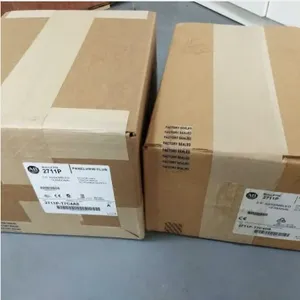
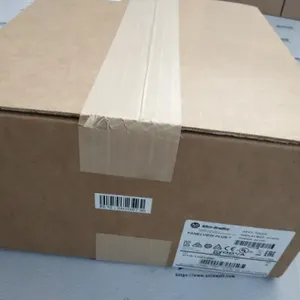
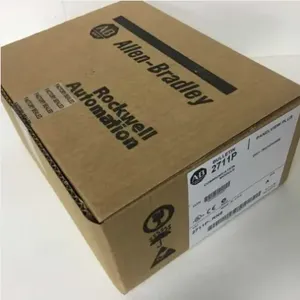
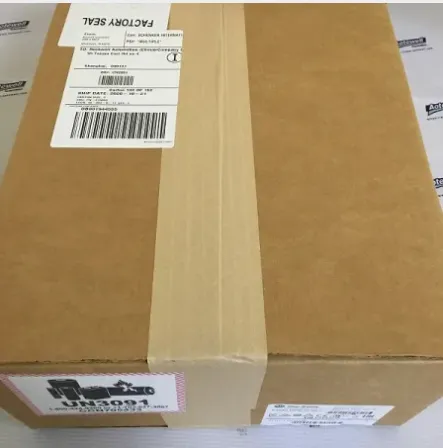
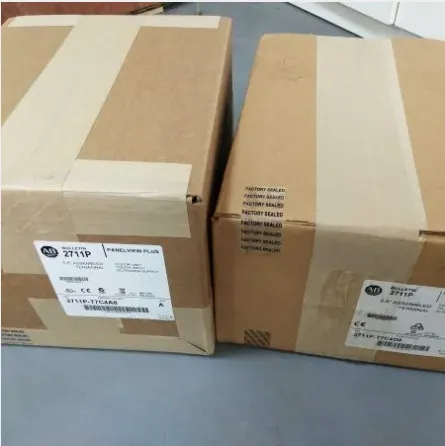
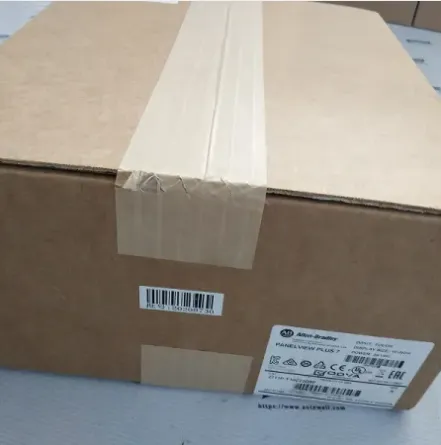
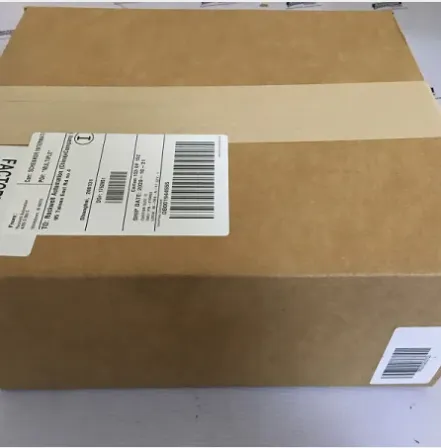
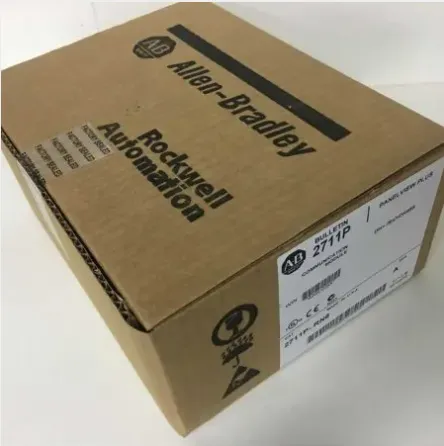
DeviceNet Communication and RS-232 Printer Port Keypad 2711-B6C10L1
Product Spotlights



Related Products
-
 Allen-Bradley MicroLogix 1400 1766-MM1 Memory ModuleNegotiableMOQ: 1 Piece
 -
2711-B6C12 KEYPAD,TOUCHSCREEN COLOR, 6 IN. DISPLAY 24V DCNegotiableMOQ: 1 Piece
-
Remote I/O Communication and RS-232 Printer Port 2711-B6C1NegotiableMOQ: 1 Piece
-
Allen-Bradley MicroLogix 1400 1766-L32BXB With (12) Digital Fast 24V DCNegotiableMOQ: 1 Piece
-
2711-B6C10 DeviceNet Communication and RS-232 Printer PortNegotiableMOQ: 1 Piece
As a trusted global supplier in industrial automation since 2011, Rossonix Co., Limited proudly presents the 2711-B6C10L1 DeviceNet Communication and RS-232 Printer Port Keypad. This robust operator interface module is engineered to deliver seamless connectivity and reliable data exchange in demanding industrial environments. We understand that efficient machine control and data accessibility are paramount for your production line's uptime and productivity. This keypad serves as a critical link between your operators and the DeviceNet network, offering a straightforward, durable solution for command input and status monitoring, backed by our extensive experience serving markets across North America, Europe, Asia, and beyond.
The 2711-B6C10L1 is more than just a keypad; it's an integrated communication hub designed for the Allen-Bradley PanelView Component series. Its primary strength lies in its dual-interface capability, providing both high-speed industrial network access and legacy serial connectivity.
- Dual-Purpose Communication: The integrated DeviceNet port allows the keypad to function as a node on a DeviceNet network, enabling real-time data exchange with PLCs, drives, and other devices. Simultaneously, the dedicated RS-232 port supports connection to serial printers for generating hard copies of production reports, alarm logs, or batch data directly from the HMI.
- Ruggedized Industrial Design: Built to withstand harsh conditions typical of factory floors, including exposure to dust, vibrations, and varying temperatures. The keypad's tactile buttons are designed for repeated use, even when operators are wearing gloves.
- Simplified Integration: As part of the PanelView Component family, this module is designed for easy configuration using Rockwell Automation's Connected Components Workbench software, reducing engineering time and ensuring compatibility within existing Allen-Bradley ecosystems.
- Enhanced Operational Efficiency: Provides operators with immediate physical access for machine control, recipe selection, alarm acknowledgment, and parameter adjustment without needing to navigate through multiple software screens, speeding up response times.
- Flexible Data Management: The RS-232 printer port offers a simple, reliable method for data logging and documentation, fulfilling traceability requirements without the need for complex network printing setups.
Below is a summary of the key technical specifications for the 2711-B6C10L1 keypad:
| Attribute | Specification |
| Model Number | 2711-B6C10L1 |
| Primary Interface | DeviceNet Communication Port |
| Secondary Interface | RS-232 Serial Printer Port |
| Product Type | Keypad (for PanelView Component) |
| Typical Power Requirement | 24V DC via DeviceNet or external supply |
| Mounting Style | Panel Mount |
| Common Applications | Machine Control, Status Monitoring, Data Logging |
For your operation, the benefits are clear. This keypad reduces wiring complexity by utilizing the DeviceNet network for both power and communication. It enhances data transparency by allowing critical information to be printed on demand. Most importantly, it provides a tangible, reliable interface that operators can trust for daily interactions with automated systems, minimizing errors and downtime.
With over a decade of experience and an annual export value in the multi-million dollar range, Rossonix has established a robust supply chain and quality assurance process. Our operations from Shenzhen and Hong Kong ensure efficient logistics to major industrial markets worldwide. We source and supply components like the 2711-B6C10L1 with a focus on authenticity and performance, understanding that your production reliability depends on the quality of every part. Choosing this keypad means selecting a component backed by a supplier committed to consistent quality and global support, enabling you to maintain and upgrade your Allen-Bradley control systems with confidence.
Frequently Asked Questions (FAQ)
-
What is the main function of the RS-232 port on this keypad?
The RS-232 port is configured as a printer port. Its primary function is to connect directly to a serial receipt or label printer, allowing the PanelView terminal to output data such as production counts, alarm messages, or batch information directly to a physical printout for records or labels. -
Can this 2711-B6C10L1 keypad be used as a standalone DeviceNet input device?
No, it is not a standalone device. It is specifically designed as a replacement or accessory keypad module for Allen-Bradley PanelView Component graphic terminals. It connects to the terminal's main board to provide the physical operator interface, with the terminal itself acting as the DeviceNet node. -
What software is needed to configure the buttons on this keypad?
The keypad buttons are configured within the project file created for the PanelView Component terminal using Rockwell Automation's Connected Components Workbench (CCW) software. The keypad itself does not require separate configuration. -
Is the keypad rated for use in washdown or explosive environments?
The standard 2711-B6C10L1 keypad is designed for general industrial environments. It is not specifically rated for harsh washdown conditions or hazardous (explosive) locations. For such applications, you would need to consult the terminal's overall enclosure rating or seek specialized sealed accessories. -
My existing PanelView Component has a different keypad model. Is this one compatible?
Compatibility depends on the specific PanelView Component terminal model. The 2711-B6C10L1 is designed for terminals that support a keypad with a DeviceNet communication option and an RS-232 port. You must verify the terminal's part number and available accessory ports to ensure compatibility. Cross-reference documentation or contact technical support for confirmation. -
Does the keypad require a separate power supply?
Typically, the keypad receives power through its connection to the main PanelView Component terminal. The terminal is powered, often via 24V DC, and supplies power to the attached keypad module. No separate power wiring for the keypad itself is usually required. -
What type of cable is used for the DeviceNet connection on the keypad?
The DeviceNet connection uses a standard, shielded DeviceNet network cable with a Micro-style (often 5-pin) circular connector, which is common for DeviceNet devices. The specific cable part number would be available upon request or from Allen-Bradley's accessory lists. -
Can the RS-232 port be used for communication other than printing, like connecting to a barcode scanner?
The port is specifically implemented as a printer port in the PanelView Component firmware. Its functionality is generally dedicated to driving a serial printer. Using it for other serial devices like scanners would require firmware support and configuration that is typically not available; it is recommended to use the terminal's other communication ports for such purposes.

Send Inquiry to This Supplier



You May Also Like
-
AB 1766-L32BWA is a Part of the MicroLogix 1400 Programmable Logic ControllerNegotiableMOQ: 1 Piece
-
Allen-Bradley MicroLogix 1400 1766-L32AWAA With (20) Digital 120V ACNegotiableMOQ: 1 Piece
-
Allen-Bradley MicroLogix 1500 1764-MM2RTC 16 Kb MemoryNegotiableMOQ: 1 Piece
-
Allen Bradley MicroLogix 1100 Memory Module 1763-MM1NegotiableMOQ: 1 Piece
-
Allen-Bradley MicroLogix 1500 1764-MM2 With Memory Module FunctionNegotiableMOQ: 1 Piece
-
1764-MM1RTC MicroLogix 1500 Allen-BradleyNegotiableMOQ: 1 Piece
-
Allen-Bradley MicroLogix 1500 1764-DATNegotiableMOQ: 1 Piece
-
Allen-Bradley MicroLogix 1500 1764-LRP 1764LRPNegotiableMOQ: 1 Piece
-
Allen-Bradley MicroLogix 1500 1764-LRP 1764LRPNegotiableMOQ: 1 Piece
-
Allen-Bradley MicroLogix 1500 1764-24AWA With I/O RatingNegotiableMOQ: 1 Piece


