








 Contact Platform Support
 Help Center
Emerson Coriolis Flowmeters
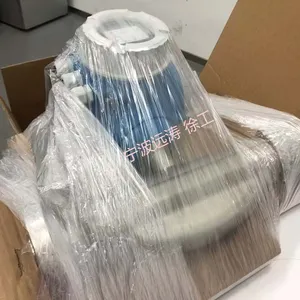
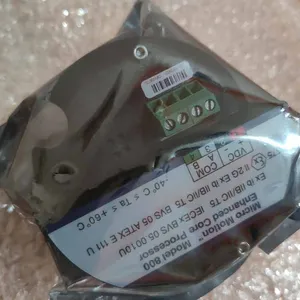
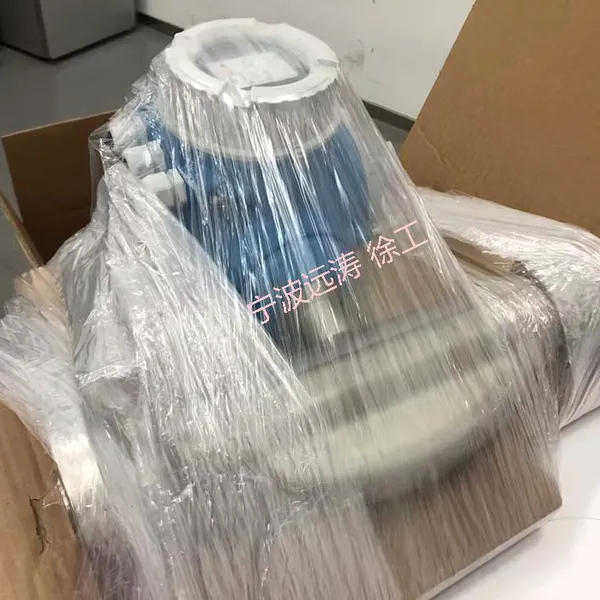
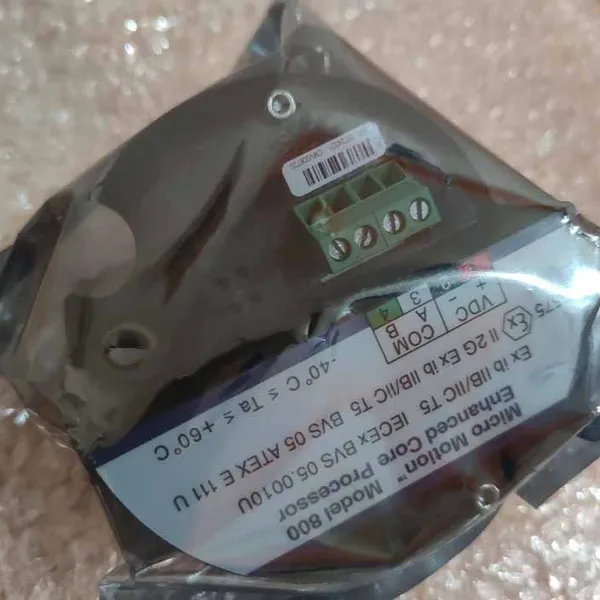



Related Products
Emerson Coriolis Flowmeters: Debugging Methods and Maintenance Guide
Emerson Coriolis flowmeters, renowned for their high precision and reliability, are widely used in various industries such as petrochemicals, chemicals, and food and beverage. These flowmeters utilize the Coriolis effect to measure mass flow directly, offering numerous advantages over traditional volumetric flowmeters. However, to ensure optimal performance, proper debugging and maintenance are crucial. This article delves into the debugging methods and maintenance practices for Emerson Coriolis flowmeters.
Debugging Methods
Preliminary Checks
Before initiating any debugging process, it is essential to perform preliminary checks to ensure the flowmeter and its surrounding systems are in good condition. This includes:
Inspecting the Flowmeter: Visually inspect the flowmeter for any signs of damage, corrosion, or leakage. Check the mounting brackets and support structures to ensure they are secure and in good condition.
Checking Electrical Connections: Verify that all electrical connections are secure and that the grounding is reliable. Faulty electrical connections can lead to inaccurate readings or damage to the flowmeter.
Ensuring Cleanliness: Ensure that the pipeline and Emerson Coriolis flowmeters are free from debris or contaminants that could affect the flow or cause damage to the sensor.
System Debugging
System debugging involves checking the overall functionality of the flowmeter and its integration with the control system. Here are the steps involved:
1. Single-Function Water Test: Conduct a single-function water test to check the basic functionality of the flowmeter. This involves running water through the flowmeter and verifying that it provides accurate readings.
2. Control System Preparation: Ensure that the control host is properly configured and ready for debugging. For oily media pipelines, the pipeline should be dried before introducing the measured medium for system operation.
3. Encoding and Scanning: The host should encode and scan each measurement point to ensure all instrument components are functioning correctly.
4. Functional Debugging: The host system should read parameters from each instrument, perform critical value alarm tests, and write control data. Debug each instrument individually and send the relevant data to the upper computer for analysis.
Zero Calibration
Zero calibration is vital for maintaining the accuracy of the flowmeter. It should be performed regularly, especially in conditions with significant temperature variations. Here's how to perform zero calibration:
1. Ensuring Static Conditions: Ensure the flowmeter is completely stationary, with the valves closed to stop the flow. Wait for 3-5 minutes to allow the fluid to settle.
2. Entering Offline Mode: Follow the manufacturer's instructions to enter the offline mode and initiate the zero calibration process.
3. Verifying Calibration: Verify that the calibration is successful by checking the display for a confirmation message, such as "ZERO OK."
Sensor Vibration Issues
Check for Blockages: If the sensor does not vibrate, check for blockages in the measurement pipeline. Clear any blockages found.
Reinstall Sensor: If the sensor still does not vibrate after clearing blockages, try tapping the housing lightly to see if it starts vibrating. If it does not, there may be an installation issue. Refer to the installation manual and reinstall the sensor.
Check Circuit: If the drive circuit has no voltage, check the circuit and replace the fuse in the transmitter if necessary. If the drive circuit has DC voltage but no AC voltage, and the sensor does not vibrate when touched, the oscillation system may not be working or the sensor may not be oscillating. In this case, check for blockages in the measurement pipeline first. If the sensor still does not vibrate after clearing blockages, try tapping the housing lightly to see if it starts vibrating. If it does not, there may be an installation issue. Refer to the installation manual and reinstall the sensor.
Emerson Coriolis flowmeters offer high precision and reliability in mass flow measurement, making them ideal for various industrial applications. However, to ensure optimal performance, proper debugging and maintenance are essential. By following the debugging methods and maintenance practices outlined in this article, you can ensure that your Emerson Coriolis flowmeter operates accurately and reliably over its lifespan.

Send Inquiry to This Supplier


You May Also Like
-
 Rosemount Vortex FlowmetersNegotiableMOQ: 1 Unit
 -
Rosemount pH SensorsNegotiableMOQ: 1 Unit
-
Rosemount Conductivity SensorsNegotiableMOQ: 1 Unit
-
Rosemount Dissolved Oxygen SensorsNegotiableMOQ: 1 Unit
-
Rosemount pH TransmittersNegotiableMOQ: 1 Unit
-
Rosemount Conductivity TransmittersNegotiableMOQ: 1 Unit
-
Emerson Core Processor PUCK 700NegotiableMOQ: 1 Unit
-
Emerson Enhanced Core Processor ENHCPASSY 800NegotiableMOQ: 1 Unit
-
Emerson Coriolis Mass FlowmetersNegotiableMOQ: 1 Unit
-
AMS Trex Device CommunicatorNegotiableMOQ: 1 Unit


