








 Contact Platform Support
 Help Center
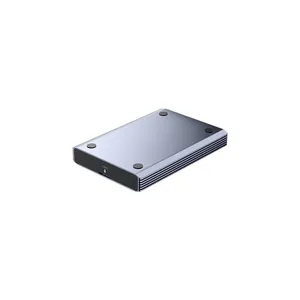
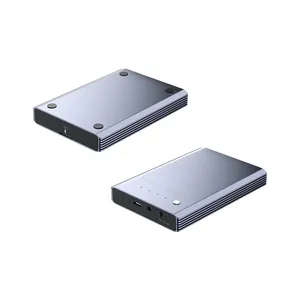
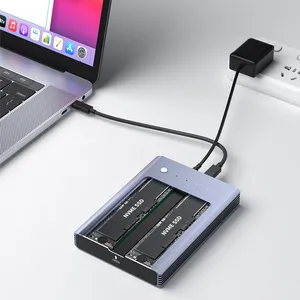
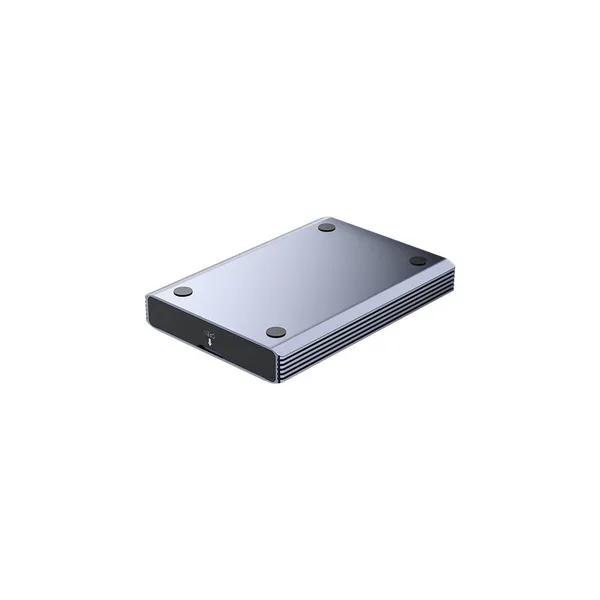
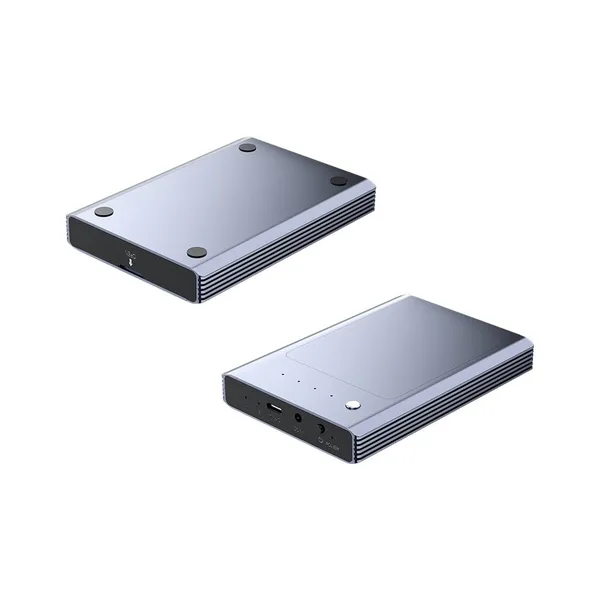
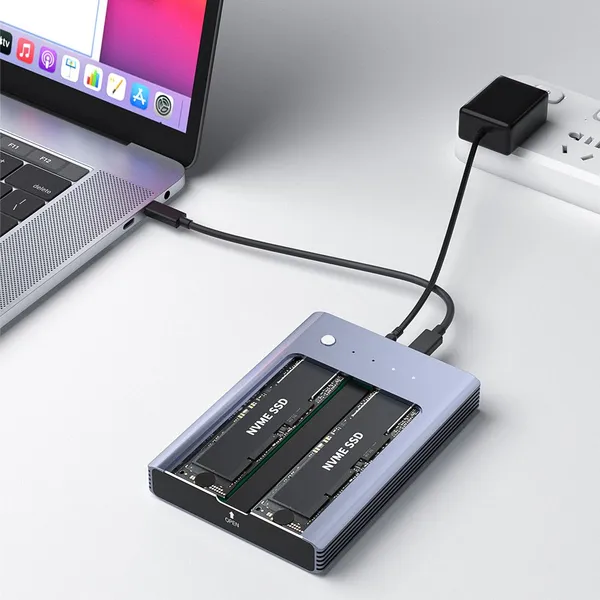
NVME M2 Hard Drive Enclosure Dual-bay Hard Drive Duplicator


Related Products
-
 USb3.0 to MICRO-B MSATA Hdd EnclosureNegotiableMOQ: 5 Pieces
 -
Offline Cloning Portable Aluminum Dual Slot M.2 SSD EnclosureNegotiableMOQ: 5 Pieces
-
M.2 NVME Dual-bay USB3.2 Gen2x2 Hard Disk Array BoxNegotiableMOQ: 5 Pieces
-
Built-in M.2 NVME SSD Enclosure Case Thunderbolt 3 Docking StationNegotiableMOQ: 5 Pieces
-
2.5" MicroB 3.0 to SATA HDD/SSD EnclosureNegotiableMOQ: 5 Pieces
PURPLELEC INC. provides Existing product line: Docking Station and HUBs, HDD / SSD Enclosure, Video Capture Card, Game Capture Card,Live streaming Capture Card and other professional 3C accessories products.You can email to me at contact@purplelec.com.
M18 is an M2 hard drive enclosure: a dual-bay hard drive duplicator that connects the data home to a new future. The solid-state drive turns into a mobile hard drive in seconds, giving idle hard drives a new lease of life. When connected to a computer, data can be stored and read at any time. It supports dual-disk reading and writing at the same time, and the USB3.1 interface can transfer 1G files in 3 seconds. Equipped with DC 5V power supply and blue LED indicator light. When the power switch is turned on, the power indicator light is always blue; when the power switch is turned off, the power indicator light goes out. When A and B hard disks are reading, writing/transmitting data, the A and B disks are blue. The red indicator light flashes; when the hard disk is not connected, the A and B disk indicator lights do not light up, and the working status is clear at a glance.
Clone function:
To use the cloning function, the original disk capacity must be less than or equal to the sub-disk capacity. The cloning function is convenient and convenient, saving a lot of time. When you are busy with other things, you can clone files and systems to another hard disk. It is simple to use and easy to operate, which reflects The power of cloning is that the cloning indicator light turns on. When the indicator light goes out, release the button and press the cloning button again to start cloning.

Send Inquiry to This Supplier


You May Also Like
-
40Gbps USB4 Type-C to 2.5 Inch U.2 NVMe SSD EnclosureNegotiableMOQ: 5 Pieces
-
10Gbps 2230 M.2 SSD EnclosureUS$ 23 - 28MOQ: 5 Pieces
-
Thunderbolt 4 USB3.2/3.1 M.2 NVME SSD EnclosureNegotiableMOQ: 5 Pieces
-
M.2 NVMe Thunderbolt 4 Mobile SSD EnclosureNegotiableMOQ: 5 Pieces
-
Dual Protocols Portable M.2 SSD Enclosure Up To 4TBNegotiableMOQ: 5 Pieces
-
Portable Aluminum M.2 SSD Enclosure Up To 2TBNegotiableMOQ: 5 Pieces
-
M.2 USB4.0 Thunderbolt3 Hdd EnclosureNegotiableMOQ: 5 Pieces
-
Offline Cloning Portable Aluminum Dual Slot M.2 SSD EnclosureNegotiableMOQ: 5 Pieces
-
New 5Gbps Functional Mode M.2 SATA SSD CaseNegotiableMOQ: 5 Pieces
-
USB 3.2 Gen2x2 20Gbps Rate Apple Laptop SSD CaseNegotiableMOQ: 5 Pieces


