








 Contact Platform Support
 Help Center
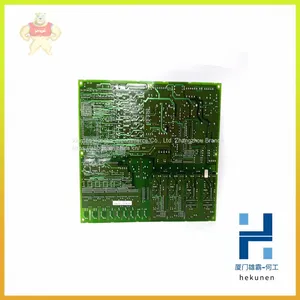
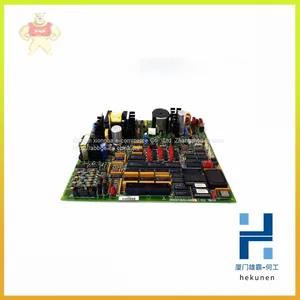
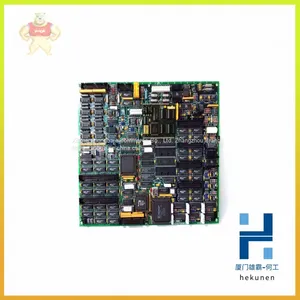
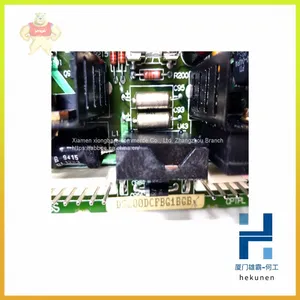
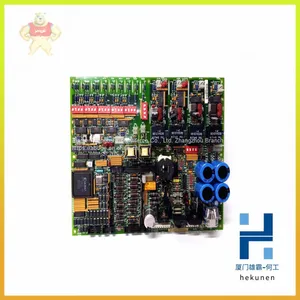
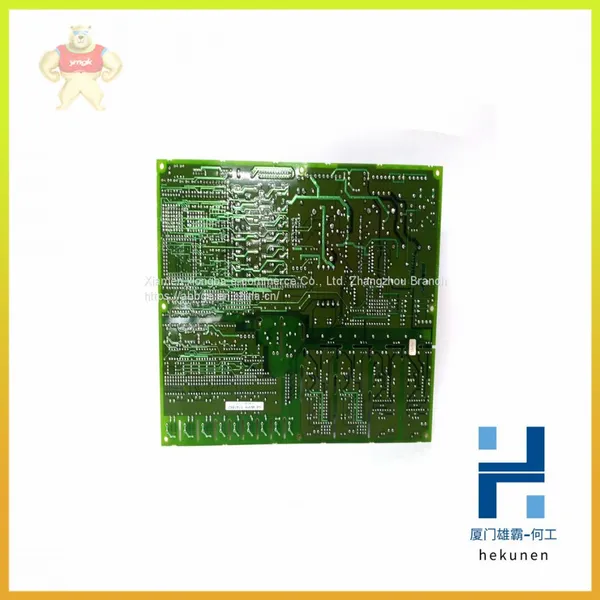
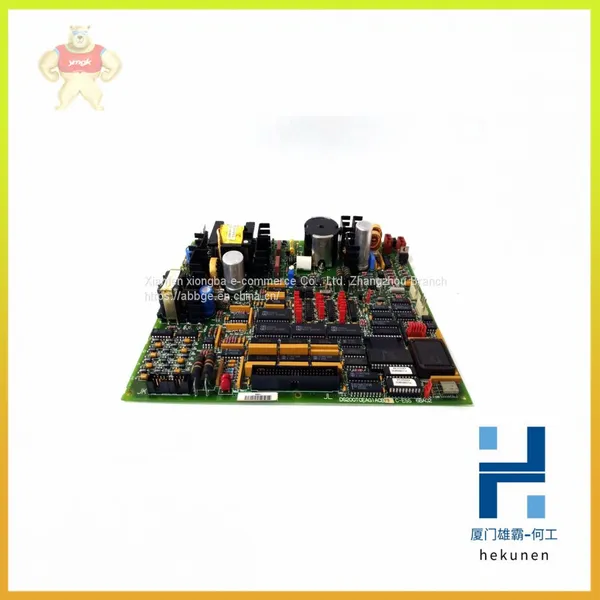
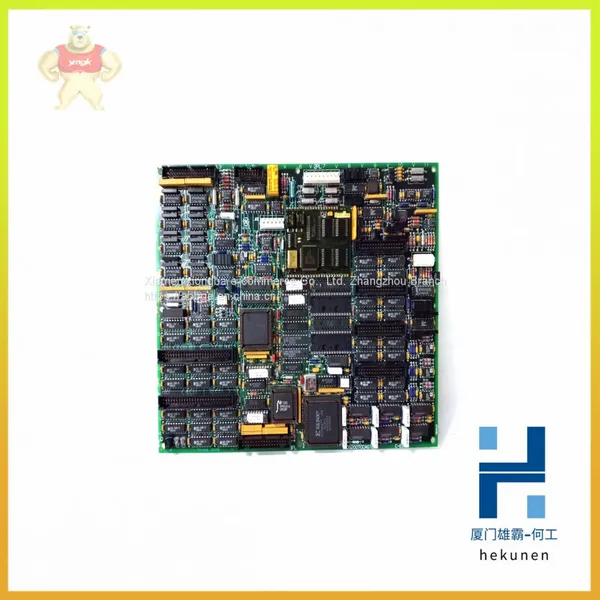
DS200SDCCG1AFD GE Drive Control Circuit Card (warranty and After-sales)

Related Products
-
 DS200SDCCG1AGD DS200SDCCG5AHD GE Controller Module for Petrochemical and Natural GasUS$ 113 - 600MOQ: 100 Pounds
 -
DS200SDCIG1ABA DS200SDCIG2AHB GE Power Module Controller Communication Module Available in StockUS$ 100 - 260MOQ: 100 Pounds
-
DS200SIOBH1AAA DS200SIOBH1ABA DS200SIOBH1ACA GE Main Control BoardUS$ 190 - 600MOQ: 100 Pounds
-
DS200SLCCG1AFG GE Control Module Power Connector BoardUS$ 165 - 200MOQ: 100 Pounds
-
DS200TBOCG1AAA DS200TBQDG1AFF GE Module Gas Turbine Card Inventory Spare PartsUS$ 100 - 200MOQ: 100 Pounds
DS200SDCCG1AFD GE Drive control circuit card (warranty and after-sales)
DS200SDCCG1AFD GE Drive control circuit card (warranty and after-sales)
Our Email: 2235954483@qq.com
contact number:13313705507
contacts:HE
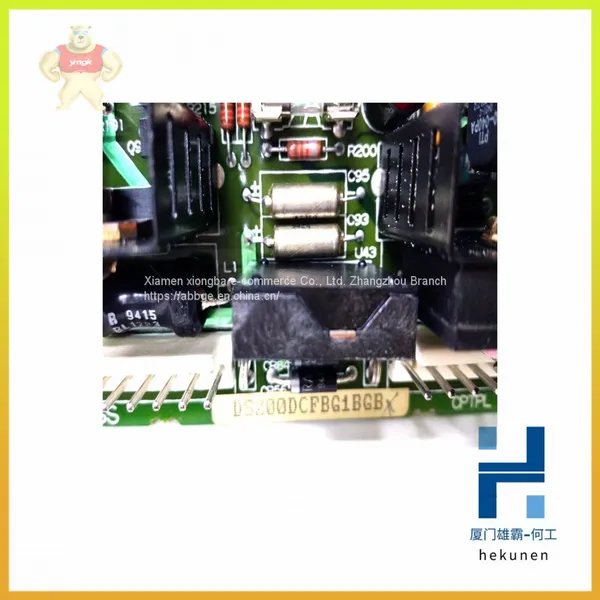
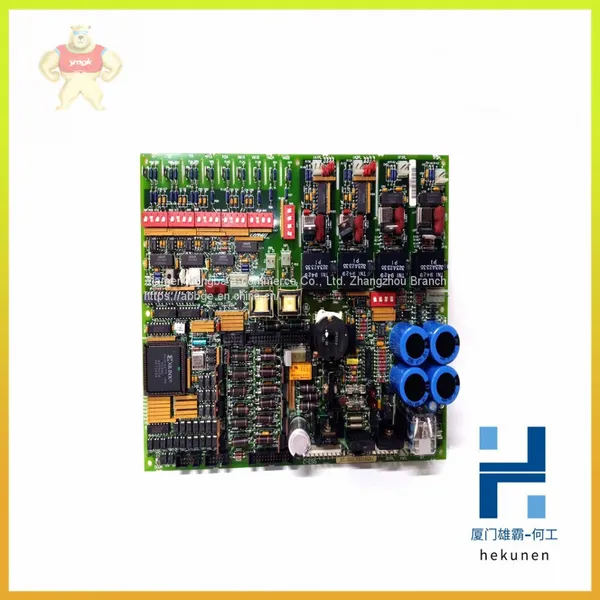
The GE Drive Control Board DS200SDCCG1AFD is the primary controller for the drive. The GE Drive Control Board DS200SDCCG1AFD is populated with 3 microprocessors and RAM that can be accessed by multiple microprocessors at the same time.
You can configure the board using jumpers on the board and software tools. You can load the software configuration tools on a laptop and then download the configuration settings from the board and edit the settings on the laptop. To download the configuration file to the laptop, you can attach the board to a serial cable on the optional LAN communications card and the other end to the serial connector on the laptop. Once you have completed the editing of the configuration file, upload it the board using the serial connection.
If you are having trouble making the serial connection, make sure the serial port on the laptop is configured correctly and also check that the serial cable is attached and fully seated.
Eight jumpers are available on the board for you to configure the behavior of the board. Some of the jumpers are for testing purposes in the factory only and cannot be changed by the user. To change the position of a jumper, hold the jumper with your thumb and forefinger and pull the jumper out of the pins. Move the jumper over the pins for the new position and gently insert the jumper over the pins.
Nine wire jumpers are also available and they can be used to configure the board also.

Send Inquiry to This Supplier


You May Also Like
-
DS200TCCAG1BAA GE Gas Turbine Clamp of Gas Turbine SystemUS$ 165 - 260MOQ: 100 Pounds
-
DS200TCEAG1ACB GE Rst Extended Analog Terminal Filter ModuleUS$ 100 - 200MOQ: 100 Pounds
-
DS200TCEAG1BNE GE Communication Module Controller InventoryUS$ 100 - 200MOQ: 100 Pounds
-
DS200TCEBG1ACE GE Processor Motherboard Warranty After-sales Service WarehouseUS$ 100 - 260MOQ: 100 Pounds
-
DS200TCQCG1BGF GE Industrial Control Automation Gas Turbine ModuleUS$ 100 - 200MOQ: 100 Pounds
-
DS200TCQCG1BKG GE Unit Module Controller CardUS$ 100 - 200MOQ: 100 Pounds
-
DS200TCTGG1AFF GE Voltage Feedback Calibration BoardUS$ 190 - 200MOQ: 100 Pounds
-
DS215KLDCG1AZZ03A GE Module Gas Turbine Card Inventory Spare PartsUS$ 113 - 600MOQ: 100 Pounds
-
DS215TCQAG1BZZ01A GE Control Module Card DCS Industrial Control Spare PartsUS$ 190 - 600MOQ: 100 Pounds
-
HYDRAN M2 GE Online Transformer Monitoring EquipmentUS$ 100 - 200MOQ: 100 Pounds

