








 Contact Platform Support
 Help Center
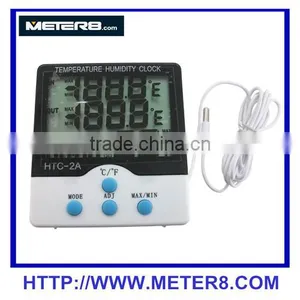
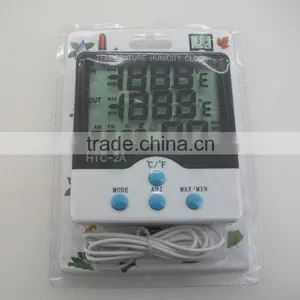
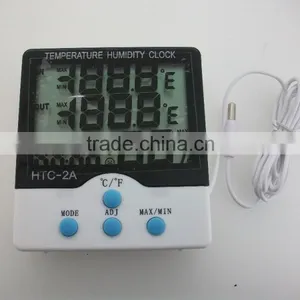
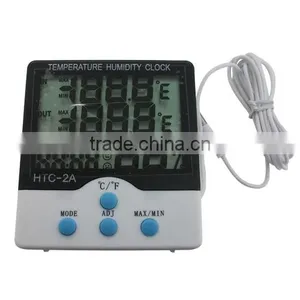
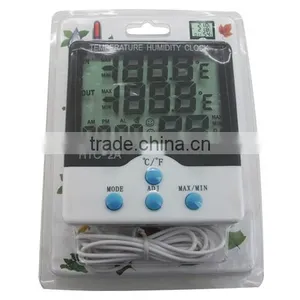
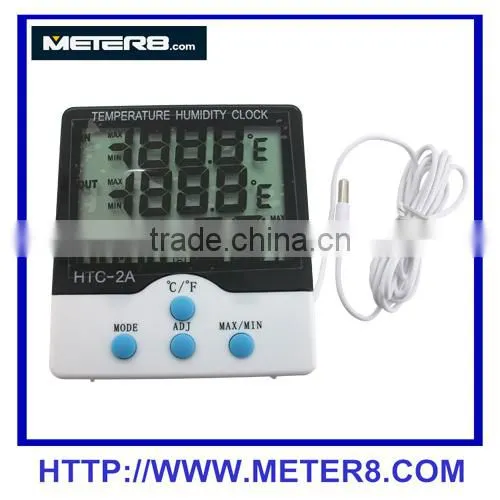
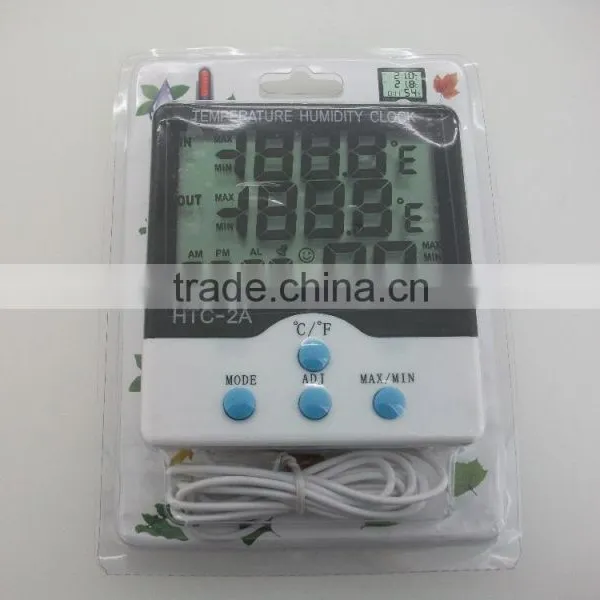
HTC-2A Temperature Hygromete


Related Products
-
 Soil Thermometer SP-B-4HNegotiableMOQ: 100 Pieces
 -
Roast Meat Thermometer JL-T807NegotiableMOQ: 200 Pieces
-
DT-130 Pen Type ThermometerNegotiableMOQ: 500 Pieces
-
GM8903, Digital Hot Wind Anemometer, Wind Speed MeterNegotiableMOQ: 1 Piece
-
LX1010B(Red), Digital Light Meter, Lux MeterNegotiableMOQ: 1 Piece
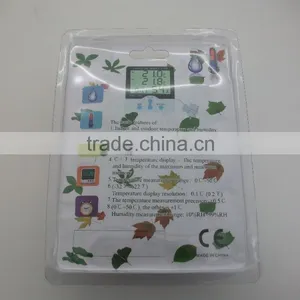
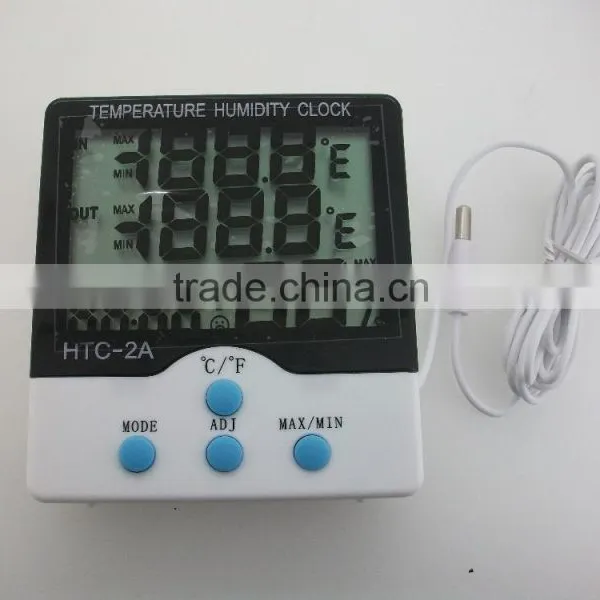
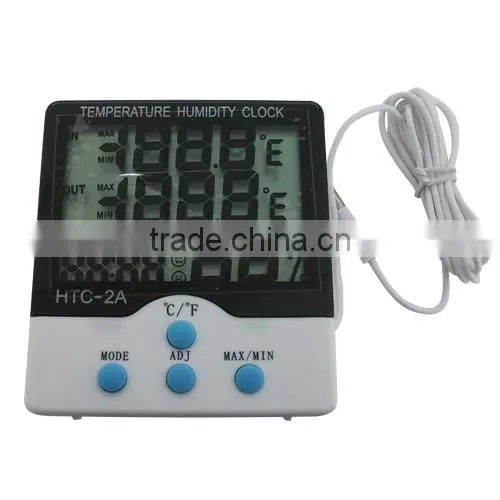
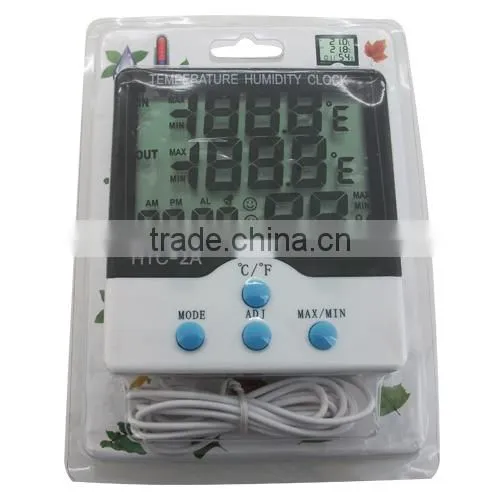
HTC-2A Temperature hygromete
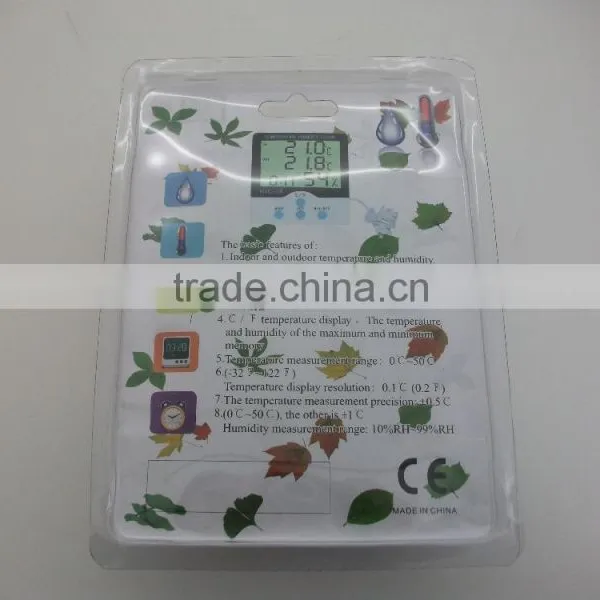
Specifications:
| Outdoor:-50℃-70℃(-58℉-158℉) | In DOOR:-10℃~ +50℃(-14℉~+122℉) |
| Temperature measurement accuracy:±1℃(1.8℉) | Temperature resolution: ±0.1℃(0.2℉) |
Basic functions
Temperature / Humidity
℃ /“F temperature switch display
The maximum / minimum temperature and humidity memory function
12/24 hour clock
The whole point timekeeping function
Daily alarm
Calendar display
How-to
1.Pushed by the rear direction of the battery door, battery, and then replace the
Battery door, the machine can be used.
2.Key features:[MODE]switch the clock and alarm display mode/set the current
clock, alarm clock, 12 or 24 hour clock, date;[ADJ]adjust the value is set to the
project;[MEMORY]display memory in the highest & lowest temperature and
humidity value/clear memory of the maximum & minimum temperature and humidity
values;[℃ /“F switching temperature units]℃(degrees Celsius)or“F(F)
display;[RESET]clear all settings & memory value, return to the initial state.
3.In the initial state, press[MODE]2 seconds, minutes and seconds the current
Time the number of start flashing, press[ADJ]few minutes and seconds can be
Adjusted continuously press[MODE]were set to “Clock”,”12/24”,”month(M)”,
“Day (D)”.
4. In the current clock mode(clock and minutes flash time between the two points
Per second), press [MODE]once, switch the display for the alarm clock mode
(clock and minutes between two points in not flashing),then press[ADJ]to
Switch “alarm”(Alarm) function/“The whole point of time”()function switch, and
Then press[MODE]2 seconds, you can set the alarm time, and start the“whole
point of time”function, ()symbol appears.
5. In alarm mode, without any operation automatically after one minute then return
to the current clock, then press to switch to the[ADJ]calendar display, 3 seconds
automatic ally returns the current clock, pressbutton to display the
temperature/humidity Last a clear(CLEAR) since the maxim um/minimum.
6.[MEMORY]can be displayed by the memory of temperature/humidity
Maximum(MAX)and minimum(MIN), press and hold[MEMORY]more than
7. In the bracket ℃ and ℉ conversion key
2 seconds to clear the maximum/minimum.
Notes
1.First use & replace the battery when you press[RESET](back in the machine);
2.If there any bad machine,please press[RESET];
3.Please replace the battery after use government-design ated locations.

Send Inquiry to This Supplier

You May Also Like
-
Explosion Proof Infrared Thermometer 700 Degree CNegotiableMOQ: 1 Piece
-
Customizable Fiber Optic Temperature Transmitter for Online MonitoringNegotiableMOQ: 50 Pieces
-
Honeywell EC7890B1028 Burner Control EC7890 B 1028 Honeywel EC7890B1028/UNegotiableMOQ: 1 Piece
-
DP70B Handheld Dew Point Meter for Compressed Air Dryer SystemsNegotiableMOQ: 1 Set
-
Water Transfer Mould Temperature MachineNegotiableMOQ: 2 Sets
-
The Cheaper Price Temperature Control Thermostat Electric Add Wifi Function Thermostat With RemoteUS$ 12 - 28MOQ: 10 Pieces
-
Gas Cooker Thermocouple Universal Gas ThermocoupleNegotiableMOQ: 1
-
3G/GPRS Temperature Data Logger S260 Record and Alarm for Remote Monitoring Temperature, Humidity,current,voltage and so onUS$ 1 - 10MOQ: 1 Piece
-
Hot Sell Gsm Remote Terminal Unit Gprs/ftp Data LoggerUS$ 80 - 150MOQ: 1 Piece
-
SMALL&HIGH SENSITIVITY Pid Temperature ControllerUS$ 0.01 - 0.02MOQ: 1 Unit


