








 Contact Platform Support
 Help Center
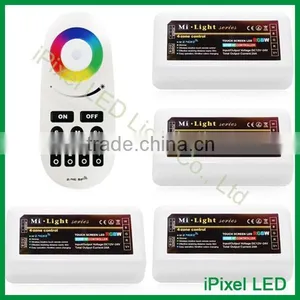
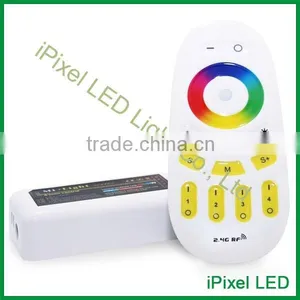
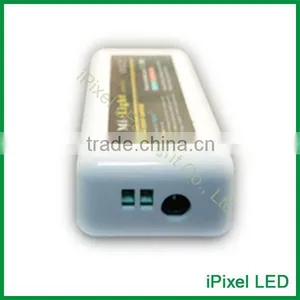
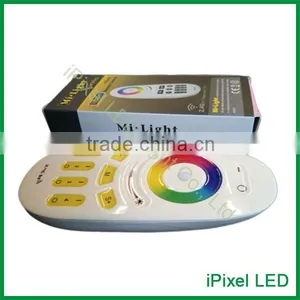
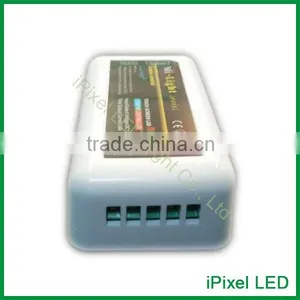
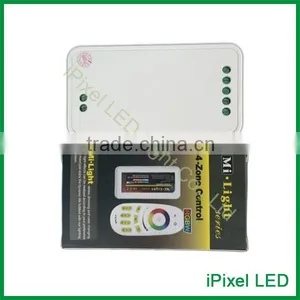
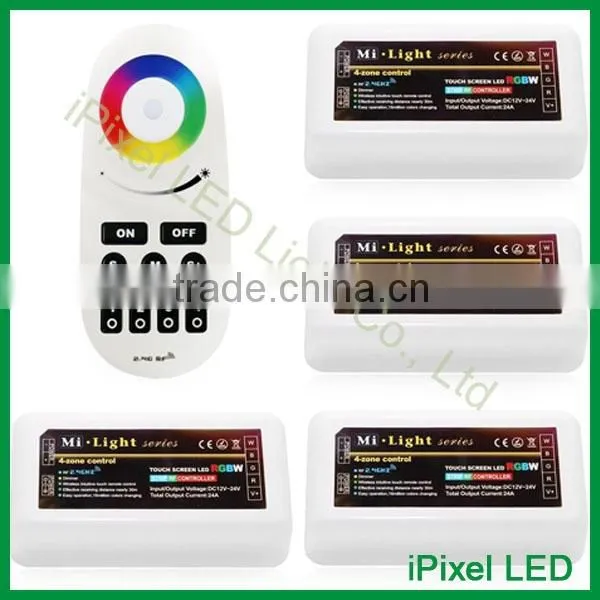
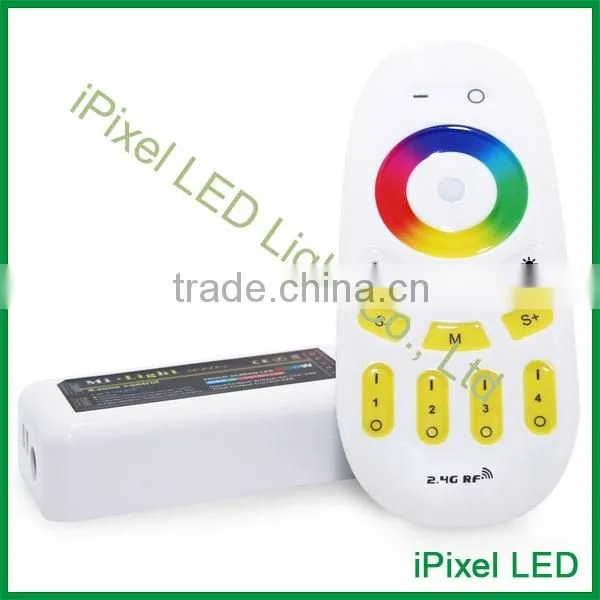
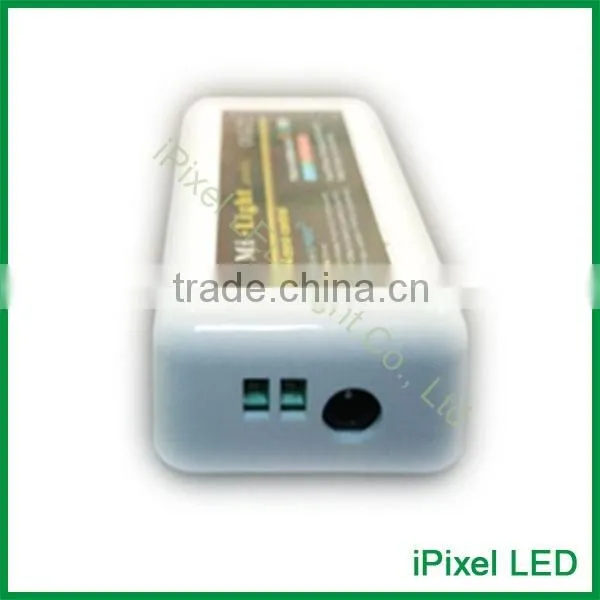
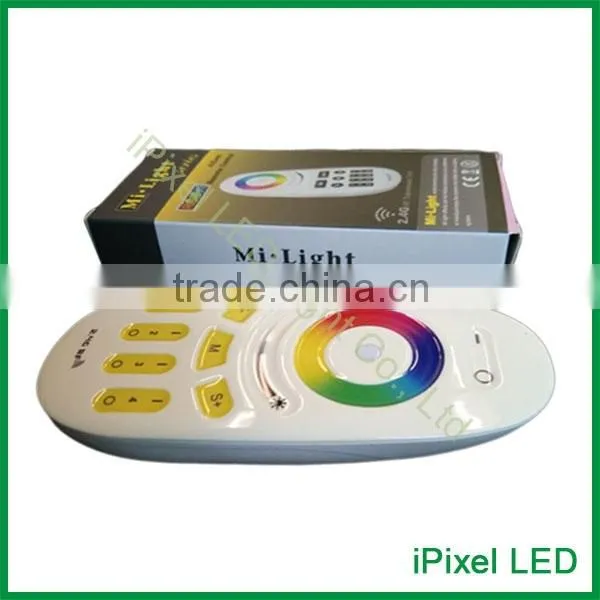
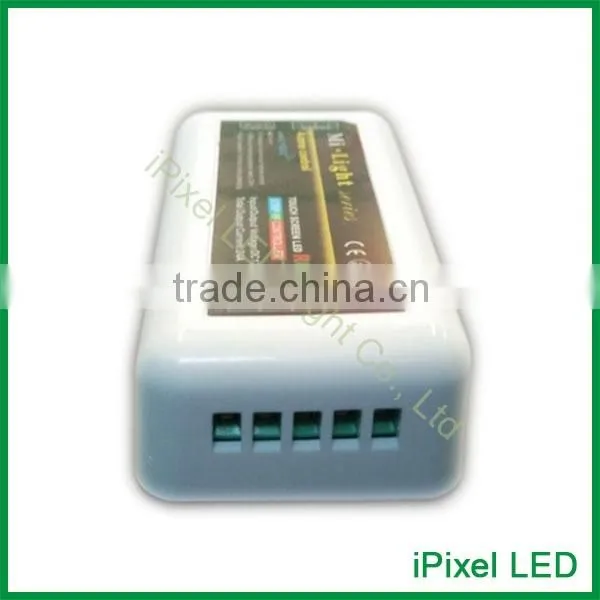
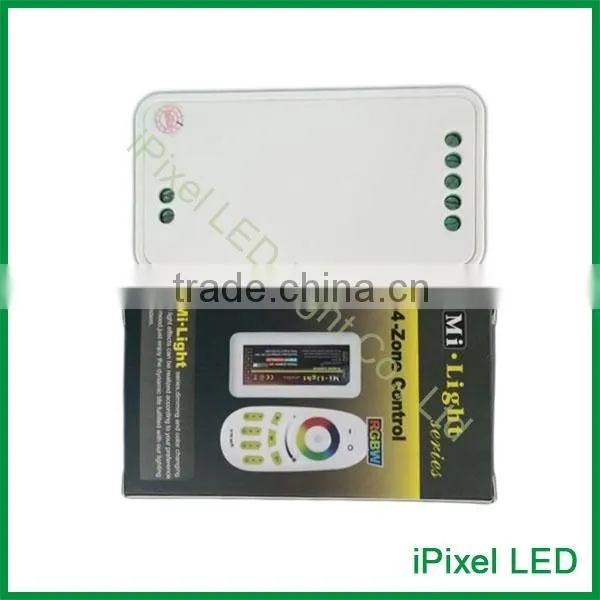
Quality Product, RF Touch Smart Wireless LED RGB Controller.


Related Products
-
 rf Remote Touch Screem Rgbw Led Controller Three/four ChannelsUS$ 9 - 15MOQ: 1 Piece
 -
RF Dimmer Touch Screen RGB RGBW LED Light Controller WirelessUS$ 9 - 15MOQ: 1 Piece
-
SPI Magic Color ControllerUS$ 20 - 25MOQ: 1 Piece
-
Output 8000 Pixels SPI Controller With SD CardUS$ 99 - 159MOQ: 1 Piece
-
Main RGB Controller SPI ControllerUS$ 10 - 25MOQ: 1 Piece
Product Description |
With the technology of the 2.4G high frequency wireless remote control,it has the characteristics
of low power consumption,long distance transmission,and strong anti-interference ability,high
speed telecommunications,etc.The remote looks fashionable and elegant,with simple and practical
functions of color changing and brightness dimming,the capacitive touch screen design makes
the remote easy to use.
Technical Data |
|
Remote |
Size |
120*52*20mm |
Power |
AAA battery*2pcs |
|
Material |
ABS |
|
Fabrication processing |
Multicolor printing &UV varnish |
|
|
Controller |
Size |
85*45*23mm |
Working voltage |
DC12V--24V |
|
Control way |
RGB three channels/RGBW four channels |
|
Max load per channel |
6A |
|
Output connection |
Common anode |
|
Telecontrol distance |
30 meters |
|
Programs |
9 kinds |
Product Details |
Function of Keys |
Program List |
Programs:
Programs 1(RGBW Fade Out)
This program fades in and fades out the color red,green,blue and white one after anther.
Programs 2 (Color Flash)
In this program,red,green,blue,white ,yellow purple flashes to change.
Programs 3 (Disco)
Different colors strobe and flash to change.
Programs 4 (Red Color Ramp up and flash)
In this program,red color brightens from 0%-100% and shuts down,then flashes three times.
Programs 5 (Green Color Ramp up and Flash)
In this program,green color brightens from 0%-100% and shuts down,then flashes three times.
Programs 6(Blue Color Ramp up and Flash)
In this program,blue color brightens from 0%-100% and shuts down,then flashes three times.
Programs 7(Color Change+Flash)
Here several colors fade into each other and then flash randomly
Programs 8(Fade in and Fade out)
Here different colors fade into each other.
Programs 9(Strobe White)
Just white color flashes up.
TIPS:
TO dim all RGBW lights at once or change the color ,first press ‘Master ON’.To do this with
individual lights,first press‘Zone ON’.Secondly,choose the color or brightness according to
the color ring or brightness ring.
For RGB led strip light,the white is mixed from Red,Green and Blue,so the white is not pure.
For RGBW led strip light,the white is pure white.
Linking new lights to the remote controls:
1.Choose which zone you want to assign the light(1 to 4).
2.Switch off the main power supply of the light in the select zone with the main switch or pull the plug.
3.Now switch on the light again and within 3 seconds shortly press one of the ‘Zone ON’ buttons
one time on the remote control.
4.When this link operation is successful,the light slowly blinks 3 times on and off.
Unlinking the lights:
1.Check via the remote control to see which zone(1 to 4)is already linked to a lights.
2.Switch off the main power supply of the lights with the main switch or plug from the socket.
3.Now switch on the light again within 3 seconds press 5 times quickly and shortly on one the
‘Zone ON’ buttons which you wan to unlink.
4.When this unlink operation is successful,the light quickly blinks 6 times on and off.
Grouping of several lights
You can add endless number of lights to a zone on the 4 channel remote by linking the lights to
different zones.This way you are completely flexible in creating different group combinations.
below you can see some grouping examples.
We recommend using rechargeable batteries for the remote controls.
For that reason,we don’t include ordinary batteries.We hope you appreciate our environment
friendly choices and they do not cause you any inconvenience.
Attention:
1.The regular for sale is a kit(remote and controller).The user can re-programme freely as needed.One
remote can control countless controllers,but one controller can only be controlled by four remotes(Max).
2.Please check the battery installation and controller(totally discharge the power),when you
programme after switching off and switching on.
Connection |
Attention |
1.Please check whether the input voltage of the constant voltage power supply is in accordance with
the controller,and please check the connection of both the controller will be broken.
2.Please don’t connect wires with power on.Please switch on again only when it is right connection
and no short circuit.
3.Please keep your finger off the touch ring when install the batteries,to improve its sensitivity,and use
the remote(3 seconds later) after the batteries are installed.Please reinstall the batteries,if the touch ring
is found low-sensitivity.
4.Please do not use the controller in the place with widely range metal wave nearby, otherwise,the remote
distance will be seriously affected.
Address: A Building ,Ming Jin Hai 1st Industrial park ZhouShi Rd Shiyan,Baoan,Shenzhen,China. PC: 518108

Send Inquiry to This Supplier

You May Also Like
-
Street Light WD-L044 and WD-L509 | Road Lamp | 10M and 9M High | E27 or E40 | Hot-dip GalvanizingNegotiableMOQ: 1 Unit
-
for WII of the RGB WireNegotiableMOQ: 10 Pieces
-
PORTABLE RECHARGEABLE DYNAMO SOLAR LED TORCH WITH AM/FM NOAA WEATHER ALERT RADIO AND CHARGERUS$ 11.5 - 15.5MOQ: 100 Pieces
-
Rotomolded Plastic Decorative Lighting,by RotomoldingNegotiableMOQ: 100 Pieces
-
2015 Hot New Products Russian Ceiling LightUS$ 20 - 85MOQ: 1 Piece
-
2016 Zhengzhou Plastic IP68 Led Brick Footpath LightsUS$ 1 - 30MOQ: 500 Pieces
-
60lm Chip 0.5W Samsung SMD 2835 LEDUS$ 0.03 - 0.06MOQ: 2000 Pieces
-
Energy-saving Socket t8 to t5US$ 0.102 - 0.125MOQ: 3000 Pieces
-
LED Mini Plush TurtleNegotiableMOQ: 100 Pieces
-
LED Toilet Night Light Bathroom Night LightNegotiableMOQ: 2000 Pieces


