








 Contact Platform Support
 Help Center
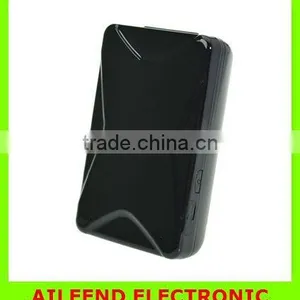
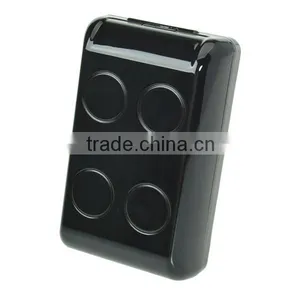
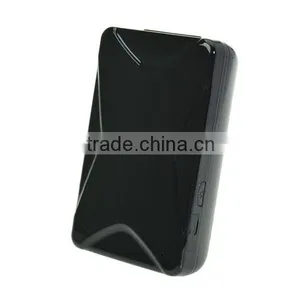
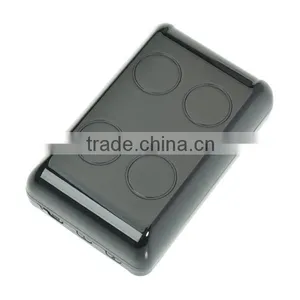
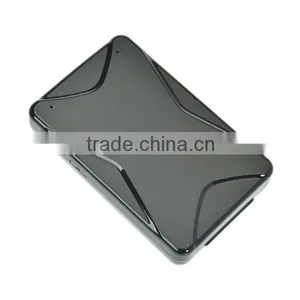
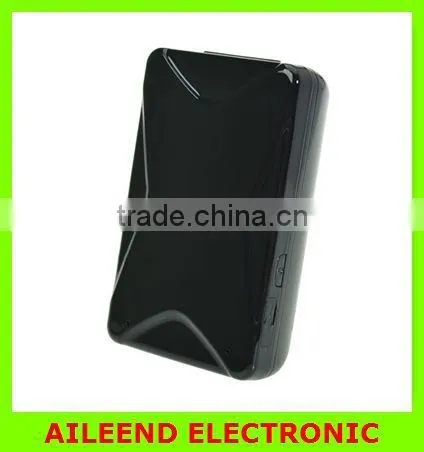
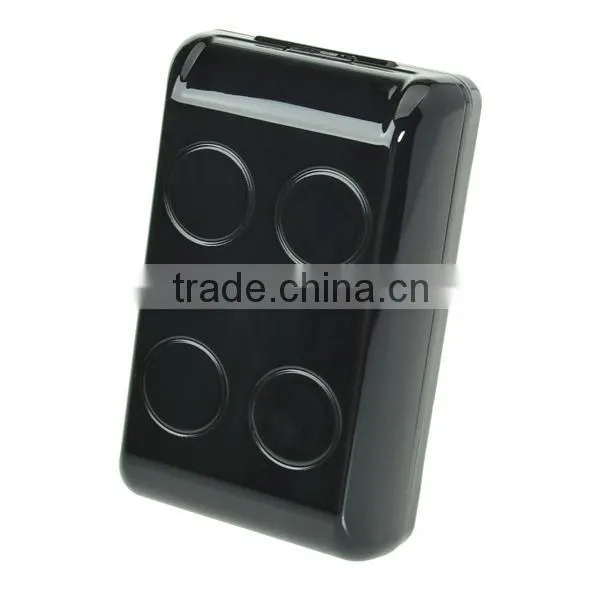
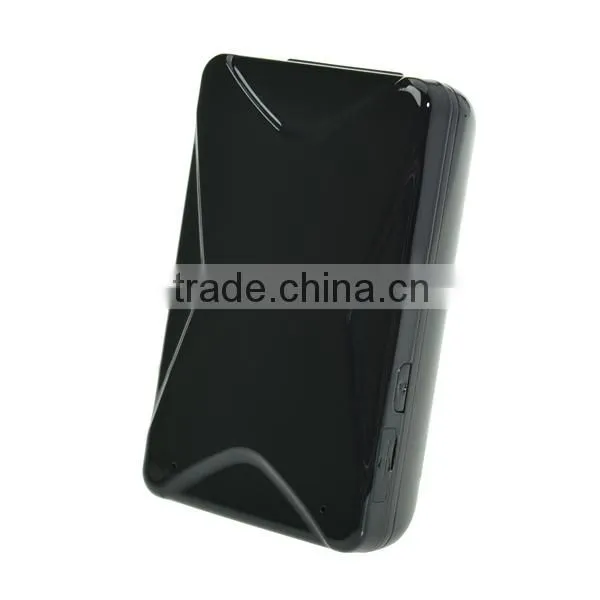
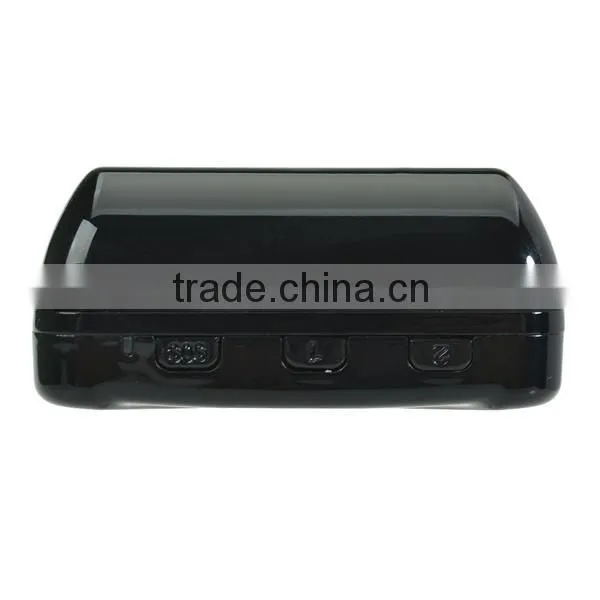
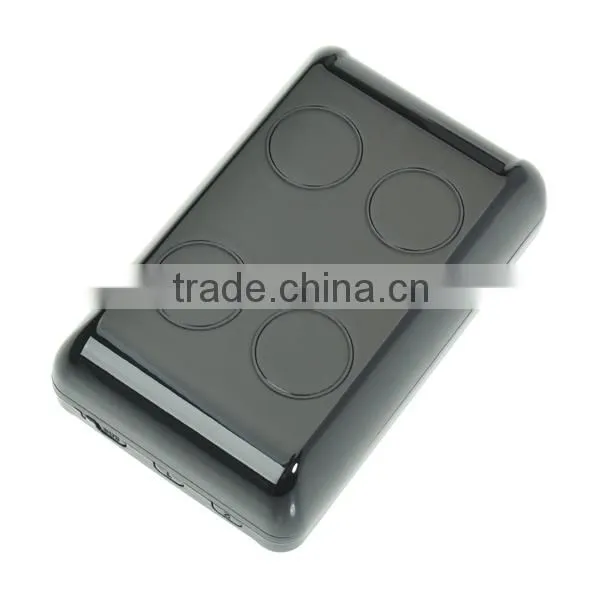
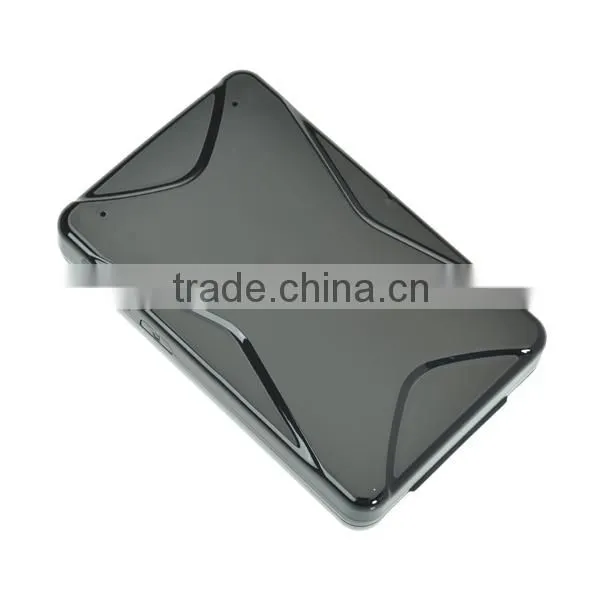
7000mah Long Battery GPS Tracker Based on GSM/GPRS Network and GPS Satellites Free Tracking Software Big Battery Gps Tracker


Related Products
-
 Smart Personal GPS Tracker Device With LED Screen ID Card GPS TrackerUS$ 1 - 100MOQ: 100 Boxes
 -
TX-5A AGPS+LBS+GPRS SMS GPS Tracker Real Time Tracking Mini Motorcycle TrackerUS$ 1 - 100MOQ: 100 Boxes
-
New Car Locator GSM/GPS Car Locator Cell Phone Car Charger Locator GPS Tracker Vehicle Car Automobile Covert Car Charger Tracker Quality ChoiceUS$ 1 - 100MOQ: 100 Boxes
-
N9 Wireless SIM GSM Voice Activated Auto Dialer Monitor Personal Mini GSM BUG LocatorUS$ 1 - 100MOQ: 100 Boxes
-
Superior Vehicle Car Tracking System Device GPS/GPRS/GSM Tracker Mini LocatorUS$ 1 - 100MOQ: 100 Boxes
Brief Introduction
This product is based on GSM/GPRS network. It provides GPS/LBS dual positioning function to realize the management for students and company personnel. This product is with the latest GPS chip and GSM chip. It guarantees the accuracy and fast uploading to the system and makes it realizing the real-time locating and monitoring.
4.Notes for Use
l For better use of this device, please read the user manual carefully before using;
l The device is based on GSM/GPRS network; please use it within the area covered by GSM/GPRS network
l The External Battery is lithium battery, voltage rating is 4.2V
5. Parameters
Terms |
Parameters |
Work voltage |
4.2VDC External Battery |
|
Work current
|
Standard Mode 50mA @ 5VDC Power Saving Mode:15mA @ 5VDC |
Dimension |
44*39*15(mm) |
Frequency |
Quad-band:850/900/1800/1900MHz |
GPS Performance Index |
Receive Channels: 12 parallel channel Position Accuracy : <10m (95%) |
GSM Performance Index |
Position Accuracy: 50m (60%) 150m (95%) It depends on the local base station number and density |
Output Interface |
Charge/Digital Port |
Antennas |
GPS Antenna: build-in GSM Antenna: build-in |
Work temperature |
-20℃~+70℃ |
Work Humidity |
5%~95% |
Storage Temperature |
-40℃~+85℃ |
6. Operating Instructions
6.1 LED Indication
Power on:
Red LED flashes quickly, the device powers on;
Green LED keeps on for 20s and then off, GSM register successfully
Green LED keeps on for 20s and then off, device gets the GPS signal.
Red and green LEDs are both off, device starts working normally.
Power off:
Red LED keeps flashing.
In-coming call:
Green LED keeps on for 1s.
When the power is too low, the red LED flashes twice, the screen reminds low power.
Charging:
When you charge the device, the red LED will be on;
When the device is full charged, the green LED will be on.
6.2 Cell phone SIM Card Number Binding
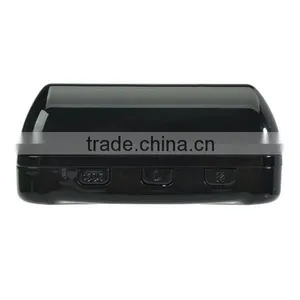
After the device powers on, please binding cell phone numbers first. There are three buttons----First Quick Dial, SOS and Second Quick Dial. First Quick Dial and Second Quick Dial each can bind 1 cell phone number in the meantime; SOS button can bind 3 cell phone numbers. Press the SOS button for 3s, device will send SMS to all of the binding numbers automatically with the location address and will take turns to call the binding numbers.
In addition, you can also bind a special SOS number by sending command (This number can activate the Voice Control Dial-Back function by sending GT and answer the phone call called by voice control Dial-Back.).
6.2.1 Quick Dial Number Binding
Send SMS command: QQ11,cell phone number
QQ21,cell phone number
Command format: QQ11,13800138000
Reply format: QQ11,OK
PS: QQ11 Binding the number of the First Quick Dial
QQ21 Binding the number of the Second Quick Dial
6.2.2 SOS button Number Binding
Send SMS command:SOS1,cell phone number
SOS2,cell phone number
SOS3,cell phone number
Command format:SOS1,13800138000
Reply format:SOS1,OK
Note: If you want to replace the number you bound, you just need bind a new one to replace it.
6.2.3 Special SOS Number Binding
Send SMS command:SOS,cell phone number
Command format:SOS,13800138000
Reply format:SOS,OK
If you want to replace the number you bound, you just need bind a new one to replace it.
6.3 Quick Dial Number Binding Cancellation
Send SMS command:DELQQ,11
DELQQ,21
Command format:DELLQQ, 11
Reply format:DEL, OK
PS: DELQQ,11 Deleting the number of the First Quick Dial
DELQQ,21 Deleting the number of the Second Quick
Dial
6.4 Get Terminal Position by SMS
Send SMS command: DWto the SIM Card in the device, it will reply the terminal current geography location map link.
Command format:DW
Reply format:
/maps/?f=q&hl=en&&q=31.237395,121.390373333333;S=0;D= 2014-10-23
6.5 Geo-fence Setting
Please note: this function only can set successfully after the
device get the location. The device will take the current position as the center of the circle. After you use this function, when the device is out/in the range you set, the device will send SMS alarm to the special SOS number.
Send SMS command:CWL, mode, radius range
Command format:CWL,1,20 (Activate)
CWL,0 (Close)
PS: mode=1 means activating this function, mode=0 means close this function; the minimum radius range is 15m.
Reply format: CWL,1,OK
CWL,0, OK
PS: 20 means the radius is 20m.
6.6 Voice Monitoring
Only the special SOS binding number can use this function.
Send SMS command:GT,1 to the SIM Card in the device,
device will make calls to the special SOS binding number
and you can realize the remote monitoring.
Command format:GT,1, ON
GT,0 OFF
Reply format:GT, OK
6. 7 Blind Spots Uploading
At the blind areas without GPRS signal but with GPS signal, the device can keep 2000 data point. These data points are kept according to the uploading time. If you don’t change the uploading time, the device will keep the data points every 15s.When the device get the GPRS signal, it will transfer the data to the server. If the device is turned off or the transfer is finished, the store in the device will be zero clearing.
6.8 Electric Quantity Checking
Send SMS command:SR,1 to the SIM Card in the device, device will reply the status of the electric quantity.
Reply format:Battery: 100%
6.9 Low Battery Alarm
If the device is supplied power by the build-in battery only, when the electric quantity is lower than 10%, the device will send low battery alarm to the binding number and the platform.
Alarm format: battery low!
6.10 Power Saving Mode Setting
You can set the mode to save the battery by sending commands
Send SMS command:MD,1 ON
MD,0 OFF
Reply format:MD,1,OK
MD,0,OK
6.11 IP Setting
Send SMS command:SERVER,0,IP/DNS address,Port
Command format:SERVER, 0, 58.64.200.21, 6780
Reply format:SERVER, 0, OK.
6.12 GPS Uploading Time Setting
Send SMS command:UP,time
Command format:UP,60 (Upload Time:60s)
Reply format:UP,OK.
6.13 Terminal Information Checking
Send SMS command: CX to the terminal’s SIM card, get the basic information of the terminal.
Command format:CX
Reply format:
IMEI:353505320000000;IP:0.0.0.0;port:0000;
APN=cment,user==0000
7. Live Tracking Monitoring Platform
Global tracking service platform website:
If you already have a login account (cluster account or IMEI
account),you can login in directly; otherwise you have to
contact your distributor to get the account and password.
Fill in the address of the website to login in.
English Version
Cluster User Account
Demo Account: Demo
Demo Password: 123456
English Version
IMEI User
Account: Last 10 digits of IMEI number
Password: 123456
8 Tracking by Android and IOS APP, WECHAT platform
Please enter the website of tracking service, use your phone to scan QR Code and download the APP.

Send Inquiry to This Supplier

You May Also Like
-
GPS TrackerNegotiableMOQ: 2000 Pieces
-
IP68 Waterproof Smart Watch P1C Support GPSNegotiableMOQ: 1
-
7 in 1 Multi Function 4500mah Power Bank Mini Gps TrackerUS$ 28 - 42MOQ: 1 Piece
-
Smart Logistics LocatorNegotiableMOQ: 10 Units
-
Jinwen Satellite Beacon Tracking Machine 950-1750MHz JW0951750-L With Reliable Performance and Excellent ServiceUS$ 1260MOQ: 2 Units
-
IP68 Waterproof Vehicle Positioning Terminal: Beidou/GPS Dual - Mode RS485/RS232 InterfacesUS$ 43.48 - 58.5MOQ: 10 Boxes
-
4G Installation Free Car Mounted Wireless Strong Magnetic Tracker, Anti-theft and Anti Loss for Electric Vehicles, Beidou GPS LocatorUS$ 25 - 39MOQ: 2 Combos
-
4 Channel 1080P HD Mobile DVR CCTV MDVR 2TB HDD Recording GPS 4G For Truck / Taxi / BusUS$ 60 - 65MOQ: 1 Set
-
Built in Printer of GPS Digital Tachograph With Speed Limiting FunctionUS$ 65 - 88MOQ: 10 Pieces
-
Logistics TrackerNegotiableMOQ: 100 Pieces
