








 Contact Platform Support
 Help Center
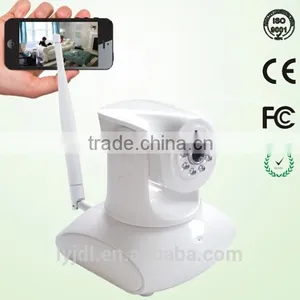
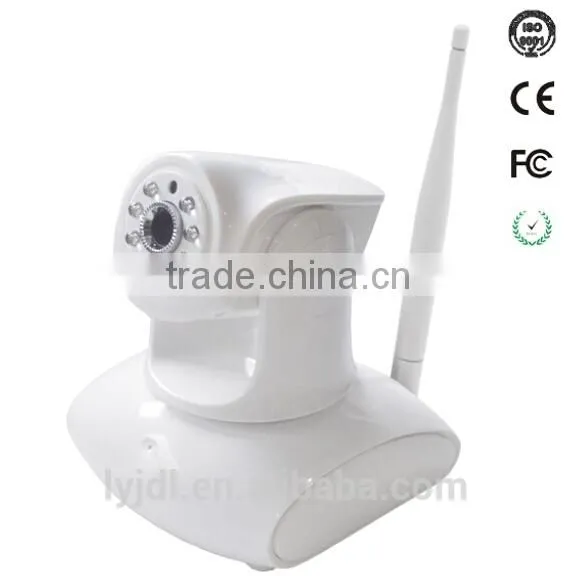
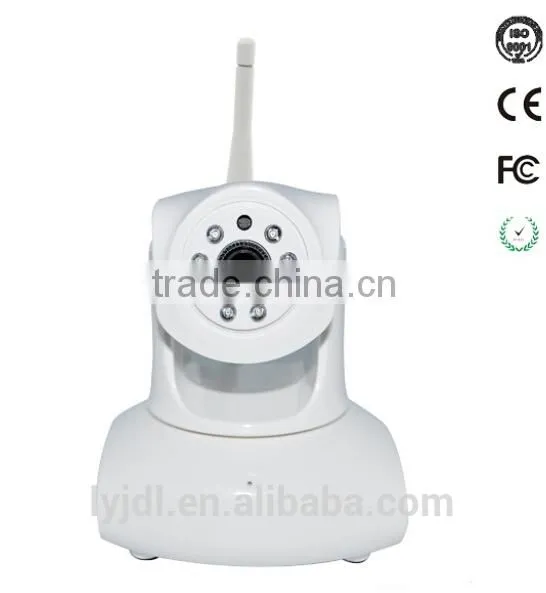
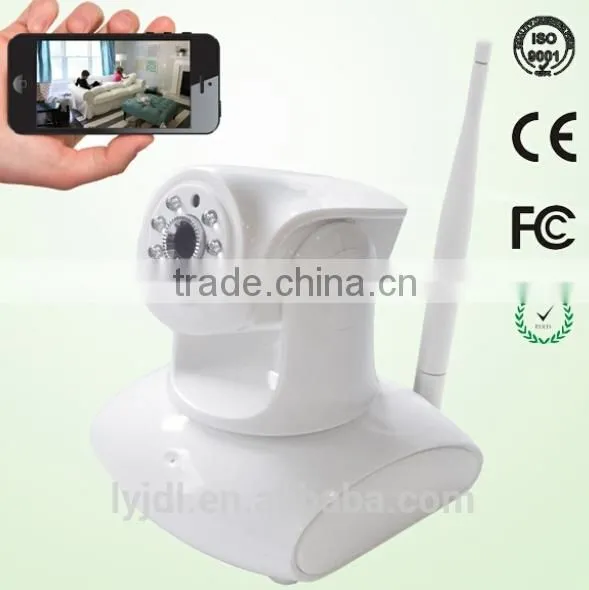
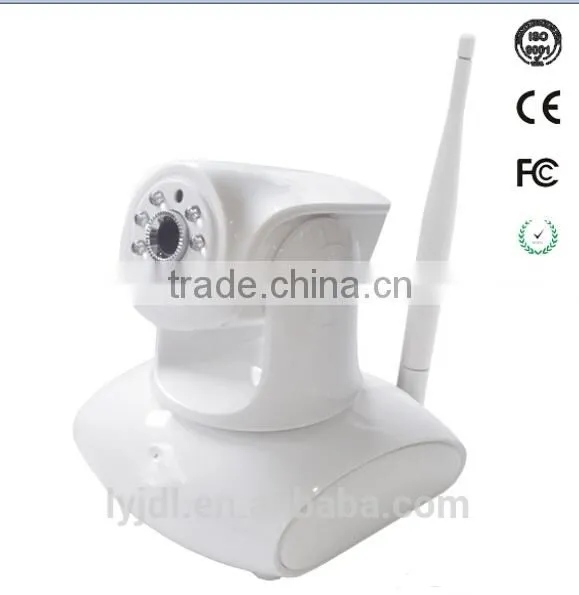
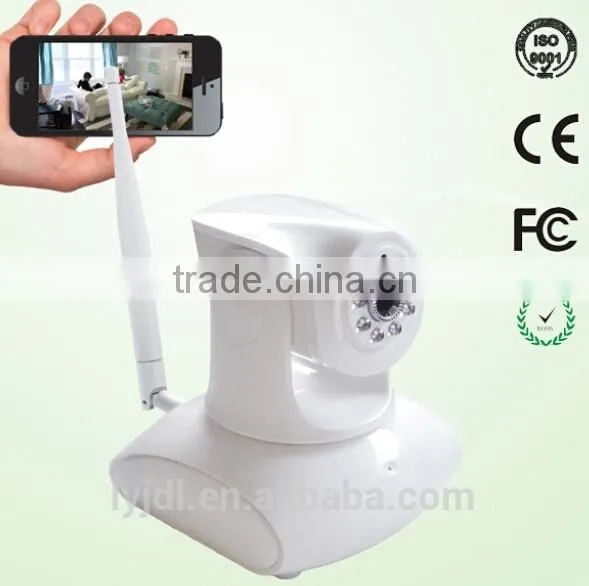
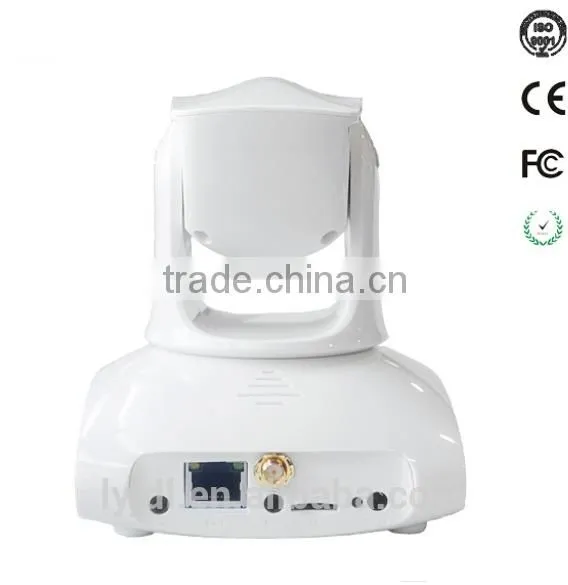
1080p 3x Digital Zoom Surveillance IR Wifi Indoor pt Network Onvif P2p Camera,onvif ip Camera
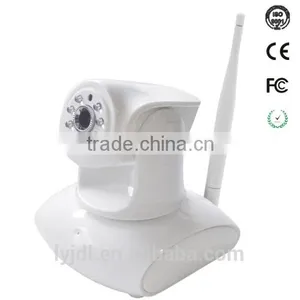
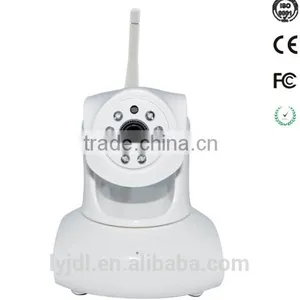
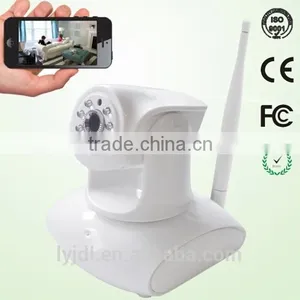
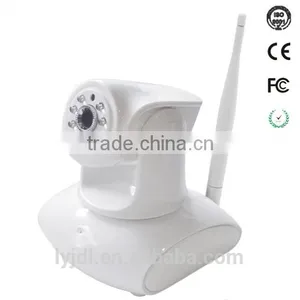



Related Products
-
 Night Vision 1MP Security WiFI IP Camera,wireless IP Camera Quality ChoiceUS$ 1 - 60MOQ: 5 Pieces
 -
Foscam White 1280x960p 3x Optical Zoom H.264 Pan/Tilt Wireless Wifi IP Camera Quality ChoiceUS$ 1 - 200MOQ: 5 Pieces
-
EasyN IP Camera, Wireless IP CameraUS$ 55 - 80MOQ: 5 Pieces
-
Cheapest Onvif 720P Wifi IP Camera Drone TF Card Record P2P Wifi IP Camera Quality ChoiceUS$ 1 - 28MOQ: 5 Pieces
-
Foscam Wireless IP Camera Security CCTV Webcam IR-Cut Free DDNS BlackUS$ 1 - 180MOQ: 5 Pieces
Features:
1: Plug &Play (P2P): Plug and Play, No need DDNS, No need Port Forwarding.
2: Easy Operation: Setting no need PC. You can easily realize all the function via the APP.
3: Onvif: Support Onvif Protocol, Support NVR (above Onvif version 2.4.2)
4: Micro SD Card: Support max 64GB micro SD card recording,( micro SD card must be FAT32 file system format), Support remote playback. (Note: 32GB TF card can be recorded up to 15 days.)
5: Alarm: Support Motion detection alarm, Phone push alarm,Email alarm.Whistle alarm.
6: WiFi Setup: setup with wifi, unplug the ethernet cable. All setup are via Phone APP.
7. IR-CUT: no color deviation indoor or outdoor.
| Model | 147W | |
| Features | <p >Connection | <p >Support WPS connection |
| P2P | Plug and play, no port forwarding | |
| DDNS | Free DDNS service embeded like demo.easyn.hk | |
| Mobile view | Compatible with EasyN iOS and Android App | |
| PC | Compatible with EasyN Multi-window software | |
| Local memory | Support 64G (Max) Micro SD card,24 hours continuous recording | |
| Onvif | Support Onvif 2.1 | |
| Network | Protocol | HTTP, UDP, SMTP, FTP, DHCP, DNS, NTP, UPnP |
| Network | RJ45 10/100MB self-adaptable Ethernet slot | |
| Wireless | WIFI(IEEE 802.11b/g/n) | |
| Online visitor | <p >Support 4 visitors online for the first stream Support 4 visitors online for the second stream Support 4 visitors online for the third stream <p >Support 12 visitors to the max online at the samt time |
|
| <p >IP mode | <p >Dynamic IP address, Static IP address | |
| Lens | Lens type | Glass Lens |
| Image sensor | 1/4 CMOS | |
| Pixel | <p >1920*1080 640*352 320*176 | |
| Lens | 4.8mm | |
| Angle of View | 90° | |
| IR-CUT | Yes | |
| Video | Compression format | H.264 |
| Frame rate | 50Hz: 1~25 fps, 60Hz: 1-30 fps | |
| <p >Image sensor | <p >2.0 megapixel CMOS | |
| Image adjustment | The hue, brightness, contrast, saturation, and sharpness are adjustable; support 3 times digital zooming | |
| LUX | 0.4LUX | |
| SNR | >48dB | |
| Audio | Compression format | G.726/G.711 |
| Built-in microphone | Yes | |
| External microphone | Yes | |
| Built-in speaker | Yes | |
| External speaker | Yes | |
| PTZ | Motor | Built-in motor control |
| Rotation angle | Horizontal:355°, vertical: 120° | |
| Preset | 8 | |
| Night Vision | IR-CUT | <p >Auto-switch automatically, without color cast. The IR light can be turned off manually |
| Night vision | 9 Φ5 LED lights, IR distance:8m | |
| Alarm | Alarm | Motion detection |
| Detection area | <p >Support 4 detection areas | |
| Alarm notification | <p >Email notification, FTP upload alarm record (when insert Micro SD card) | |
| Physical property | Shape material | Plastic(ABS) |
| Environment | Indoor | |
| Power supply | DC5V 2A | |
| Operating temperature | -5~+50°C | |
| Operating humidity | 10%~80%RH | |
| Dimension | <p >Item size:145x110x125mm (L*W*H) | |
| <p >Package size:170x170x170mm (L*W*H) | ||
| Weight | <p >Item weight:330g | |
| <p >Package weight: 690g | ||
| Accessories | <p >Power adapter, manual, screws, bracket | |
| System | Operation system | Microsoft XP,Vista,Win7,Win8 |
| Browser | Microsoft IE6 and above version; Mozilla Firefox; Google Chrome; Apple Safari. | |
| Certification | Certificate | ISO 9001:2008, FCC, CE, RoHS |
Item size:145x110x125mm (L*W*H)
Package size:170x170x170mm (L*W*H)
• Orders processed and shipped within 72-hours
• 12 months warranty
• In-house QC
• Member discounts
• Award winning customer support
• Quantity order discounts
• Worldwide Shipping
• Certification: CE, FCC, RoHS
We can supply with full OEM,ODM service like: Logo imprinting, Customer Color box , Customer Apps design , Customer language Operation system.
Website: www.lyjdl.en.china.cn
Skype: Markchen416
Q: How To Set Motion Detection Alarm?
A: Click the Option button enter the setting interface,Find the Alarm time setting,then click.generally speaking the default setting like follows unless you need to modify the alarm time.
Then click the Motion Detection.choose the window 1,tick it will pop up the green area ,you can choose the size of the area.
Q: When I test talk, there is a loud noise, is there anything need to notice?
A: Do not put the camera too near to the microphone which you using the talkfeature, or it will cause noise;
Do not enable earphone icon and microphone icon at the same time.
Q: Why my camera cannot connect wireless?
A: Normally, camera cannot connect WiFi mainly due to wrong settings. Please check the following points:
1) Check the antenna of the camera fixed well or not;
2) When you click scan button, can the camera find WiFi signal around? (should find)
3) When you set SSID for camera, please set it the same as SSID of your router;
4) Wireless key should be the same with router'swireless key;
5) Whether disable MAC address filter or not; (should disable, if you enable MAC address filter, please add the camera's wireless MAC address in the allow list)
6) Whether camera is too far from router? (In normal home environment, to keep the distance not beyond 10m isbetter)
Firstly,please check when you click scan button, camera can detect the WIFI signal ornot. Normally, it need scan two or more than two times. If it can find, you can click the SSID of your router in the wireless list, then SSID, encryption will be filled in the following boxes automatically. It only need to enter thewireless key.
Secondly, if the camera cannot scan router's WIFI signal, please fill in SSID, encryption and wireless key manually to have atry.
Lastly, if all the wireless settings have no problem,but the camera still cannot connect WIFI. Please try other encryptions, evenwithout encryption to test; Put the camera near your router to test.
Q: I forgot user name and password of my camera, what I can do next?
A:
For indoor cameras:
1) Keep the camera power on;
2) Find something pointy to hold the reset button (it is on the bottom ofthe camera) about 15 seconds till the camera reboot, then release it;
3) After reset, it will restore to the default setting, the user is admin,pwd is admin
For outdoor cameras:
Please give a hard reset to the camera.
1) Keep the camera power on;
2) Press and hold the reset button (it is on the end of the reset line)for 15 seconds, then release.
3) After reset, it will restore to the default setting, the user is admin, pwdis admin.

Send Inquiry to This Supplier

You May Also Like
-
Security CameraNegotiableMOQ: 2700 Pieces
-
Dropshipping X6D Mini Camera HD 720P/1080P Wireless Mini Night Vision Camcorder Motion MicroNegotiableMOQ: 1
-
PC USB 12MP HD Webcam Web Cam Camera Definition With MIC for Computer Laptop DesktopUS$ 4.59 - 4.59MOQ: 100 Units
-
KING PIGEON Universal Alarm SoftwareUS$ 5 - 55MOQ: 1 Piece
-
Easy View HDNegotiableMOQ: 1000 Pieces
-
Line Scan Uvss Surveillance System for Anti-terrorismUS$ 1 - 15,000MOQ: 1 Set
-
Realistic Looking Security Camera,home Security CameraUS$ 0.9 - 1.03MOQ: 5000 Sets
-
12V1Ah Camcorder BatteryNegotiableMOQ: 300 Packs
-
2016 New Industrial Endoscope 4ways Articulating Video Borescope With Lens 3mmUS$ 4,000 - 6,000MOQ: 1 Unit
-
Strobe Security System - Easy InstallNegotiableMOQ: 1


