








 Contact Platform Support
 Help Center
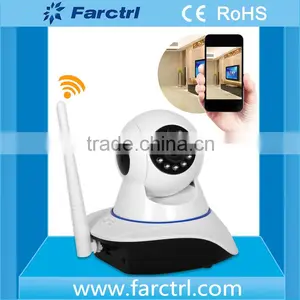
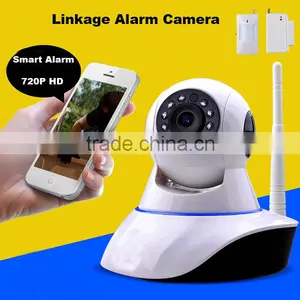
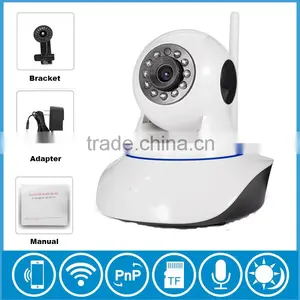
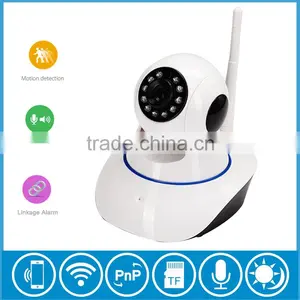
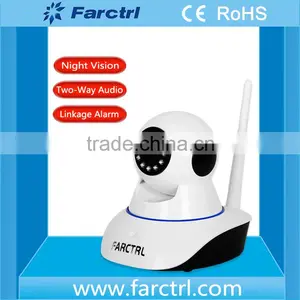
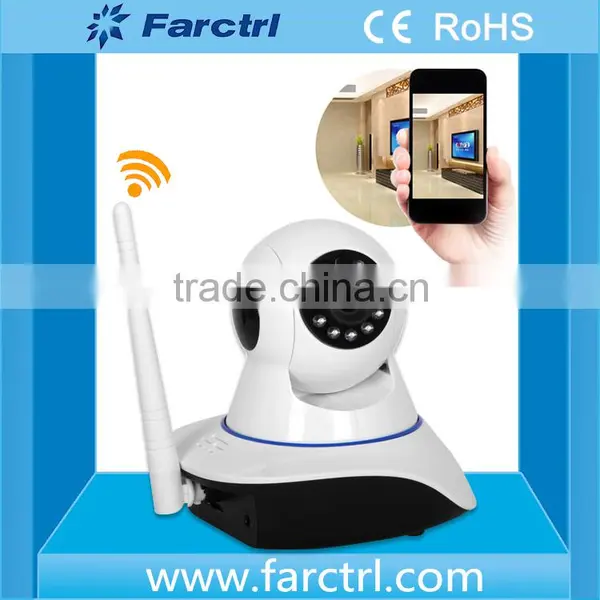
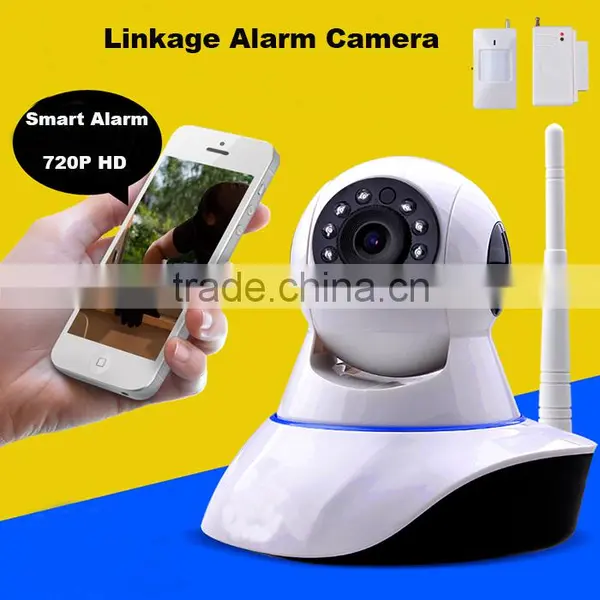
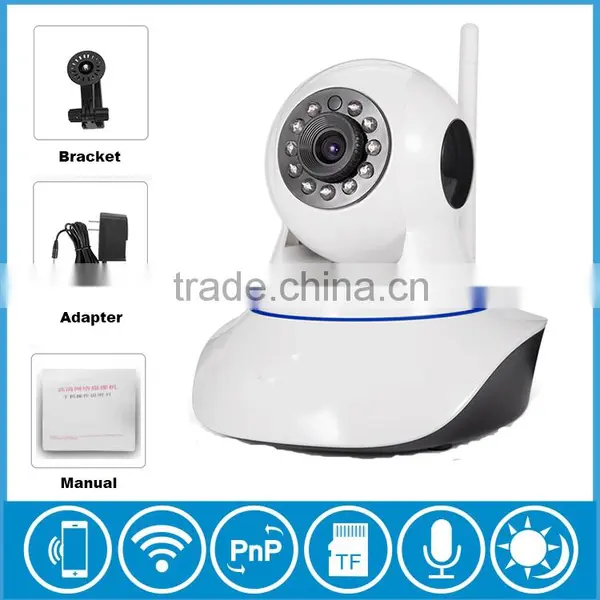
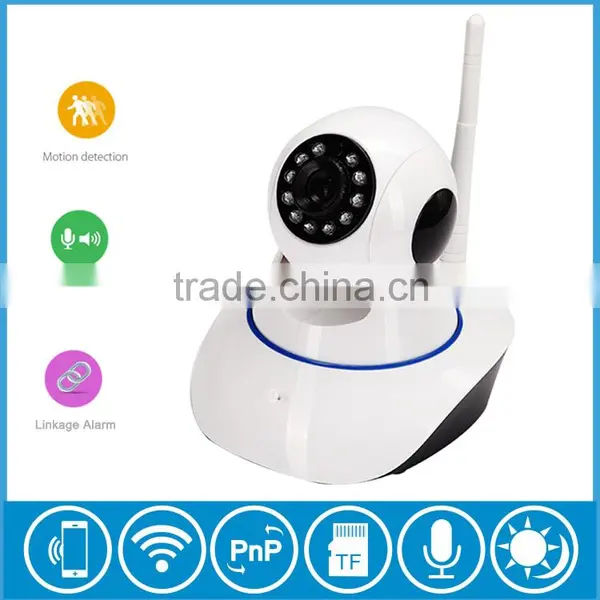
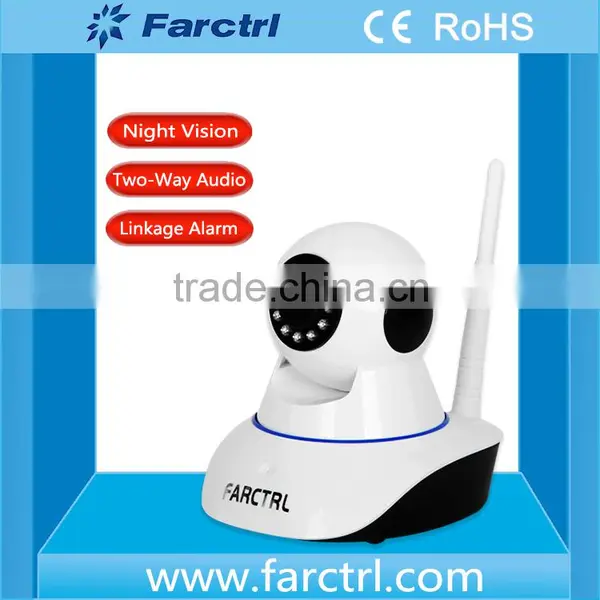
100% Secure New Products Wireless Camera With Network Alarm CMOS Sensor Night Vision WIFI Home Security


Related Products
-
 100% Secure High Definition Wireless Mini HD Camera With Network AlarmUS$ 39.00 - 40.00MOQ: 100 Pieces
 -
720P Play Plug Indoor Long Distance Wireless Security CameraUS$ 21.00 - 22.00MOQ: 100 Pieces
-
24 Hours Video Baby Monitor Best Home Surveillance CameraUS$ 39.00 - 40.00MOQ: 100 Pieces
-
Pan Tilt Wireless Video Home Security Camera With Free Yoosee AppUS$ 30.00 - 40.00MOQ: 100 Pieces
-
Linkage Alarm IP Camera With Sim CardUS$ 39.00 - 40.00MOQ: 100 Pieces
100% secure New Products Wireless Camera With Network Alarm CMOS Sensor Night Vision WIFI Home Security
Product Overviews
1. Software Download
To better experience the convenience of this product, Please download the App before using this product.
(1) Scan that package box QR Code
(2) IOS Users can go to the App Store to search and down App : 2cu.
(3) Android users can visit the website () to download and install 2CU.
Note : Users need to register for an account when first time open “2CU” Software.
2. Set up a Account:
(1) Phone Register:
As registration is successful, it will pop-up congratulations, Then the system automatically assigns an ID
NO And pls remember it, used as a login user name ,click on “ok” and input that password .
3.Establish a network (To connect LAN /wifi Network)
(1) To Connect LAN : After Power on the camera, Connect one end of the network cable to the camera network Interface and the other end connected to the router LAN Interface(Make Sure the router DHCP Function is on) ,after successfully connected the yellow lights on and the green light flashes.
(2)To Connect WIFI : Open 2CU> > Device List > >Smart Scan ,enter WIFI User account and password, click ”next” and QR Code can be generated automatically. Put QR code on the central of camera lens and keep distance about that 20-30cm.
When sound single ”Ting” indicated that camera successfully access to the wifi network.
4. Learn Code:
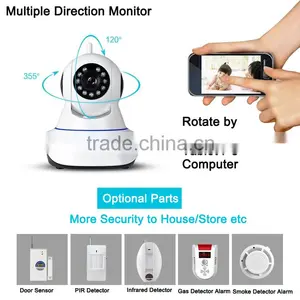
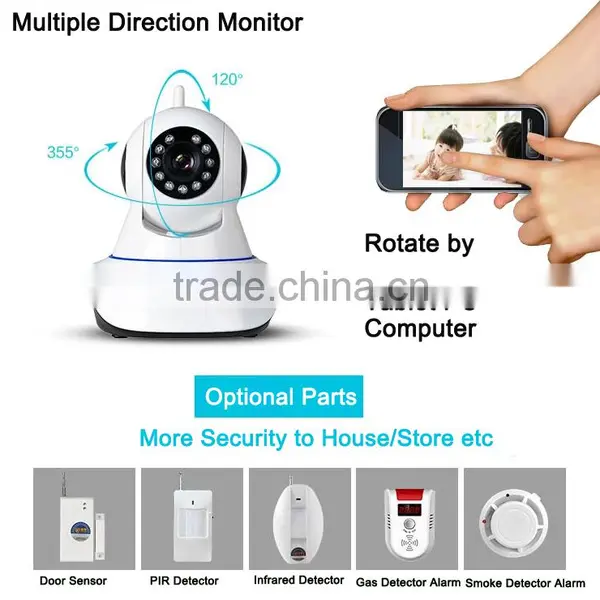
The camera can be used with a wireless Detector (Optional 433 Mhz support a total of 8 zones 64 wireless detectors) to learn of the code and build a wireless alarm system.
(1) Learn Code
Add the device to contact list after successful loin in the 2CU,Click device any black and will have Playback, Setting Or Edit buttons, then click setting >Defence Area, for examples to set up a door sensor as NO 1 Detector of the hall, choose the hall, Click NO 1 Button ,the learning code dialog box will be popped up ,then the door sensor will be trigger and APP Will remind that the learning successful. The NO 1 Button will turn to red color.
5.Clear Code:
Click the associated digital and confirm to delete.
Most Convenient,Fastest,Most Security,Most Rest Assured

Send Inquiry to This Supplier

You May Also Like
-
Electronic Article Surveillance System & ConsumablesNegotiableMOQ: 2400 Combos
-
Security Tags for JewelryUS$ 0.017 - 0.065MOQ: 10000 Pieces
-
EAS System Security Plastic Lock Small Display Hook LockNegotiableMOQ: 500 Pieces
-
EASNegotiableMOQ: 1000 Pieces
-
VW-Wide Walk Through Metal Detector Security GateUS$ 1 - 1,350MOQ: 10 Pieces
-
Security Tag for Security Guard Tour PatrollingUS$ 1 - 350MOQ: 1 Set
-
High Sensitivity Hook Stoplock for Display HookUS$ 0.07 - 0.16MOQ: 1000 Pieces
-
Customize Your Application Specific RFID TagsNegotiableMOQ: 1
-
L-3000EF RFID Cell Checks ReaderUS$ 1 - 120MOQ: 1 Unit
-
Wireless Vehicular Bomb JammerNegotiableMOQ: 1 Set


