








 Contact Platform Support
 Help Center
Home > Consumer Electronics > Mobile Phone & Accessories > Mobile Phone Cable > Hot Sales 3ft USB to Micro USB Factory Cable for Kindle Fire Motorola Xoom/Phones
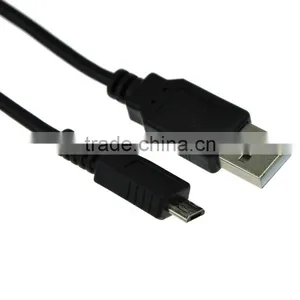
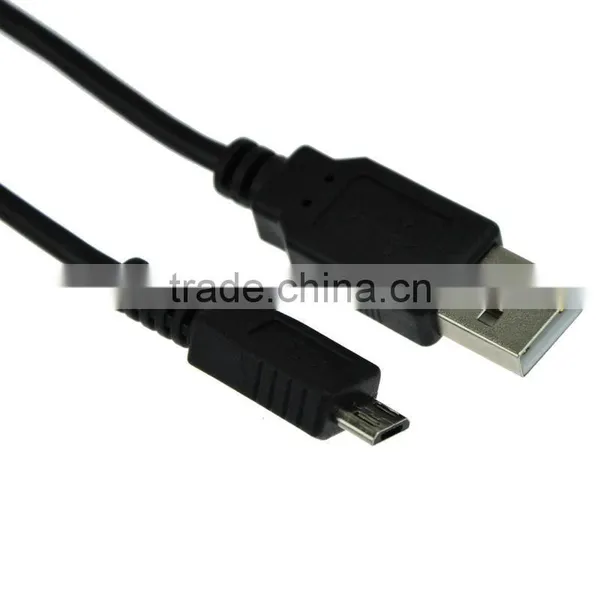
Hot Sales 3ft USB to Micro USB Factory Cable for Kindle Fire Motorola Xoom/Phones
US$ 0.5 - 2
MOQ: 50 Pieces
Key Specifications
Get Latest Price
Brand Name:
OKELER
Model Number:
MSP005
Use:
Mobile Phone
Payment & Shipping
Payment Methods:


Port of Shipment:
shenzhen
Delivery Detail:
Delivery time depends on order quantity.
Related Products
-
 Hot Sales 1.5M 5Ft USB2.0 A Male to Mini B 5pin Male Printer Camera Data Cables Cord BlackUS$ 0.5 - 2MOQ: 50 Pieces
 -
Hot Sales USB Power 2.0/3.0 Amp Meter Tester Charging Monitor Voltage Current MultimeterUS$ 0.5 - 2MOQ: 50 Pieces
-
2017 New Design EU Plug 12V 2A Power Supply Charger Transformer for 3528 5050 LED Strips AdapterUS$ 0.5 - 2MOQ: 50 Pieces
-
New Design USB Power Amp Meter Tester Charging Transparent Voltage Current Multimeter AngleUS$ 2 - 4MOQ: 50 Pieces
-
New Design Universal Silver Macro Scope 6X Lens With Clip for Mobile Phone Camera Tablet PCUS$ 3 - 4MOQ: 50 Pieces
Brand Name
OKELER
Model Number
MSP005
Use
Mobile Phone
USB Type
Other, forKonica Minolta Dimage Z1 Z2 XI XT X
2014 Hot sales 3ft USB to Micro USB Factory Cable for Kindle Fire Motorola Xoom/Phones
Description
Unlike a normal USB fastboot cable these cables are wired in a way that compatible Motorola phones recognize as a "factory" programming cable. This allows the phone to power up and be flashed without having a battery in the phone. Depending upon the model of the phone, it may also boot up differently than it does with a normal USB cable. This factory cable are wired in a way that compatible Motorola Xoom /Phones & Amazon Kindle fire. It will bring your device into Fastboot mode and help you restore your ROM and unbricked your devices.
Specification
- Boot up your computer to Windows
- Turn off the Kindle Fire
- Plug cable into Kindle Fire
- Plug into USB Port of the computer
- The Kindle Fire unit if not on already will have turned on again. Press and Hold the Power button for 20 seconds (past the do you want to turn off prompt). The device will go dark.
- Press the power button once and let go.
- The device will turn on and it will stop at the Kindle Fire Triangle ( This is in the Fastboot Mode)
- If you check your devices, it should say under Android Phone Android ADB Interface
- Using Kindle Fire Utility and TWRP Recovery to restore your rom
- Don't leave the cable connected to the phone while unattended. Although the cable should not be recognized by the phone for charging purposes, it is supplying operating power to the phone via its USB port (which is not normally the case). If you are using the cable with no battery in the phone, and if your host computer lost power or shut down, your phone would instantly lose power just like a battery pull had happened.
- Connect the Micro-B end to the phone first, and then connect the USB A end to the computer. The Micro-B connector is very tiny and we want to make sure it is in the phone straight and seated before you apply power to it by connecting it to the computer. Connecting the Micro-B end first protects your phone and your computer.
- When working on the phone with the cable connected and no battery inside, best to go ahead and put the back cover back on so you don't lay it down on something that touches some contacts in the battery compartment. If you're working on a proper (uncluttered) workbench and you're the careful type, this may not be necessary, but better safe than sorry.
- Don't plug this cable into any device not designed for it. If plugged into a device not expecting this map you could destroy the device, your computer, or both.
- Cable length: about 95cm / 3 ft
- It has micro USB male and USB male connector
If you are interested in our product,pls don't hesitate to contact me.

Send Inquiry to This Supplier

Business Type
Manufacturer, Trading Company
Year Established
2008
Factory Size
1,000-3,000 square meters
Total Employees
11 - 50 People
You May Also Like
-
USB Cable LOGO Printed Stretch One Tow Three Data Cable Type-c Customized 2a Three-in-one Charging Cable Android Apple Universal Quick Charging CableUS$ 0.3 - 0.5MOQ: 10000 Pieces
-
the COOLING FAN for XBOX 360NegotiableMOQ: 10 Pieces
-
NEW ATmega328P CH340G UNO R3 Board & USB Cable for Arduino DIYUS$ 1 - 100MOQ: 100 Pieces
-
USB Cable A Male-A Male VK2-1001US$ 0.1 - 1.99MOQ: 3000 Pieces
-
Fashion Design Mobile Phone USB CableUS$ 0.64 - 0.75MOQ: 900 Pieces
-
2015 Multicolor Usb Data Cable for Any Android PhoneUS$ 0.2 - 1.5MOQ: 24 Pieces
-
DC 12V TO 6 PIN HIROSE CABLE AF100 GH2 POWER 12v to Hirose 6 Pin Female Power Cable B4 Mount LensesUS$ 1 - 2MOQ: 200 Pieces
-
Visible Current CableUS$ 3.3 - 3.6MOQ: 1 Set
-
Original BAOFENG USB Programming Cable for BAOFENG UV-5R UV-3R+ 888S Two Way Radio With Software Driver CDUS$ 1 - 9MOQ: 10 Pieces
-
UL Approval Lycn Cable AssembliesNegotiableMOQ: 3000 Meters


