








 Contact Platform Support
 Help Center
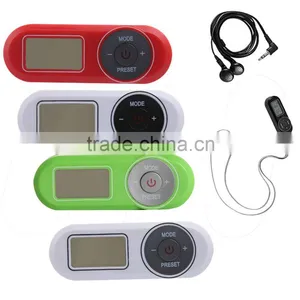
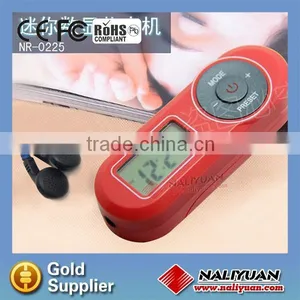
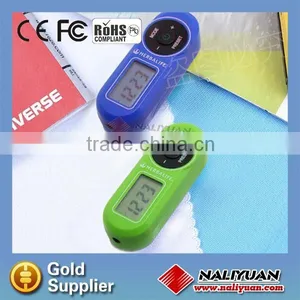
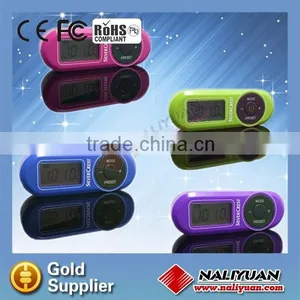
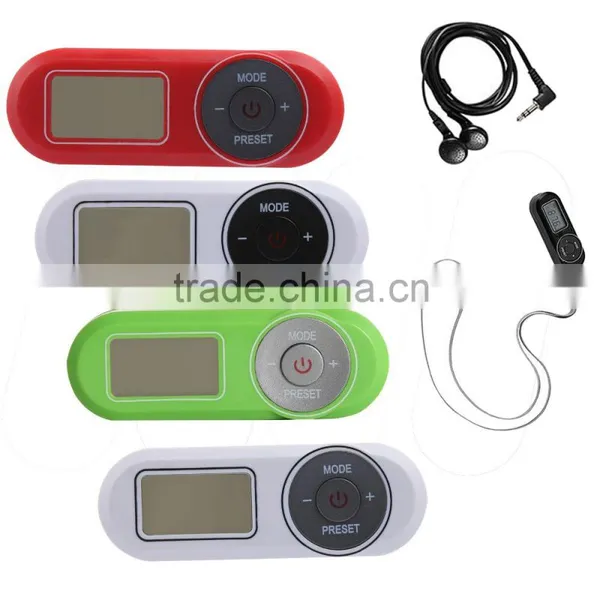
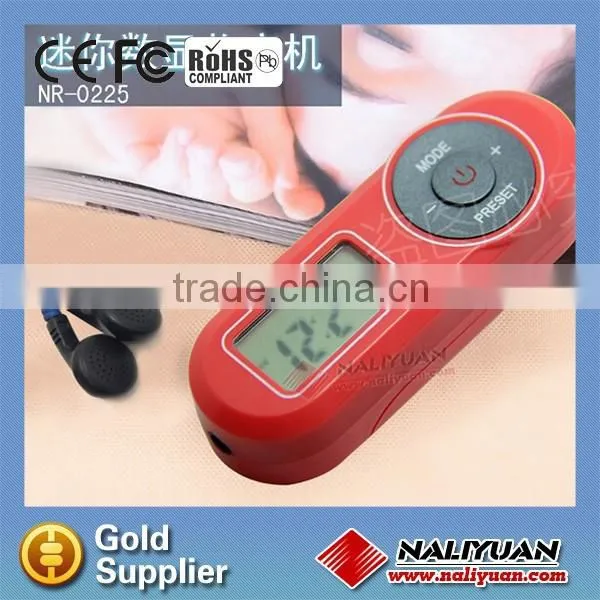
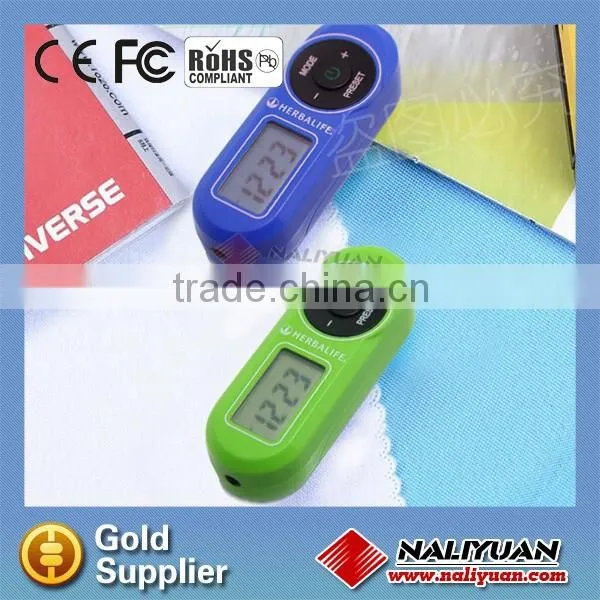
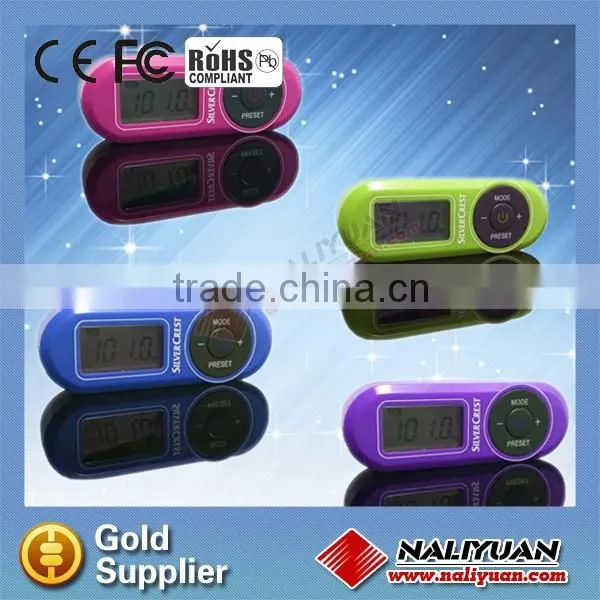
Hot Sales FM Scan With PLL Digital Tuner and Auto Memory Station Radio






Related Products
-
 Hot Sell Japan Market AM FM Radio With Rod Telescopic Antenna and SpeakerNegotiableMOQ: 5000 Pieces
 -
Hot Sales Mini Portable Radio With Earphone for PromotionUS$ 0.85 - 1.2MOQ: 5000 Pieces
-
Hot Sales Cheapest Radio for PromotionNegotiableMOQ: 5000 Pieces
-
Hot Sales AM FM 2 Way Pocket Radio for PromotionNegotiableMOQ: 5000 Pieces
-
Hot Sales AM FM 2 Band Radio With Clock for PromotionUS$ 2.8 - 3.3MOQ: 5000 Pieces
Hot sales cheapest radio for promotion
1.fm radio
motion gifts radio
fessional radio manufacturer
Digital Display FM Clock Alarm radio
- Display 12. Alarm 1
- “-“button 13. Alarm 2
- “MODE” button 14. SCAN
- “+” button 15. SNOOZE function
- strap 16. Frequency, time or alarm time
- “On/Standby” button 17. Low battery power
- “PRESET” button 18. Unit of frequency for radio mode
- Earphone jack ( at the side) 19. SLEEP timer
- Battery compartment cover 20. VOLUME
- Opening for buzzer 21. PRESET
- Radio mode 22. AM/PM (only for 12- hour display)
Battery Installation:
Open the battery compartment at the back of device by sliding the battery compartment cover (9) to the side in the direction of the imprinted arrow and removing it. Insert the battery AAA with the correct polarity.
Connecting the earphones
Insert the jack plug of the supplied earphones as far as possible into the earphone jack(8) on the side of the device.
Setting the time
Press the “MODE” button (3) when the device is switched off. The display (1) indicates the current hour format:”12HR” or “24HR”. Set your desired hour format by pressing the “-” button (2) or “+”button (4). Press the button (3) again. The hour display flashes and you can set it by pressing the button (2) or button (4). Then press the button (3) again. The minute display the flashes and you can set it by pressing the button (2) or button (4). Finally, press the button (3) again. The set time is now indicated on the display (1).
Switching on / off
Briefly press the “ON/Standby” button (6) to switch on the scan radio. Press the button (6) to switch off the scan radio.
Setting the volume
Briefly press button (3) in radio mode. By press button (2) or button (4) to reduce or increase the volume. The setting has no effect on the volume of the buzzer for the alarm clock function, the buzzer volume is always the same.
Automatic station scan with auto store function
Switch on the scan radio with button (6), press the button (3) for approx. 2 seconds to start the automatic station scan. The automatic station scans always start at the lowest frequency. The first 10 stations found are stored directly in the presets 01 to 10 and saved.
Manual station scan
Switch on the scan radio with the button (6), press the button (2) or button (4) for approx. 2 seconds to start the manual station scan downwards or upwards.
Manual saving stations
Press the button (7) for approx. 1 second until “PRESET”(21) flashes on the display(1). Use the button (2) or (4) to select a preset between 01 and 10.
SLEEP timer
With the SLEEP timer, you can set a time between 10 and 90 minutes after which your scan radio automatically switches off. The setting is made in intervals of 10 minutes. Process as switch off the scan radio with the button (6) until the display (1) indicates the number 90 ( for 90 min.) Then press the button (6) repeatedly until you reach the desired number of minutes. You can delete the SLEEP timer by switching off the scan radio.
Setting the alarm time (Alarm 1 / Alarm 2 )
You can set the alarm time only when the device is switched off. Briefly press the button (7). The display (1) indicates “Alarm 1 (12), and when you briefly press the button (7) again, the display indicate “Alarm 2” (13). Select alarm 1 and alarm 2 and briefly press the BUTTON (3) again. The minute display then flashes and you can set it by pressing the button (2) and button (4). Finally press the button (3) again. The display indicates the current time and alarm you just set is active. To deactivate the alarm function, briefly press button (7) until no alarm symbol (12,13) is indicated on the display (1). The alarm function is then deactivated.
SNOOZE function
To pause the alarm tone of approx. 5 minutes, briefly press the button (3) during the signal tone. During these 5 minutes, the corresponding alarm symbol flashes on the display and the “SNOOZE” symbol (15) is indicated. After approx. 5 minutes, the alarm tone starts again. To switch off the alarm tone, briefly press the button (6)
| Description | PLL Digital Display FM Clock Alarm radio |
| Screen | LCD Display |
| Stereo output | output stereo on earphones |
| Clock | Time 12 /24 Hour |
| Alarm | Dual alarm |
| Station memory | Automatic search and station memory 10 |
| Sleeptimer | Sleeptimer (90,80,......10)MIN |
| Volume control | Electronic volume |
| SNOOZE function | SNOOZE |
| Dimension | Unit size:80x28x19mm |
Packing:
White paper box,200pcs/ctn
Carton meas:61.2*47.5*33.5cm
N.W.:11KGS
G.W.:13.5KGS

Send Inquiry to This Supplier

You May Also Like
-
Radio and RecorderNegotiableMOQ: 2500 Pieces
-
Credit Card Size RadioNegotiableMOQ: 1
-
Portable DAB and DAB+ Digital Radio With MP3 RadioNegotiableMOQ: 1 Piece
-
Portable& Rechargeable Mini Led TorchNegotiableMOQ: 500 Pieces
-
X7 Desktop Audio Multi-function Bluetooth Alarm Clock Mobile Phone Stand Wireless Charging Radio Bedside SpeakerUS$ 30 - 35MOQ: 10 Sets
-
Portable AI Translator Recorder Android IOS for Office Study TravelNegotiableMOQ: 5 Pieces
-
Work Site Radio USB Rechargeable DAB+, DAB, FM, Bluetooth, AUX Input | IP54 Waterproof Rugged Durable DesignUS$ 23.5MOQ: 3000 Units
-
BSG-328(new)Multifunction Solar Emergency Radio With Power Bank, Hand Crank, 4000/8000mAh Battery, SOS Alarm, Flashlight & IPhone 15 ChargingNegotiableMOQ: 1000 Pieces
-
Outdoor Emergency Disaster Prevention Radio, Hand Cranked Power Generation, Solar Power Bank, Compact, Portable, Multifunctional Mobile Power SupplyUS$ 17.5 - 17.9MOQ: 1000 Pieces
-
PTU7304AMFM Multi-channel Radio ReceiverNegotiableMOQ: 1 Unit


