Contact Platform Support
 Help Center
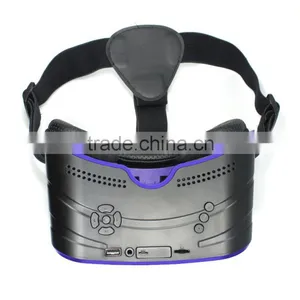
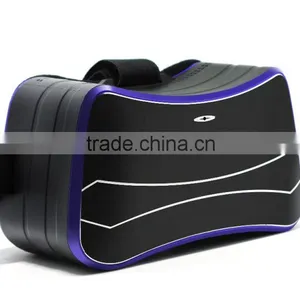
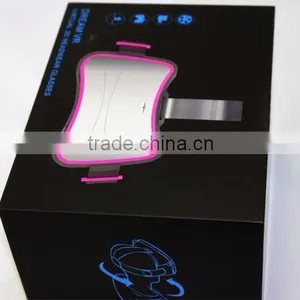
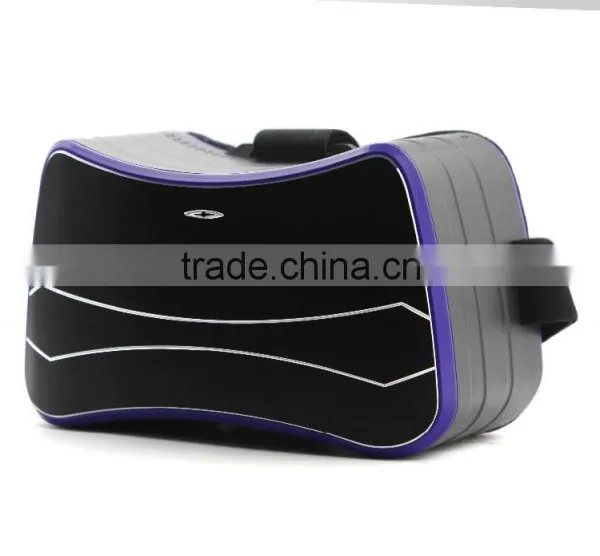
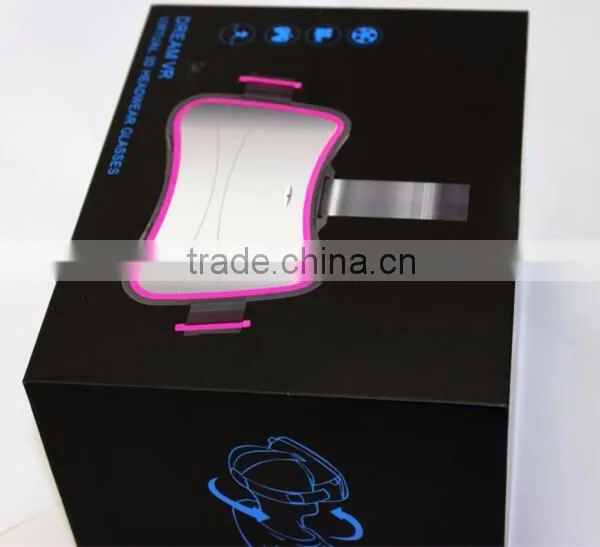
2016 Electric Virtual Reality VR 3D Glasses Headset All in One vr 3d Glasses Virtual Reality vr Headest
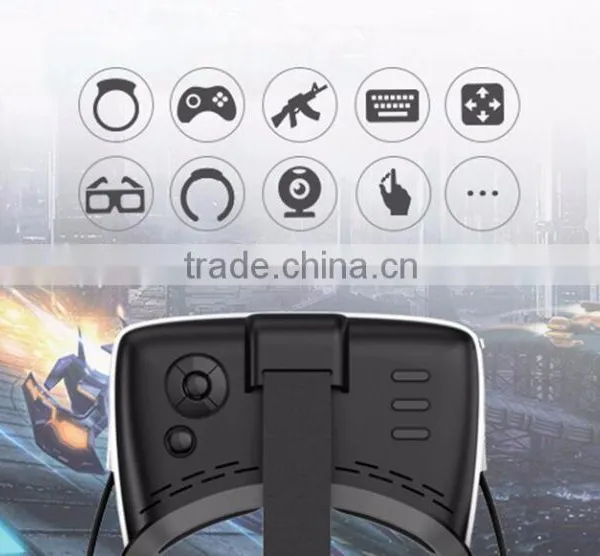
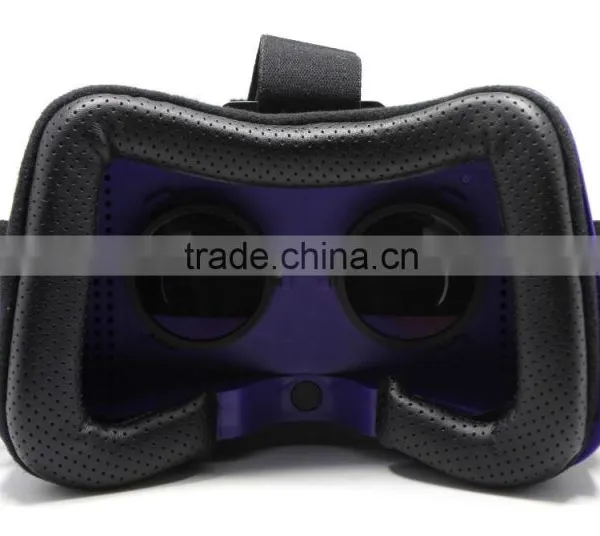
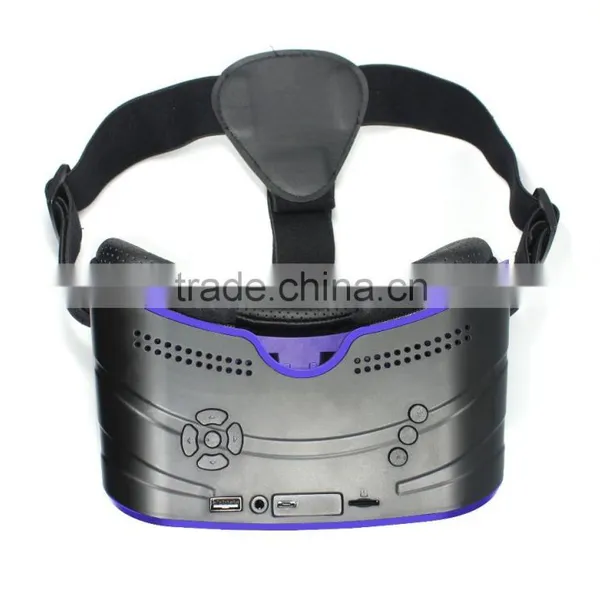
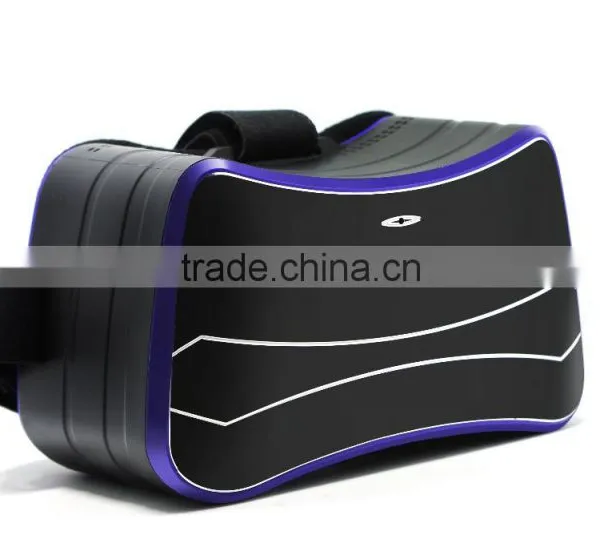

Related Products
-
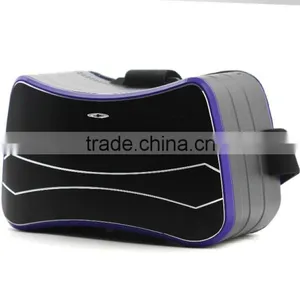
 2016 Bluetooth 3D VR All-in-one Glasses Virtual Reality Headset Game Video 1080PHD 360 Viewing Immersive Wifi VR GlassesUS$ 99 - 130MOQ: 1 Piece
 -
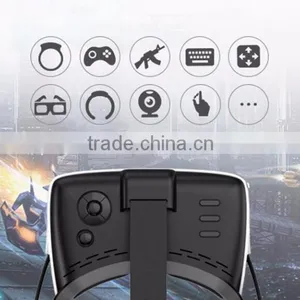
WIFI 3D Glasses All in One vr Box Version Accept 3G LTE Virtual Reality Glasses Bluetooth 3D Video for 4.0-5.0 Mobile PhoneUS$ 99 - 130MOQ: 1 Piece
-
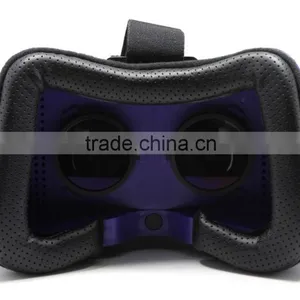
3D Glasses VR All in One Virtual Reality Headset Bluetooth 3D VR All in One HeadsetUS$ 200 - 250MOQ: 50 Pieces
-
3D VR Virtual Reality Headset With Bluetooth Remote VR Glasses All in OneUS$ 99 - 130MOQ: 50 Pieces
-
Movie Visor 3D Vr Virtual Reality Glasses Innovative Design for Mobile PhoneUS$ 99 - 130MOQ: 50 Pieces
2016 Electric Virtual Reality VR 3D Glasses headset all in one vr 3d glasses virtual reality vr headest
2016 Electric Virtual Reality VR 3D Glasses headset all in one vr 3d glasses virtual reality vr headest
1. general view
Power Button: long press the power on/off key(5s) to implement the starting/shutdown , short press to implement the hibernation/wake-up , long press (10 seconds) to implement the forced shutdown;
Camera Button: on the home page, click the button to use camera.
Nibiru Button: it is same with menu, has helmet mouse/brightness adjustment/VR mode to switch.
Object distance adjusting Botton: adjust the button, it can match the user best vision.
IPD adjusting Botton: Move the tube as the picture, let the lens center distance consistent with the interpupillary distance .
2016 Electric Virtual Reality VR 3D Glasses headset all in one vr 3d glasses virtual reality vr headest
2.1 Attention
Please don't use the all-in-one HMD in the place which banned use of wireless devices
Please use the original accessories, such as the AC adapter;
Please keep the machine dry;
Please preview the user manual before first use;
When the machine gets stuck as software problem, pls long press the power key 10s to forced shutdown, start again after 10 seconds.
2016 Electric Virtual Reality VR 3D Glasses headset all in one vr 3d glasses virtual reality vr headest
Pls use the original Adapter to charge.
When charging in shutdown state ,the machine will start up.
The blue key will light up when charging.
To be efficient charge, pleas keep the machine in hibernation when charge
Please charge when the power lower 4%, if charge when run out of the battery, pls keep charging at least 10mins to start again.
2016 Electric Virtual Reality VR 3D Glasses headset all in one vr 3d glasses virtual reality vr headest
2.3Connect Computer
Use USB to connect computer, find the disk, than can transmit data freely.
2.4 Insert TF card
Put the metal interface into TF card slot, then the machine can read the card.
2.5 connect headphones
Insert the 3.5 mm headphone into the machine, you can hear the sound when had audio output.
3.1 the main page
Home page includes setting, media player, app store, camera, all application, power display, time display, access devices, wireless network status.
3.2 setting
Setting options include five parts: wireless network connection, bluetooth, general use,system,Peripheral?.
3.2.1 wireless network
Scan the networks, enter the password to connect the Internet.
Select the corresponding network to disconnected and cancel the saved password.
3.2.2 bluetooth
open the bluetooth and search the bluetooth devices, then connect.
Note: if the devices unconnected, pls cancel it first and try again.
3.2.3 general
Through general options, can adjust the screen brightness, volume, select language, choose theme, sleeping time, change the time zone.
3.2.4 system
Through the system 3 options, updating , reseting, and about equipment.
Updating system has the following ways:
A, Download the available new systerm to finish online update.
B, Download firmware on the local, and select update manually.
About the equipment: the user can view the system version, hardware/software parameters.
3.2.5 peripherals
you can view and manage all the connected peripherals, such as remote control, plinkrr, etc.
3.3 media player
Players include local video and online video section.
Select video: use the matching remote controller or key to choice play video;
play video: choose the selected video, click confirm button and play;
Pause: when playing, click the confirm button to pause;
Volume: press up/down keys to adjust volume;
Forward/backwards: long press left/right buttonsto adjust forward fast/backwards quickly;
Out of play: click on the return key to exit.
Note: when it has double screen, click on Nibiru button, to switch the single and double screen.
3.4 app store
Users can download and install the game via WIFI in APP store.
3.5 camera
Click the camera button to take picture, the photo will store in the memory, check the file and find the picture.
3.6 applications
All downloaded game and application will show in ALL Applications, click the management key on the upper right corner can remove the selected application.
Shenzhen Genixgreen Technology Co., Ltd. is a professional supplier of vr box. With high quality products, excellent service and a good reputation cooperate with overseas partner. We have won great support and credit from customers all around the world. Thus, our scale has been expanded all the time, never stop. We also offer all kinds of OEM/ODM services. At present, we export products to many countries and regions. We have established long-term, stable and good business relationships with many manufacturers and wholesalers around the world. Currently, we are looking forward to having greater cooperation with overseas customers based on mutual benefits. Please feel free to contact us for more details.
Packing
ALL-IN-ONE HMD x1
Gampad x1
AC Adapter x1
USB2.0 Cable x1
Earphone x1
User Manual (Warranty Card) x1
PASS Label x1
Delivery
With years of export experience along with excellent quality, advanced services and competitive prices, Genixgreen has won numerous customers' trust and support.With years of export experience along with excellent quality, advanced services and competitive prices, Genixgreen has won numerous customers' trust and support.
Q. What is the lead time?
A. Sample is 3-5 working days, mass production time is 7-15 working days for bulk order less than 3000 pcs .
Q. Can I have a sample even pre-production before I send you the order?
A. Yes, samples order to test products quality is welcome.
Q. Where are you based?
A. As a experienced MANUFACTURER, GenixGreen(ODM and OEM) electronic tech is located in Shenzhen City, China.
Q. What if I have more questions?
A. Simply use the Contact form and we will answer your questions as soon as possible.
Q. How do I become a dealer for your products?
A. We welcome inquiries from all bonafide dealers, simply use the Dealer Inquiry form and we will contact you as soon as possible.
For more information, please do not hesitate to contact us.
Meeco Zhou
Shenzhen Genixgreen Technology Co., Ltd.
Web site: https://img13.fr-trading.com
Tel/whatsapp: +86-18771701994
E-mail: meeco.zhou(at)
Skype: Meeco GenixGreen
Let us cooperate! Contact us to get Competitive Price!

Send Inquiry to This Supplier

You May Also Like
-
Best Selling 3D VR Glasses Quad Core Android All in One vr Headset Quality Choice Most PopularUS$ 129 - 139MOQ: 5 Pieces
-
Top 10 Best vr Headsets in 2016 vr BoxUS$ 1.8 - 2MOQ: 150 Pieces
-
Disposable vr GlassesUS$ 0.6 - 1MOQ: 3000 Pieces
-
Virtual Reality With Wifi Bluetooth and 360 Degrees Full 3D View All in One VR GlassesUS$ 45 - 150MOQ: 500 Pieces
-
Cheap VR Box 3D Glasses for 3.5 Inch - 6.0 Inch Cell Phone ABS MaterialsUS$ 8.5 - 14MOQ: 1 Piece
-
Large Helmet Headset Adjust Cardboard VR BOX FOV 3D VR Virtual Reality 3D Video Glasses For IPhone 6 IOS Android OSUS$ 1 - 55MOQ: 1 Piece
-
2015 New Hot Sale Personal 3D Movie Theater Andriod IOS 3D VR GlassesUS$ 5 - 8MOQ: 1 Set
-
2015 Home Theater 3d Movies Glasses Virtual RealityUS$ 0.1 - 10MOQ: 3000 Pieces
-
YANTOK YT-PG300 RealD 3D Glasses for CinemaUS$ 0.13 - 0.28MOQ: 1000 Units
-
Hot Sales!New Arrival! New Version 3D VR Virtual Reality Glasses Headset With Head-mounted Headband Glasses for SmartphoneUS$ 10 - 15MOQ: 1 Piece