








 Contact Platform Support
 Help Center
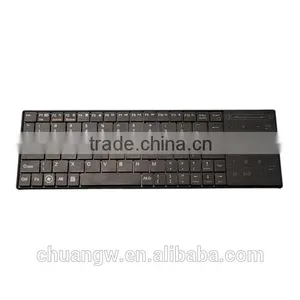
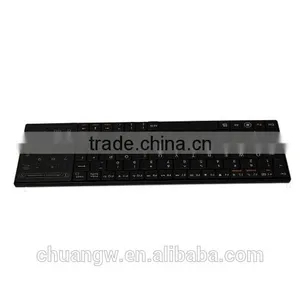
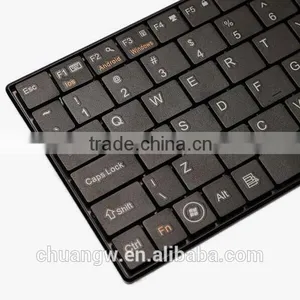
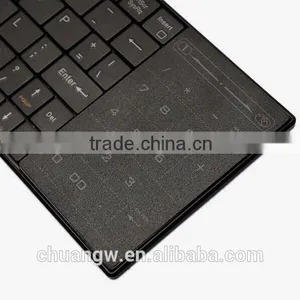
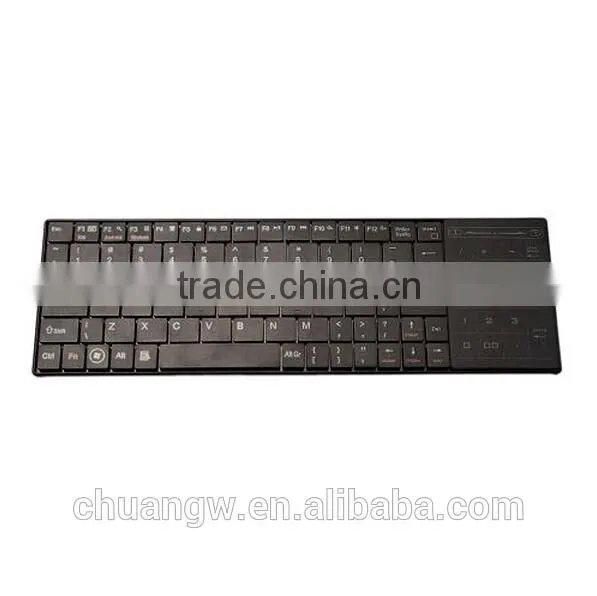
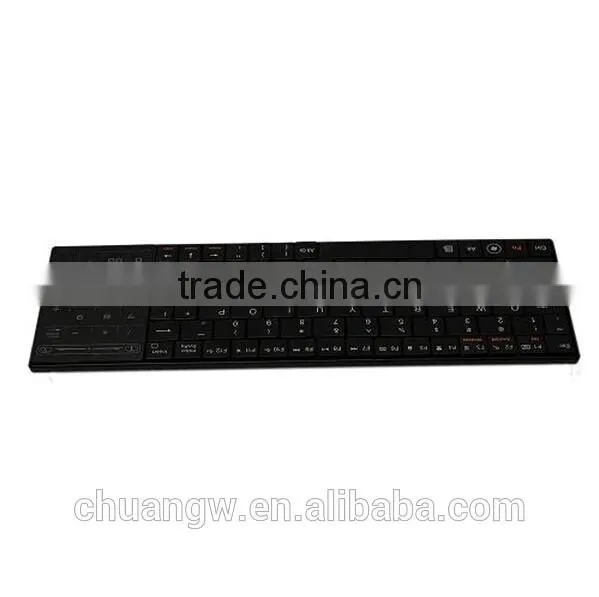
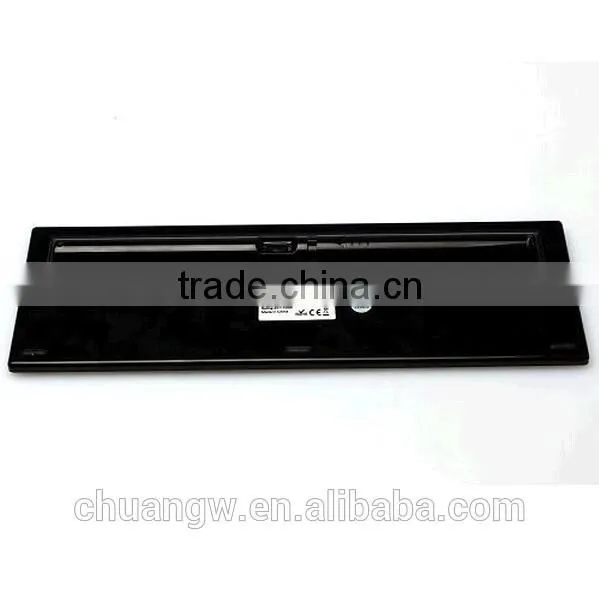
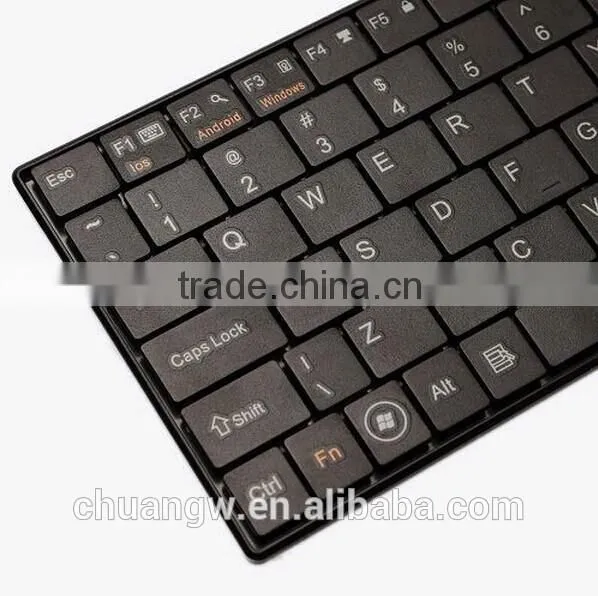
Super-thin BT8 Bluetooth 3.0V Wireless Keyboard With Touchpad for PC Cell Phone IPhone IPad


Related Products
-
 Slim Magnetic PU Leather Stand Smart Cover Back Case For Ipad3/4/5/6/mini/mini2 /mini 3US$ 2.3 - 3.73MOQ: 500 Pieces
 -
Slim Magnetic 360 Rotating PU Leather Stand Smart Cover Back Case For Apple IPad Air /iPad 5US$ 1.66 - 2.66MOQ: 500 Pieces
-
2m 6.6ft Waterproof IP65 DC 5V USB Cable SMD 5050 LED Strip RGB Light Lamp for Car Cigar Lighter, Desktop, Laptop, Tablet and PCUS$ 3 - 5.2MOQ: 10 Pieces
-
Multi-colour RGB 100cm 39.4in LED Strip Light TV Background Lighting Kit With USB Cable Gerneric RU1 Led Flexible StripUS$ 3 - 5.2MOQ: 10 Pieces
-
50cm 19.7in RGB LED Strip Light TV Background Lighting Kit RED GREEN BLUE With 5V & USB Light ControllerUS$ 3 - 5.2MOQ: 10 Pieces
Specifications
Material: ABS+PCSupport Apple system, Android system,window sytem
Bluetooth 3.0 verstion, make u tablet just like a laptop
Features:
1. Power-saving design: When the keyboard does not take any action about 2 seconds into hibernation
press any KEY or touch screen wake.
2. When you press the FN+FI1, the keypad keys do not output the value of users to leave after the others in order to prevent false triggering.
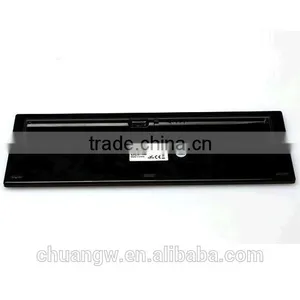
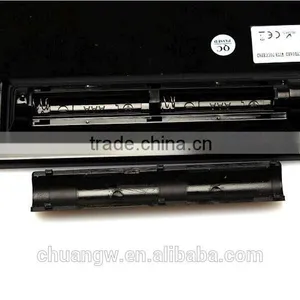
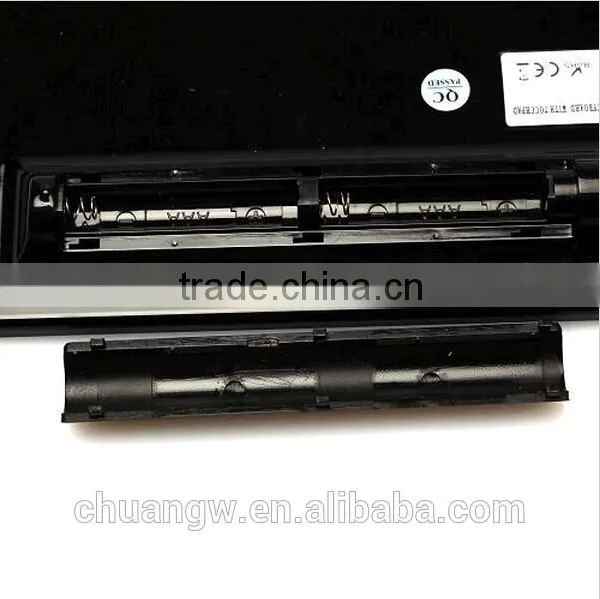
3. 2 x AAA dry batteries(NOT included): the whole boost to 3.0V. The whole system is 3.0V system.
4. Product Size: 26*8.5*0.7cm(Battery carrier not calculated )
5. Weight: 0.25kg
6. Bluetooth Version: 3.0
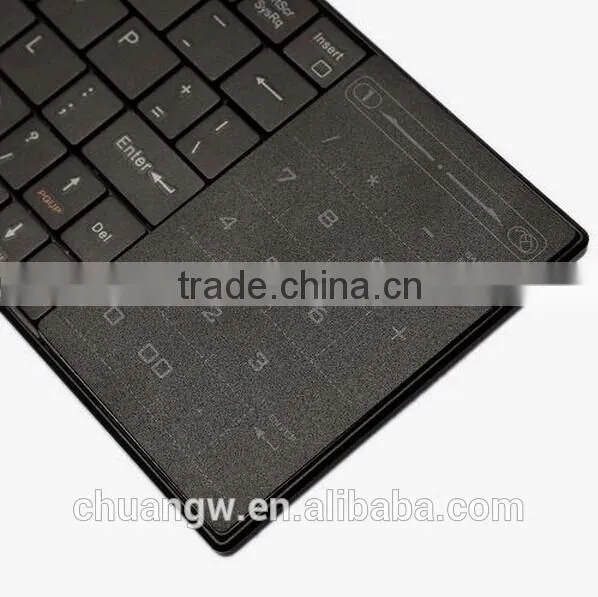
Touch Panel Function:
Default is numeric keypad function.
Moving by finger from middle dot to right, to enter into mouse function mode;
Moving by finger from middle dot to left, to enter in to numeric keypad mode
Installation:
Step 1:
Before using the keyboard with your computer, you need to check whether your computer is equipped with Bluetooth receiver. If not, you’ll need to purchase an additional Bluetooth receiver and install it correctly onto your computer. Once your computer is Bluetooth-enabled, the setup applet’s icon will appear in the windows taskbar.
Step 2:
Right-click on the Bluetooth icon in the windows taskbar, and select “Add a Bluetooth Device”.
Step 3:
Tick the checkbox “My device is setup and ready to be found”, then click “Next”.
Step 4:
Your computer will now scan for Bluetooth devices in your area and display found devices. Meanwhile press “ESC”+ “K”. About 5 secs later the search the device.
Step 5:
Select the keyboard from the list of found devices and click “Next” to continue.
Step 6:
We recommend our customers to select “no password” in the window shown. Then click NEXT to continue.
Step 7:
The system will automatically finish the installation after clicking “Finish” in the window.

Send Inquiry to This Supplier

You May Also Like
-
Original CNC Fanuc PLC Keyboard A16B-2201-0101NegotiableMOQ: 1 Piece
-
High Quality Cnc System Controller A98L-0001-0568 Membrane Fanuc KeypadNegotiableMOQ: 1
-
E Scraps Recycle Computer Hardware Used Keyboards and HardwaresNegotiableMOQ: 10000 Pieces
-
Air Conditioner Remote Control ButtonUS$ 0.01 - 0.5MOQ: 1000 Pieces
-
Customize Thin Film Membrane SwitchUS$ 0.056 - 0.1MOQ: 200 Pieces
-
KEYBOARDNegotiableMOQ: 3 Pieces
-
Eyes KeyboardNegotiableMOQ: 1
-
Wireless Backlit Bluetooth Keyboard With Touchpad for IPad/iPhoneUS$ 5.38 - 9.61MOQ: 100 Pieces
-
Silicone Bluetooth Wireless Keyboard for Samsung GalaxyUS$ 6.9 - 7.8MOQ: 300 Pieces
-
Keyboard and Mechinery Switch Cherry Switch MX Key Operated Switch With Blue/red ShaftUS$ 0.11 - 0.13MOQ: 1000 Pieces

