Contact Platform Support
 Help Center
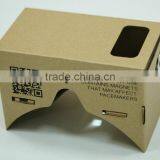
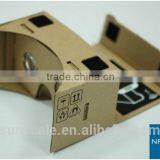
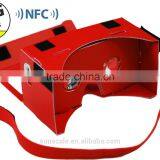
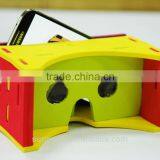
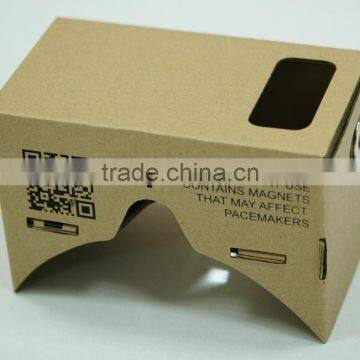
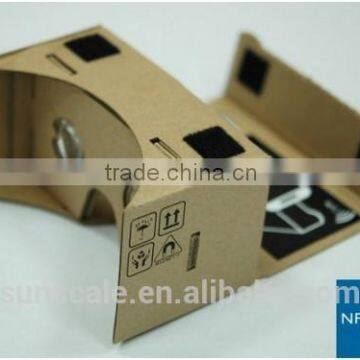
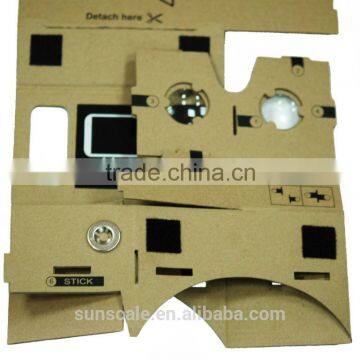
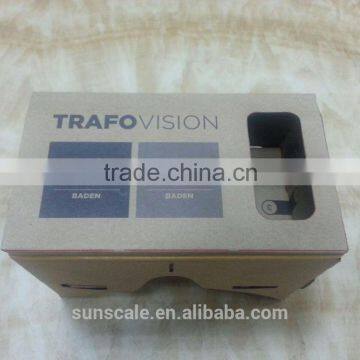
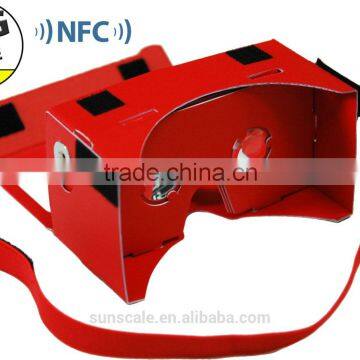
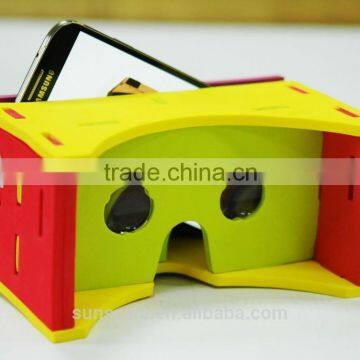
Google Cardboard VR Kit From Google I/O 2014


Related Products
-
 GOOGLE CARDBOARD VR TOOLKIT With NFC TAG!US$ 4 - 5MOQ: 100 Pieces
 -
Google IO 2014 #cardboardUS$ 4 - 5MOQ: 100 Pieces
-
Bi-Convex Lens Set for Google Cardboard 25mm Diameter 40mm Focal LengthUS$ 4 - 5MOQ: 100 Pieces
-
Google Cardboard VR - 3D Virtual Reality Laser CutUS$ 4 - 5MOQ: 100 Pieces
-
GOOGLE CARDBOARD GLASSES VR #CARDBOARD GOOGLE I/OUS$ 4 - 5MOQ: 100 Pieces
Specifications
Google cardboard1.Easily enjoy the 3D movies
2.Less MOQ
3.Customer logo and printing are welcome for us
Supplier of I AM CARDBOARD® Version 45mm Focal Length Virtual Reality Viewer Inspired by Google Cardboard (NFC and headstrap are optional)
Virtual reality on your smartphone
We want everyone to experience virtual reality in a simple, fun, and inexpensive way. That's the goal of the Cardboard project.
| Packages (100per box) | Others |
| 49*46*40cm | Customer logo , CMYK even Printing are welcome for us |
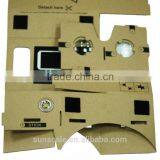
1. Pre-cut cardboard Kit includes
FAQ
1.Will Cardboard work with my phone? Cardboard works with most modern Android phones. Phones need to be running Android 4.1 (Jelly Bean) or above. Ideally they should support NFC too.
2.What if my phone doesn't do anything when I insert it into Cardboard?
Make sure that you have NFC turned on. Also make sure that you have the Cardboard Android app installed.
3.When I try to view the Chrome VR site using Cardboard, the demo launches. How do I prevent this?
4.What are the magnets for and can I use cardboard without them?
The magnet is used for clicking inside of demos. When you pull and release the ring, your phone's magnetometer detects changes in the magnetic field. Chrome experiments currently don't use the magnet, but you will need it to try the Cardboard Android app.
Not all phones will be able to detect magnet pulls. You can use Cardboard without the magnet by sticking copper tape along the side of the viewer and having it come into contact with the phone screen. When you tap twice on the copper tape with your finger, the phone will react as if it had detected a magnet pull.
5.What does the NFC tag do and can I use the Cardboard app without NFC?
NFC is used to trigger the launch of the Cardboard Android app automatically. You can also start the Cardboard app from the Android launcher before putting your phone inside the viewer.
Any enquiry feel free to contact with us !
Skype: yoyo.sunscale

Send Inquiry to This Supplier

You May Also Like
-
Best Selling 3D VR Glasses Quad Core Android All in One vr Headset Quality Choice Most PopularUS$ 129 - 139MOQ: 5 Pieces
-
Top 10 Best vr Headsets in 2016 vr BoxUS$ 1.8 - 2MOQ: 150 Pieces
-
Disposable vr GlassesUS$ 0.6 - 1MOQ: 3000 Pieces
-
Virtual Reality With Wifi Bluetooth and 360 Degrees Full 3D View All in One VR GlassesUS$ 45 - 150MOQ: 500 Pieces
-
Cheap VR Box 3D Glasses for 3.5 Inch - 6.0 Inch Cell Phone ABS MaterialsUS$ 8.5 - 14MOQ: 1 Piece
-
Large Helmet Headset Adjust Cardboard VR BOX FOV 3D VR Virtual Reality 3D Video Glasses For IPhone 6 IOS Android OSUS$ 1 - 55MOQ: 1 Piece
-
2015 New Hot Sale Personal 3D Movie Theater Andriod IOS 3D VR GlassesUS$ 5 - 8MOQ: 1 Set
-
2015 Home Theater 3d Movies Glasses Virtual RealityUS$ 0.1 - 10MOQ: 3000 Pieces
-
Hot Sales!New Arrival! New Version 3D VR Virtual Reality Glasses Headset With Head-mounted Headband Glasses for SmartphoneUS$ 10 - 15MOQ: 1 Piece
-
2016 New Design 3D VR Glasses Virtual Reality Headset 3D VR for SaleUS$ 6.9 - 11.9MOQ: 10 Sets