








 Contact Platform Support
 Help Center
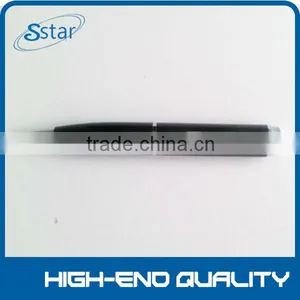
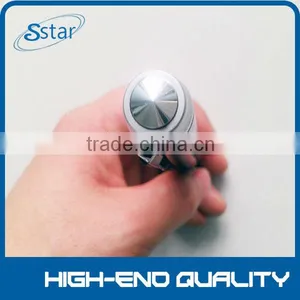
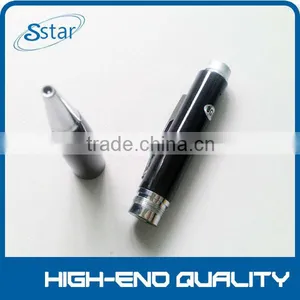
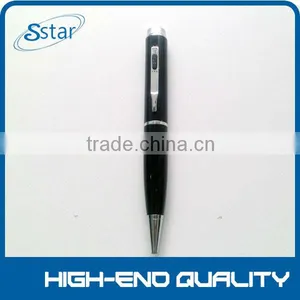
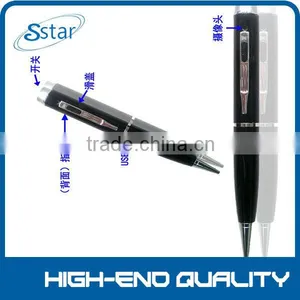
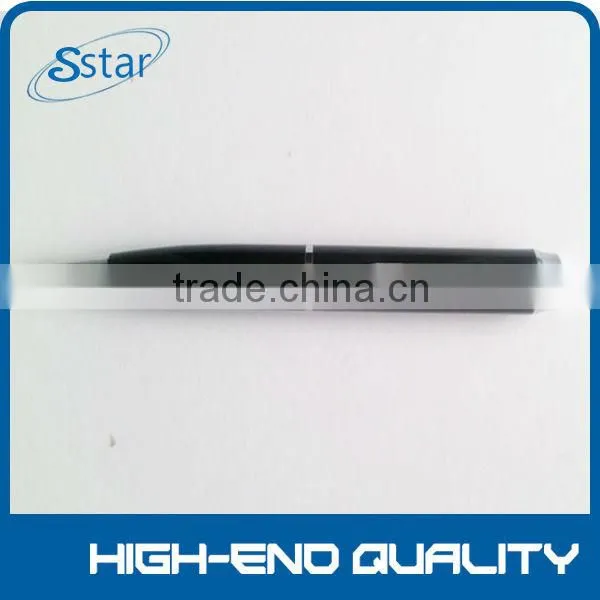
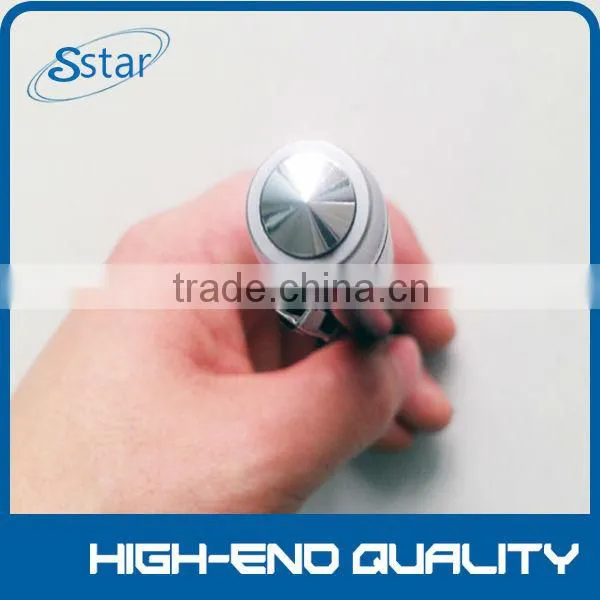
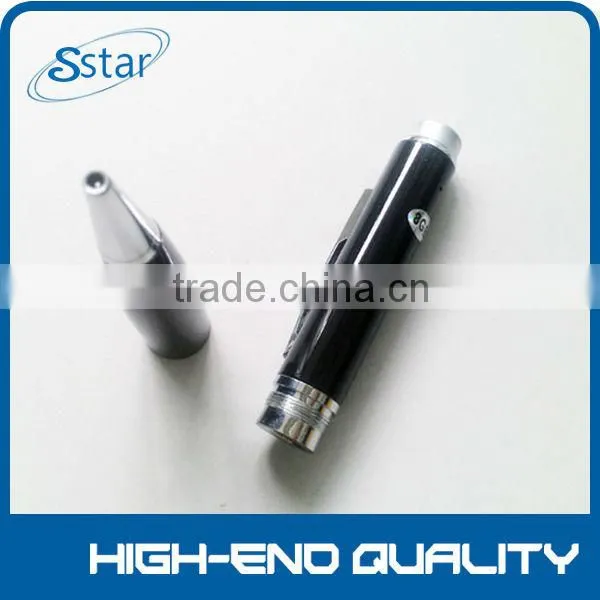
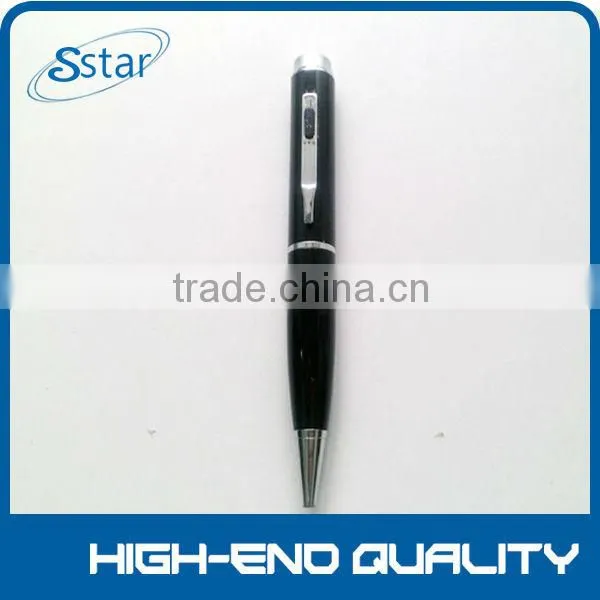
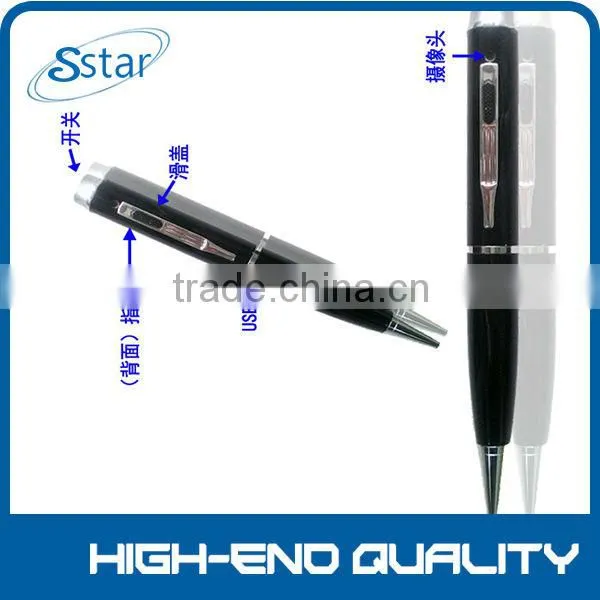
2014 the Best Very Very Small Video Hidden Camera for H264 PEN


Related Products
-
 2014 the Best 720p PEN Very Very Small Video Hidden CameraUS$ 20 - 120MOQ: 100 Pieces
 -
2014 the Best Mini Video Camera for CarUS$ 65 - 120MOQ: 100 Pieces
-
2014 the Best Mini Video Camera for Car KeyUS$ 65 - 120MOQ: 100 Pieces
-
2014 the Best Hidden Camera for Car KeyUS$ 65 - 120MOQ: 100 Pieces
-
2014 the Best Mini Camera for Car KeyUS$ 65 - 120MOQ: 100 Pieces
Specifications
1.MOQ:10PCS2.Video Resolution:720p/1080p
3.higt-end-qualty
4.very small,Low illumination
5.very hidden,night singht
Introducing the high resolution 720*480/640x480/720p/1080p 4GB~32GB hidden camera. The Ideal tool for "body worn" instant covert video recording. "One Touch" record button activates the camcorder for up to two hours recording on a single charge. Recordings can be later downloaded via high speed USB 2.0 to your PC for viewing and storing. Includes RF remote control for operating the unit without detection.
| LY-1045 Specifications (Our private model) | |
| Function | 720P HD Camera + Taking Photo + Audio only |
| Sensor | OV2643 CMOS sensor |
| Video Image Resolution | 720P: 1280x720 |
| Led light | No flashing light while in recording mode |
| Photo Image Resolution | 1600*1200 |
| Playing Speed | 30fps |
| External memory card | Support external Mini SD Card (Max 32GB) |
| Product size | 1.5*1.5*14.5 cm |
| Product weight (Net) | 40G |
| Product material | Metal |
| Product color | Golden with black (as photo) |
| Power source | 150mAh battery |
| Battery Type | Rechargeable lithium-ion polymer,charged via USB connection or optional external charger |
| Battery life | Video recording ≥40 Minutes; |
| Power adaptor | 5V DC/ 500mAh |
| Power consumption | <0.8W |
| Player Software | Windows Media Player, Real player,Stormcodec |
| MOQ | 200PCS |
| Certification | CE, FCC, ROHS |
| Manufacture audited | SGS |
| Inner Packing | Color box |
| Packing Rate | 100pcs/ctn |
| Carton size | 42*42*46cm |
| Weight | G.W.: 16KGS |
Recording Video
To record video, move the Mode switch to the 2nd position (all the way to the left). While in video standby, the LED indicator will be yellow. Press the Record button to begin recording video. The LED will blink blue 3 seconds and turn off during recording. Press the Record button again to save your current file and stop recording, the blue LED will be on. (The devices will automatically stat recording after it has booted up)
Taking Photos
To tae photos move the Mode switch to the 1st position. After the device is turned on in Mode Switch 1 it will automatically start recording audio after boot up (Yellow LED will be slowly blinking.) Press the Record button once to stop recording audio; the yellow LED will be solid. To take a photo press the record button, the LED will blink blue to indicate it is capturing and storing your photo, and will return to solid green.
Recording Audio
move the Mode switch to the 1st position. Turn the unit on and the unit will automatically start recording audio after booting up. While recording, the LED will slowly blink yellow for 3 seconds and turn off during recording. To stop recording and save the file, press and hold for 2 – 3 to shut the pen off. To start recording again press and hold the record button to turn it on and the pen will start automatically recording.
Reviewing Files on a Computer
To view your files on a computer, simply connect the device via the supplied USB cord or by inserting the device directly into a USB port, making sure the device is powered OFF. It will connect as a removable drive, and depending on the settings on your PC, it may automatically notify you that new hardware has been detected. If so, select Open Folder to View Files. (If nothing is happening when the device is plugged it, it may be possible that the USB is either not properly connected or connected backward, we suggest reversing the rotation 180 degrees of the USB connector and insure that the USB connections are lined up)
If it is not automatically detected, click Start on your desktop. Select My Computer if you are using Windows, or Computer if using Windows Vista or Windows 7. The device should be listed as a Removable Disk under the Devices With Removable Storage section. Open that drive, there should be 4 subfolders AUDIO, IMAGE, SYSTEM, and VIDEO. The Video files will be stored in the VIDEO folder, the audio files in AUDIO folder and photos in the IMAGE folder. As mentioned earlier, we suggest using VLC Player to play back video files.
On a Mac OS X System open the finder icon, the pen will be listed under devices in the left hand side on the bottom of the finder menu with an eject button next to it. As mentioned earlier, we suggest using VLC Player to play back video files in Mac.
Using Your Device as a Webcam
To use your device as a webcam, you will first insert a Micro SD Card into slot and plug the device into computer USB port, then press the ON/OFF record button to get the “Standard_Camera “ disk on my computer, and click it and there is a webcam screen appear on your computer.
To access the webcam functionality of the device, with power off, hold down the ON/OFF record button and turn back into removable disk to your computer
Troubleshooting
Problem: The device seems to have frozen and isn’t reacting when any buttons are pressed.
Solution: This usually occurs if the device receives too many commands in too short a time. To reset the device, insert a pin into the reset hole and hold for 2 – 3 sec
Problem: When playing back my video, I can hear audio, but have no video.
Problem: My video playback is “choppy” or “stuttering.”
Solution: If this is occurring, try copying the video files to your PC. This happens when the file is too large to be played back using your USB connection. If that does not help please format the drive of the Pen.
* Accessories: 1* shoe hidden camera, 1* USB Power Adapter, 1* USB Cable , 1* User Manual - English
Package Content:
Sample (s), product warranty for 12 months (not vandalism)
Guaranteed 99% yield when the ship reaches the hands of the buyer.
Waterproof products that can not be rude to use

Send Inquiry to This Supplier

You May Also Like
-
Security CameraNegotiableMOQ: 2700 Pieces
-
Dropshipping X6D Mini Camera HD 720P/1080P Wireless Mini Night Vision Camcorder Motion MicroNegotiableMOQ: 1
-
PC USB 12MP HD Webcam Web Cam Camera Definition With MIC for Computer Laptop DesktopUS$ 4.59 - 4.59MOQ: 100 Units
-
KING PIGEON Universal Alarm SoftwareUS$ 5 - 55MOQ: 1 Piece
-
Easy View HDNegotiableMOQ: 1000 Pieces
-
Line Scan Uvss Surveillance System for Anti-terrorismUS$ 1 - 15,000MOQ: 1 Set
-
Realistic Looking Security Camera,home Security CameraUS$ 0.9 - 1.03MOQ: 5000 Sets
-
12V1Ah Camcorder BatteryNegotiableMOQ: 300 Packs
-
2016 New Industrial Endoscope 4ways Articulating Video Borescope With Lens 3mmUS$ 4,000 - 6,000MOQ: 1 Unit
-
Strobe Security System - Easy InstallNegotiableMOQ: 1


